
Duplicate Contacts
Duplicate Contacts

Duplicate Contacts

Tools

| alex accaci

Play on PC with BlueStacks or from our cloud

  • Overview
  • How to Download

Page Modified On: September 02, 2025

Run Duplicate Contacts on PC or Mac

Get freedom from your phone’s obvious limitations. Use Duplicate Contacts, made by alex accaci, a Tools app on your PC or Mac with BlueStacks, and level up your experience.

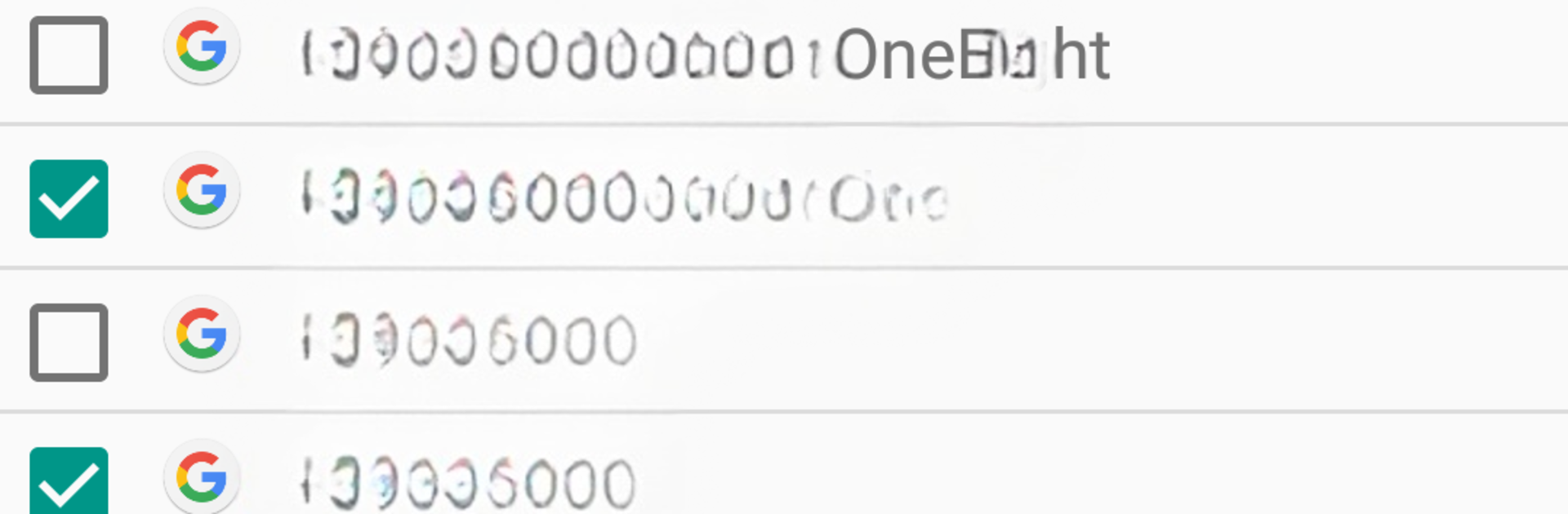
Duplicate Contacts is one of those tiny utilities that just does the job without fuss. It opens to a plain list of names and numbers, and lets someone sort either way, which makes spotting repeat entries simple. It auto selects what it thinks are duplicates, but nothing is forced. Anyone can uncheck a contact before hitting delete, so there is a sense of control instead of mystery. The neat safety net is that anything removed gets saved into a single .vcf backup on the device storage, so rolling back is not scary if second thoughts pop up later.

There are no complicated settings or flashy screens here, and that honestly helps. It focuses on cleaning duplicates, not merging half-complete profiles or editing fields. If the contact list got messy after a SIM import or a phone switch, this feels like a quick sweep. On PC through BlueStacks, the big screen and a mouse make it easier to scan long lists and compare numbers side by side, and clicking through checkboxes is faster than tapping on a small display. It also has language support that covers Arabic, Turkish, and Hebrew, which is a nice touch for friends who need it. Simple, fast, and light, like a broom for the address book rather than a whole toolbox.

BlueStacks brings your apps to life on a bigger screen—seamless and straightforward.

How to Download and Run Duplicate Contacts on PC or Mac

  • Download and install BlueStacks on your PC or Mac

  • Complete Google sign-in to access the Play Store, or do it later

  • Look for Duplicate Contacts in the search bar at the top right corner

  • Click to install Duplicate Contacts from the search results

  • Complete Google sign-in (if you skipped step 2) to install Duplicate Contacts

  • Click the Duplicate Contacts icon on the home screen to start playing

video
Watch Video

Minimum System Requirements

With BlueStacks 5, you can get started on a PC that fulfills the following requirements.

  • Operating System

    Microsoft Windows 7 or above, macOS 11 (Big Sur) or above

  • Processor

    Intel, AMD or Apple Silicon Processor

  • RAM

    at least 4GB

  • HDD

    10GB Free Disk Space

Note:

* You must be an Administrator on your PC. Up to date graphics drivers from Microsoft or the chipset vendor.

Duplicate Contacts - FAQs

  • How to Run Duplicate Contacts on Windows PC & Mac?

    Run Duplicate Contacts on your PC or Mac by following these simple steps.

    • Click on ‘Download Duplicate Contacts on PC’ to download BlueStacks
    • Install it and log-in to Google Play Store
    • Launch and run the app.
  • Why is BlueStacks the fastest and safest platform to play games on PC?

    BlueStacks respects your privacy and is always safe and secure to use. It does not carry any malware, spyware, or any sort of additional software that could harm your PC.

    It is engineered to optimize speed and performance for a seamless gaming experience.

  • What are Duplicate Contacts PC requirements?

    Minimum requirement to run Duplicate Contacts on your PC

    • OS: Microsoft Windows 7 and above:
    • Processor: Intel or AMD Processor:
    • RAM: Your PC must have at least 2GB of RAM. (Note that having 2GB or more disk space is not a substitute for RAM):
    • HDD: 5GB Free Disk Space.
    • You must be an Administrator on your PC.




