
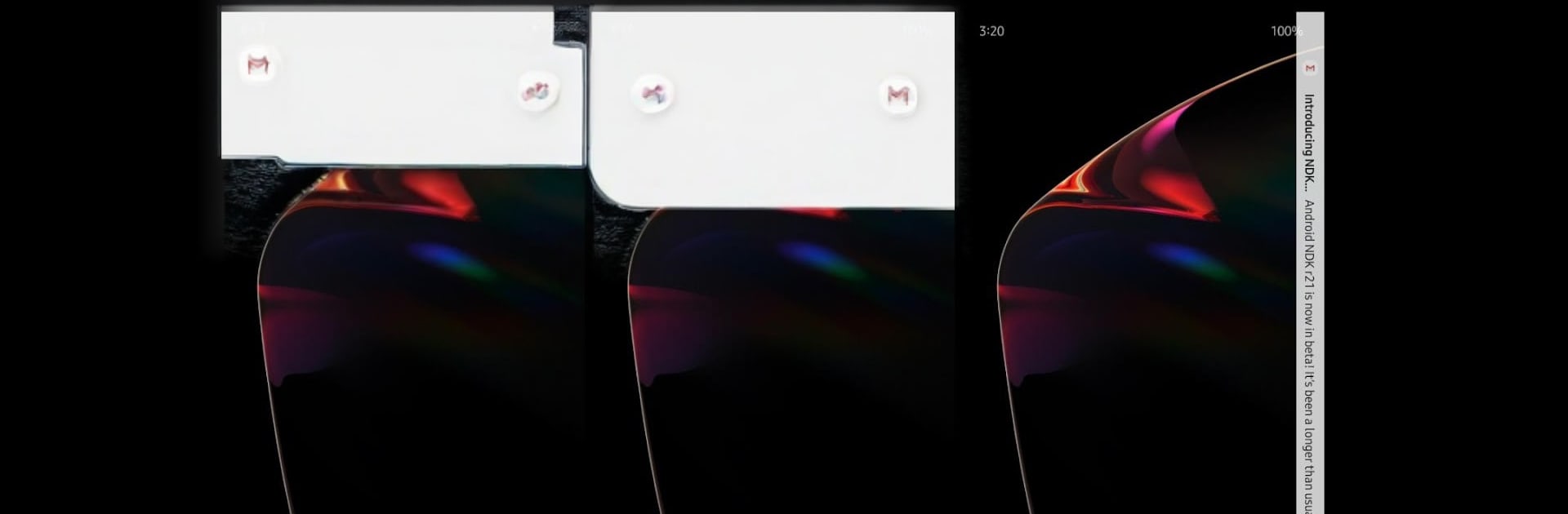
EDGE MASK - Change to unique notification design

EDGE MASK - Change to unique notification design

Tools

| uno.kim

Play on PC with BlueStacks or from our cloud

  • Overview
  • How to Download

Page Modified On: January 09, 2026

Run EDGE MASK - Change to unique notification design on PC or Mac

What’s better than using EDGE MASK – Change to unique notification design by uno.kim? Well, try it on a big screen, on your PC or Mac, with BlueStacks to see the difference.

About the App

EDGE MASK – Change to unique notification design is for anyone tired of the same old alerts. This Tools app by uno.kim gives your notifications a fresh pop-up look and eye-catching edge lighting that feels modern without getting in the way. It’s simple to set up, fun to tweak, and plays nicely with punch-hole and notch screens. Prefer customizing on a bigger display? You can also run it with BlueStacks.

App Features

  • Modern pop-up styles: Pick from sleek looks like Super Slim, Ripple, Big Icon, “Samsung”-style, “Apple”-style, or a bookmark card vibe to match your taste.
  • Fully adjustable pop-ups: Change the size, position, background, and text colors so alerts look exactly how you want them to.
  • Edge lighting that stands out: Add a glowing border when messages arrive—perfect for punch-hole (O-display) and notch layouts.
  • Punch-hole controls: Fine-tune the lighting’s width, height, and corner radius so it hugs your camera cutout just right.
  • “Samsung”-style edge effects: Choose single-color, blended, or rainbow lighting with smooth animations that feel lively, not loud.
  • Smart animations: Go for a simple one-way sweep or a clockwise circular rotation when a notification hits.
  • Notch-aware design: Built-in options help the lighting and pop-ups look clean around different cutouts.
  • Mask effects for a polished look: Apply rounded corner masks (including “Samsung”-like curves) to give your screen a softer, uniform feel.
  • Thoughtful, user-driven updates: The app evolves with community feedback, especially around new pop-up styles and lighting effects.

BlueStacks brings your apps to life on a bigger screen—seamless and straightforward.

How to Download and Run EDGE MASK - Change to unique notification design on PC or Mac

  • Download and install BlueStacks on your PC or Mac

  • Complete Google sign-in to access the Play Store, or do it later

  • Look for EDGE MASK - Change to unique notification design in the search bar at the top right corner

  • Click to install EDGE MASK - Change to unique notification design from the search results

  • Complete Google sign-in (if you skipped step 2) to install EDGE MASK - Change to unique notification design

  • Click the EDGE MASK - Change to unique notification design icon on the home screen to start playing

video
Watch Video

Minimum System Requirements

With BlueStacks 5, you can get started on a PC that fulfills the following requirements.

  • Operating System

    Microsoft Windows 7 or above, macOS 11 (Big Sur) or above

  • Processor

    Intel, AMD or Apple Silicon Processor

  • RAM

    at least 4GB

  • HDD

    10GB Free Disk Space

Note:

* You must be an Administrator on your PC. Up to date graphics drivers from Microsoft or the chipset vendor.

EDGE MASK - Change to unique notification design - FAQs

  • How to Run EDGE MASK - Change to unique notification design on Windows PC & Mac?

    Run EDGE MASK - Change to unique notification design on your PC or Mac by following these simple steps.

    • Click on ‘Download EDGE MASK - Change to unique notification design on PC’ to download BlueStacks
    • Install it and log-in to Google Play Store
    • Launch and run the app.
  • Why is BlueStacks the fastest and safest platform to play games on PC?

    BlueStacks respects your privacy and is always safe and secure to use. It does not carry any malware, spyware, or any sort of additional software that could harm your PC.

    It is engineered to optimize speed and performance for a seamless gaming experience.

  • What are EDGE MASK - Change to unique notification design PC requirements?

    Minimum requirement to run EDGE MASK - Change to unique notification design on your PC

    • OS: Microsoft Windows 7 and above:
    • Processor: Intel or AMD Processor:
    • RAM: Your PC must have at least 2GB of RAM. (Note that having 2GB or more disk space is not a substitute for RAM):
    • HDD: 5GB Free Disk Space.
    • You must be an Administrator on your PC.




