


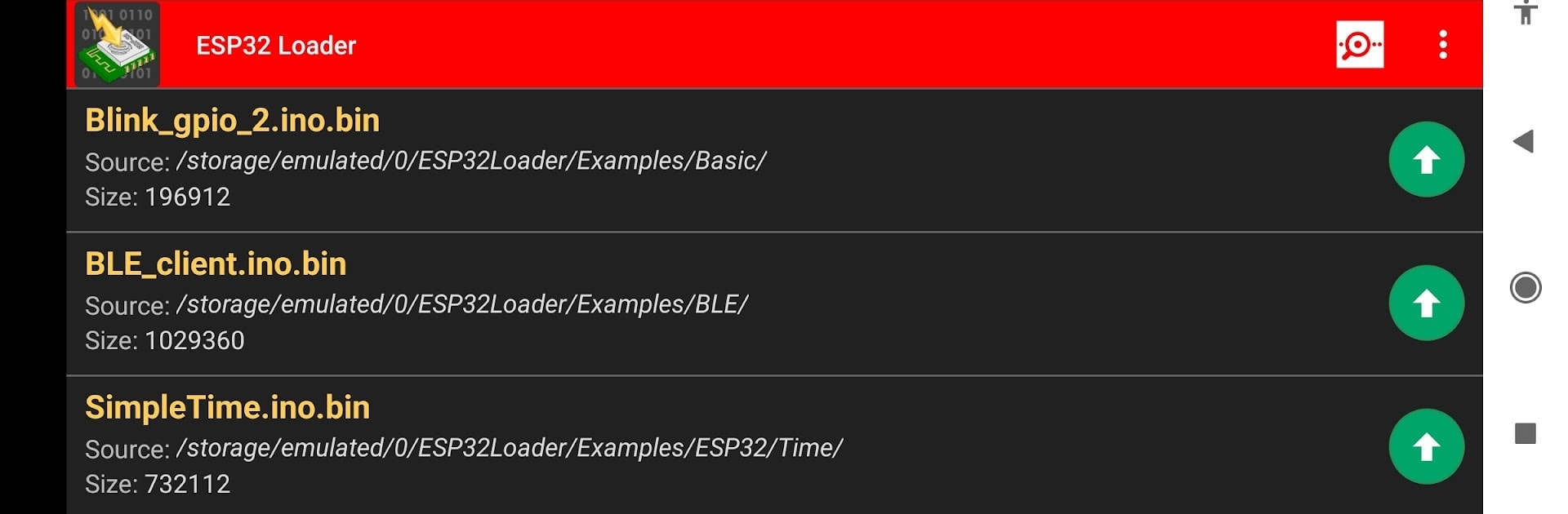


What’s better than using ESP32 Loader (Blynk Uploader) by Bluino? Well, try it on a big screen, on your PC or Mac, with BlueStacks to see the difference.
ESP32 Loader feels like a straight-to-the-point flasher for anyone playing with ESP32 boards. It takes a compiled Arduino binary and pushes it to the board without dragging a full IDE around. On a PC with BlueStacks, the bigger screen makes the progress logs and serial output easier to read, and clicking through folders to pick a .bin file feels a bit less cramped. The flow is simple: select the board connection, pick the file, start upload, watch the serial output do its thing.
The app supports both USB OTG and WiFi OTA, so flashing over the network is an option when cables are a pain. There is a built in serial monitor for quick debugging, and it can auto fill WiFi SSID, password, and a token during upload which saves a few steps. It plays nice with common USB chips like FTDI, CP210x, CH34x, PL2303, and CDC ACM, which is helpful if the drawer is full of random dev boards. The Pro extras turn off ads, add Google Drive access for pulling binaries, and let users make multiple upload shortcut buttons. There is a clear warning that flashing is at your own risk, since a bad cable, wrong file, or odd power can mess with hardware or data. USB Host OTG support on the device is required for cable uploads, and on a desktop through BlueStacks, USB passthrough may depend on the setup, so OTA can be the easier route.
Eager to take your app experience to the next level? Start right away by downloading BlueStacks on your PC or Mac.





