




Upgrade your experience. Try eufyMake, the fantastic Tools app from Anker, from the comfort of your laptop, PC, or Mac, only on BlueStacks.
eufyMake feels like a tidy little studio for anyone with a eufyMake UV or 3D printer, not just a remote control. It connects over Wi-Fi, then everything is right there on screen, start a print, pause it, nudge settings, check the preview, no hunting through five menus. On a PC through BlueStacks it is nicer to browse and tweak, the bigger canvas helps when lining up artwork and textures, and the mouse makes quick edits feel natural.
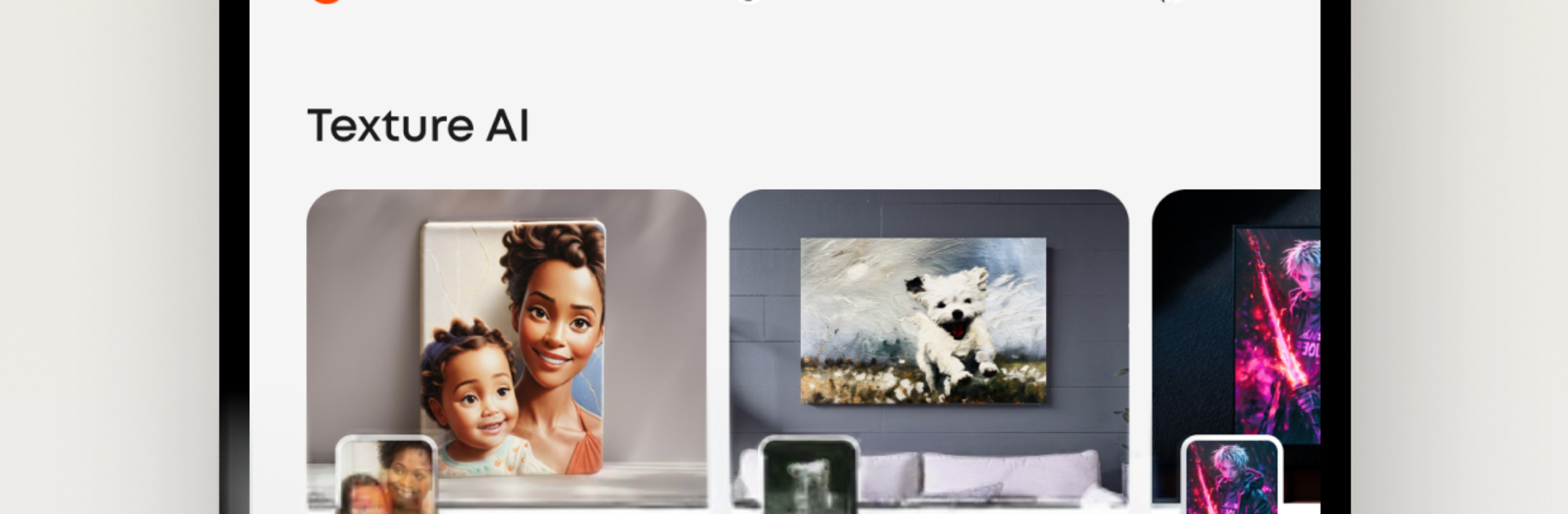
The fun part is the creative side. There is a gallery full of UV prints and 3D pieces from other users, with ideas to copy or remix when a blank page feels scary. The AI tools are not throwaway either. Feed it an image, pick from a bunch of styles, and it builds a textured look for UV printing, then there are sliders for depth, color tweaks, and cleanup so it does not feel like a black box. Smart positioning drops designs onto the printable area without weird cropping, and the color matching tries to keep what is on screen close to what lands on the object. Texture quality looks crisp, especially when the preview is zoomed large on a monitor.
It leans practical too. Queue a job, adjust scale, rotate, double check alignment, then send it off. Someone who likes tinkering with materials and finishes will spend ages here, and someone who just wants a quick print will be fine as well.
Ready to experience eufyMake on a bigger screen, in all its glory? Download BlueStacks now.





