
Fabricators Handbook

Fabricators Handbook

Tools

| Gellis apps

Play on PC with BlueStacks or from our cloud

  • Overview
  • How to Download

Page Modified On: October 03, 2025

Run Fabricators Handbook on PC or Mac

Upgrade your experience. Try Fabricators Handbook, the fantastic Tools app from Gellis apps, from the comfort of your laptop, PC, or Mac, only on BlueStacks.

About the App

Fabricators Handbook is the quick, no-nonsense helper you wish you’d had on the shop floor years ago. Built by Gellis apps, this Tools app packs the everyday math and reference charts metalworkers lean on into one clean, practical place. Whether you’re laying out a cone, marking a segmental bend, or checking a flange size, it gives you fast answers so you can get back to cutting, rolling, and fitting.

App Features

  • Sheet metal layout: Figure out flat patterns for cones, transitions, segmental bends, and set-on pipes. Get developed lengths and wrap details without dragging out a big layout board.

  • Pipe and plate tools: Handy utilities for pipe wraps and plate work, so marking and cutting go smoother and you waste less material.

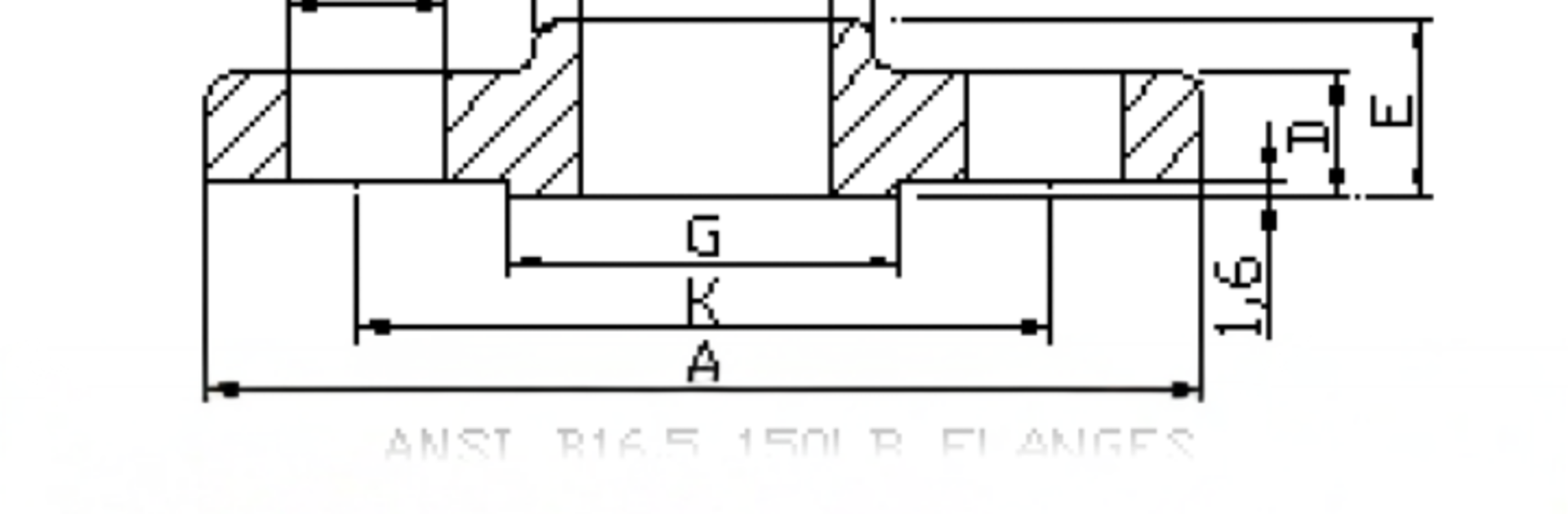
  • Go-to reference tables: Look up flange dimensions, tube schedules, and common fittings like elbows and tees. Includes metric and UNC drilling/tapping sizes you’ll reach for every day.

  • Angle and layout calculators: Nail your angles for small brackets or large fabrications. Great for quick fit-up checks and accurate layout on the bench.

  • Pitches and PCD: Calculate pitch circle diameters and straight pitches in seconds—ideal for bolt-hole layouts that need to be spot-on.

  • Diameter and circumference: Convert diameters to circumferences (and back) to figure rolling lengths and wraps without hunting for a formula.

  • Bisecting chord helper: Work out inside or outside radii using a straightedge and a ruler—perfect when you’re matching an existing curve.

  • Built-in how-tos: Short, practical examples show how to use each tool when you need a nudge, without getting in your way.

  • For pros and learners: Useful if you’ve been fabricating for decades or you’re just getting comfortable with layout math.

Runs great on phones and tablets, and it’s comfortable to use on a desktop through BlueStacks if that’s your setup.

Big screen. Bigger performance. Use BlueStacks on your PC or Mac to run your favorite apps.

How to Download and Run Fabricators Handbook on PC or Mac

  • Download and install BlueStacks on your PC or Mac

  • Complete Google sign-in to access the Play Store, or do it later

  • Look for Fabricators Handbook in the search bar at the top right corner

  • Click to install Fabricators Handbook from the search results

  • Complete Google sign-in (if you skipped step 2) to install Fabricators Handbook

  • Click the Fabricators Handbook icon on the home screen to start playing

video
Watch Video

Minimum System Requirements

With BlueStacks 5, you can get started on a PC that fulfills the following requirements.

  • Operating System

    Microsoft Windows 7 or above, macOS 11 (Big Sur) or above

  • Processor

    Intel, AMD or Apple Silicon Processor

  • RAM

    at least 4GB

  • HDD

    10GB Free Disk Space

Note:

* You must be an Administrator on your PC. Up to date graphics drivers from Microsoft or the chipset vendor.

Fabricators Handbook - FAQs

  • How to Run Fabricators Handbook on Windows PC & Mac?

    Run Fabricators Handbook on your PC or Mac by following these simple steps.

    • Click on ‘Download Fabricators Handbook on PC’ to download BlueStacks
    • Install it and log-in to Google Play Store
    • Launch and run the app.
  • Why is BlueStacks the fastest and safest platform to play games on PC?

    BlueStacks respects your privacy and is always safe and secure to use. It does not carry any malware, spyware, or any sort of additional software that could harm your PC.

    It is engineered to optimize speed and performance for a seamless gaming experience.

  • What are Fabricators Handbook PC requirements?

    Minimum requirement to run Fabricators Handbook on your PC

    • OS: Microsoft Windows 7 and above:
    • Processor: Intel or AMD Processor:
    • RAM: Your PC must have at least 2GB of RAM. (Note that having 2GB or more disk space is not a substitute for RAM):
    • HDD: 5GB Free Disk Space.
    • You must be an Administrator on your PC.




