



Why limit yourself to your small screen on the phone? Run Fastener Lite, an app by Technocom50, best experienced on your PC or Mac with BlueStacks, the world’s #1 Android emulator.
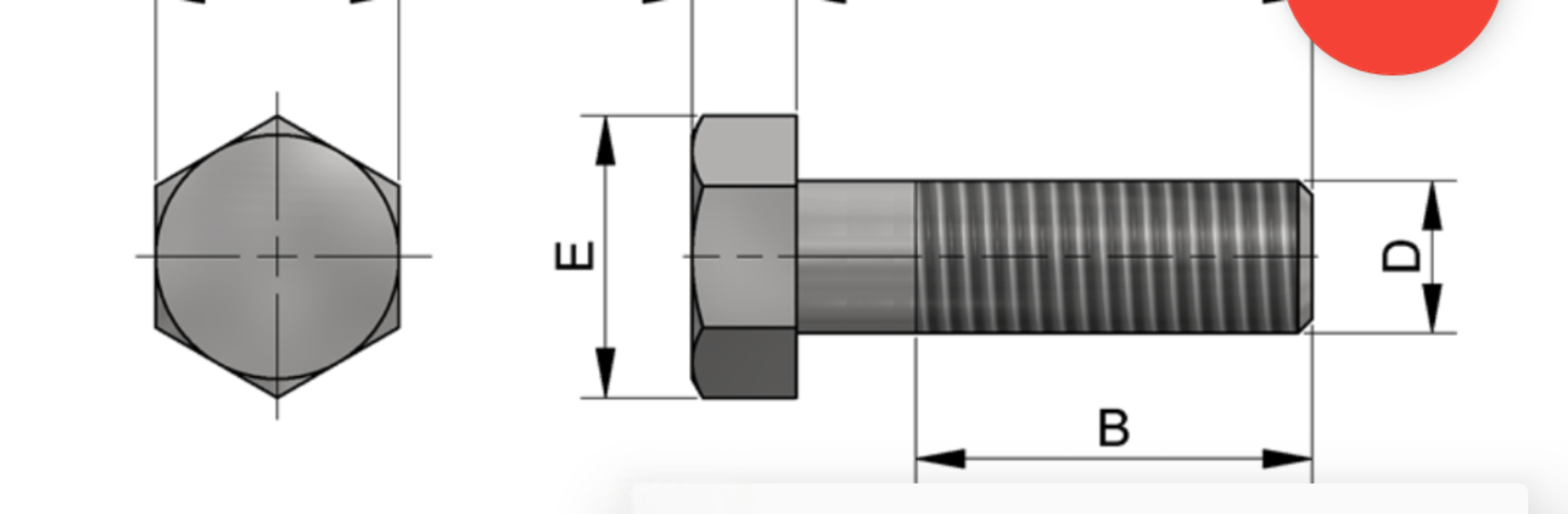
Fastener Lite feels like a straight to the point reference for hardware people keep reaching for when they just need the right numbers. It groups everything into bolts, nuts, pins, and washers, then breaks those down into the usual suspects. Bolts include hex head, countersunk, button head, socket head, set screws, even the chunky square head style. Nuts cover cap, standard hex, flange, slotted, square, and wing. Pins are clevis, cylindrical, and taper. Washers show up as plain, spring, taper, and square. Pick a category, pick the type, and it lays out the standard dimensions so checking sizes is quick. There is no fluff, no distracting menus, just a clean list that makes sense when someone is mid project and needs to confirm a head diameter or thickness before ordering parts or modeling something.
On a PC with BlueStacks it works nicely because the extra screen space makes the tiny measurements easier to read, and flipping between types is faster with a mouse. It feels lightweight and snappy, so it is solid for quick lookups at the desk or next to a 3D printer or mill. It is not trying to be a full calculator or an engineering textbook, it is more like a pocket chart that happens to cover a lot of common fastener families. Someone who spends time in CAD, in a workshop, or just sorting out a home project will probably appreciate how simple and predictable it is to use.
Switch to BlueStacks and make the most of your apps on your PC or Mac.





