
FieldAware Mobile
FieldAware Mobile

FieldAware Mobile

Tools

| FieldAware Engineering

Play on PC with BlueStacks or from our cloud

  • Overview
  • How to Download

Page Modified On: October 23, 2025

Run FieldAware Mobile on PC or Mac

Multitask effortlessly on your PC or Mac as you try out FieldAware Mobile, a Tools app by FieldAware Engineering on BlueStacks.

About the App

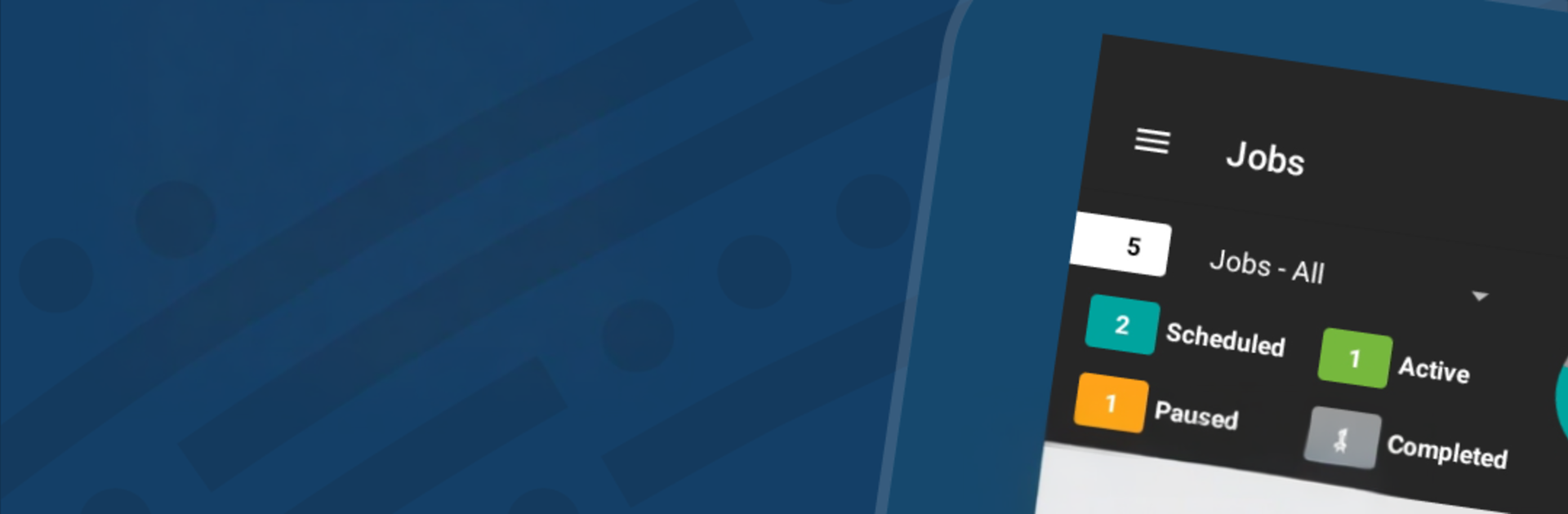
FieldAware Mobile from FieldAware Engineering is built for the crews who get things done out in the field. It keeps jobs, customer info, and schedules in one place so your team can focus on the work, not the paperwork. Prefer checking details on a bigger screen at the shop? You can also run it on your PC with BlueStacks.

App Features

  • Built for the field: A true Android app in the Tools genre—fast, responsive, and made to work where you work, not a clunky webpage in disguise.
  • Easy job handling: Receive, create, and update jobs on the spot, with everything tied to the right customer, contact, and location.
  • Task, product, and pricing details: Add tasks and parts, see pricing, and keep line items organized so nothing gets missed.
  • Start, pause, complete: Track each step of the job in real time. The app logs time automatically so you don’t have to.
  • Smart maps and routing: Use GPS to see where you’re headed and choose a route that makes sense for your day.
  • Offline when you need it: No signal? Keep working. Your updates sync when you’re back online.
  • Customer and site management: Add new contacts, update addresses, and manage multiple locations without calling the office.
  • Mobile-first workflow: Capture everything on-site and keep your schedule moving; office teams can handle reporting and invoicing through the web experience.
  • No invoicing/reporting in-app: Field work is the focus here. Invoicing and reports are available through the connected browser-based tools.

Eager to take your app experience to the next level? Start right away by downloading BlueStacks on your PC or Mac.


How to Download and Run FieldAware Mobile on PC or Mac

  • Download and install BlueStacks on your PC or Mac

  • Complete Google sign-in to access the Play Store, or do it later

  • Look for FieldAware Mobile in the search bar at the top right corner

  • Click to install FieldAware Mobile from the search results

  • Complete Google sign-in (if you skipped step 2) to install FieldAware Mobile

  • Click the FieldAware Mobile icon on the home screen to start playing

video
Watch Video

Minimum System Requirements

With BlueStacks 5, you can get started on a PC that fulfills the following requirements.

  • Operating System

    Microsoft Windows 7 or above, macOS 11 (Big Sur) or above

  • Processor

    Intel, AMD or Apple Silicon Processor

  • RAM

    at least 4GB

  • HDD

    10GB Free Disk Space

Note:

* You must be an Administrator on your PC. Up to date graphics drivers from Microsoft or the chipset vendor.

FieldAware Mobile - FAQs

  • How to Run FieldAware Mobile on Windows PC & Mac?

    Run FieldAware Mobile on your PC or Mac by following these simple steps.

    • Click on ‘Download FieldAware Mobile on PC’ to download BlueStacks
    • Install it and log-in to Google Play Store
    • Launch and run the app.
  • Why is BlueStacks the fastest and safest platform to play games on PC?

    BlueStacks respects your privacy and is always safe and secure to use. It does not carry any malware, spyware, or any sort of additional software that could harm your PC.

    It is engineered to optimize speed and performance for a seamless gaming experience.

  • What are FieldAware Mobile PC requirements?

    Minimum requirement to run FieldAware Mobile on your PC

    • OS: Microsoft Windows 7 and above:
    • Processor: Intel or AMD Processor:
    • RAM: Your PC must have at least 2GB of RAM. (Note that having 2GB or more disk space is not a substitute for RAM):
    • HDD: 5GB Free Disk Space.
    • You must be an Administrator on your PC.



