


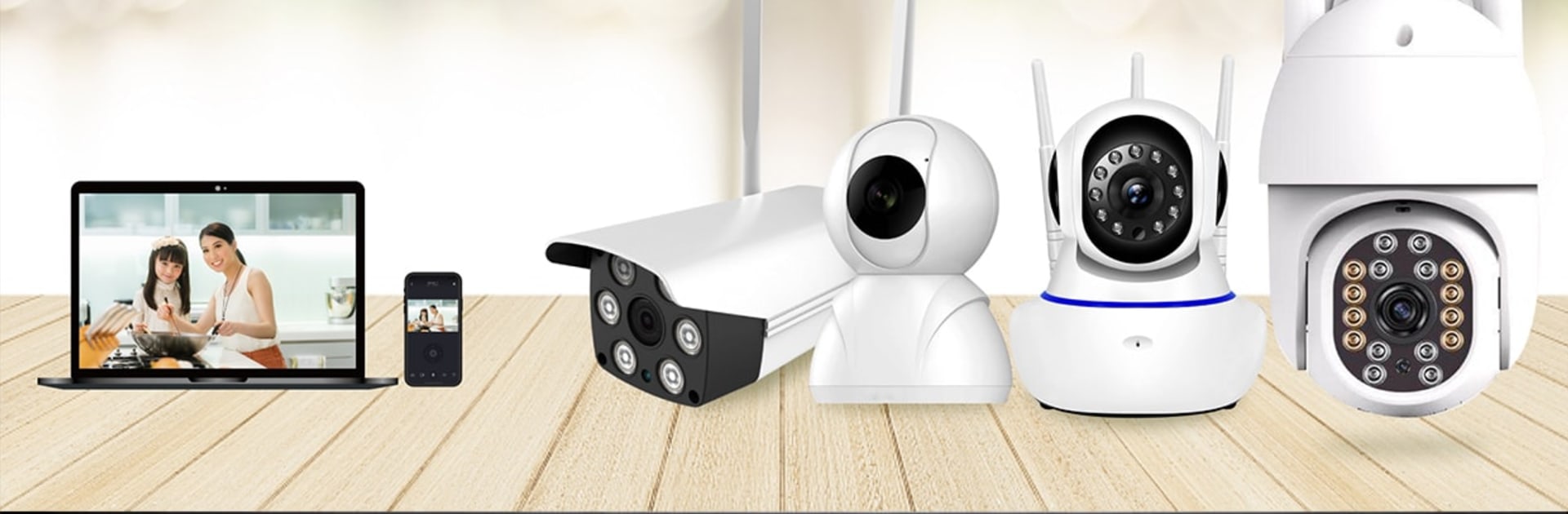


Why limit yourself to your small screen on the phone? Run FNKvision, an app by 森泰(深圳)科技有限公司, best experienced on your PC or Mac with BlueStacks, the world’s #1 Android emulator.
FNKvision comes off like a clean, no-fuss viewer for cloud‑connected home cameras. The interface looks modern without being flashy, and it stays out of the way so the video is the main thing. The home screen can show several live feeds at once, which is great for keeping an eye on different rooms, then a quick click jumps into a single camera view. Pan and tilt controls sit right beside the stream, and movement feels responsive enough to follow a pet or check a window corner without fighting the controls. Two way audio is built in with a simple talk button, and grabbing a snapshot or saving a short clip is just a tap, so catching a moment does not feel like a chore.
Remote viewing is the core here, and it feels dependable as long as the camera and Wi‑Fi behave. Video quality will always depend on the camera, but switching between streams and starting playback is fast. Running it on a PC with BlueStacks is comfortable, since the bigger screen makes the multi‑stream grid easier to read, and a mouse makes pan and tilt feel more precise. What stands out is how straightforward everything is. No clutter, no confusing menus, just monitoring, voice talk, capture, and save. Someone who wants advanced automation may look elsewhere, but for simple home watching and quick check‑ins, this covers the bases without drama, which is sort of the point.
Big screen. Bigger performance. Use BlueStacks on your PC or Mac to run your favorite apps.





