
FV File Pro
FV File Pro

FV File Pro

Tools

| FolderV

Play on PC with BlueStacks or from our cloud

  • Overview
  • How to Download

Page Modified On: October 23, 2025

Run FV File Pro on PC or Mac

Let BlueStacks turn your PC, Mac, or laptop into the perfect home for FV File Pro, a fun Tools app from FolderV.

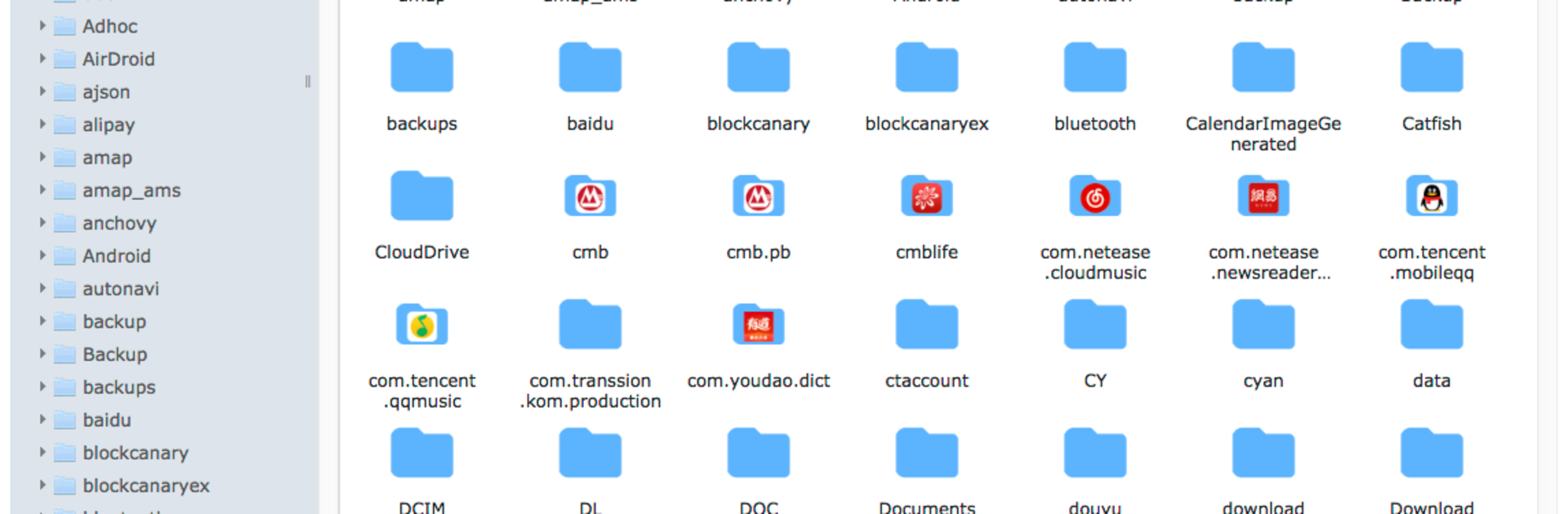
FV File Pro is a straight-up fast file explorer that feels clean and practical, not bloated. The layout follows Material Design, so everything is tidy, big enough to hit, and the menus make sense. On a PC through BlueStacks it is easy to keep the app open next to Explorer or Finder and shuffle stuff around. What stands out is that it can get into /Android/data and /Android/obb on Android 13 without root, which is a lifesaver when an app hides its files. It also opens a ton of image formats, from jpg and png to heif, avif, ico and even apng, so random photos or icons just open without a fight.

It is not only local files either. The wireless tools are solid, with simple HTTP and full FTP or SFTP for moving things over the home network, no cable needed and no mobile data wasted. There is a WebDAV server too, so on a Mac someone can use Go then Connect to Server and plug the address in, and it just shows up like a folder. The storage treemap is genuinely useful, big colored blocks that make it obvious what is eating space, then drill down into folders and subfolders. It unpacks zip, rar, 7z, iso, and dmg, which covers almost anything that gets downloaded. Little extras help, like QR and barcode scanning for quick codes, markdown previews for notes, and an HTTP downloader when a direct link needs grabbing. It feels quick, steady, and very no-drama to use with keyboard and mouse on BlueStacks.

BlueStacks gives you the much-needed freedom to experience your favorite apps on a bigger screen. Get it now.


How to Download and Run FV File Pro on PC or Mac

  • Download and install BlueStacks on your PC or Mac

  • Complete Google sign-in to access the Play Store, or do it later

  • Look for FV File Pro in the search bar at the top right corner

  • Click to install FV File Pro from the search results

  • Complete Google sign-in (if you skipped step 2) to install FV File Pro

  • Click the FV File Pro icon on the home screen to start playing

video
Watch Video

Minimum System Requirements

With BlueStacks 5, you can get started on a PC that fulfills the following requirements.

  • Operating System

    Microsoft Windows 7 or above, macOS 11 (Big Sur) or above

  • Processor

    Intel, AMD or Apple Silicon Processor

  • RAM

    at least 4GB

  • HDD

    10GB Free Disk Space

Note:

* You must be an Administrator on your PC. Up to date graphics drivers from Microsoft or the chipset vendor.

FV File Pro - FAQs

  • How to Run FV File Pro on Windows PC & Mac?

    Run FV File Pro on your PC or Mac by following these simple steps.

    • Click on ‘Download FV File Pro on PC’ to download BlueStacks
    • Install it and log-in to Google Play Store
    • Launch and run the app.
  • Why is BlueStacks the fastest and safest platform to play games on PC?

    BlueStacks respects your privacy and is always safe and secure to use. It does not carry any malware, spyware, or any sort of additional software that could harm your PC.

    It is engineered to optimize speed and performance for a seamless gaming experience.

  • What are FV File Pro PC requirements?

    Minimum requirement to run FV File Pro on your PC

    • OS: Microsoft Windows 7 and above:
    • Processor: Intel or AMD Processor:
    • RAM: Your PC must have at least 2GB of RAM. (Note that having 2GB or more disk space is not a substitute for RAM):
    • HDD: 5GB Free Disk Space.
    • You must be an Administrator on your PC.



