

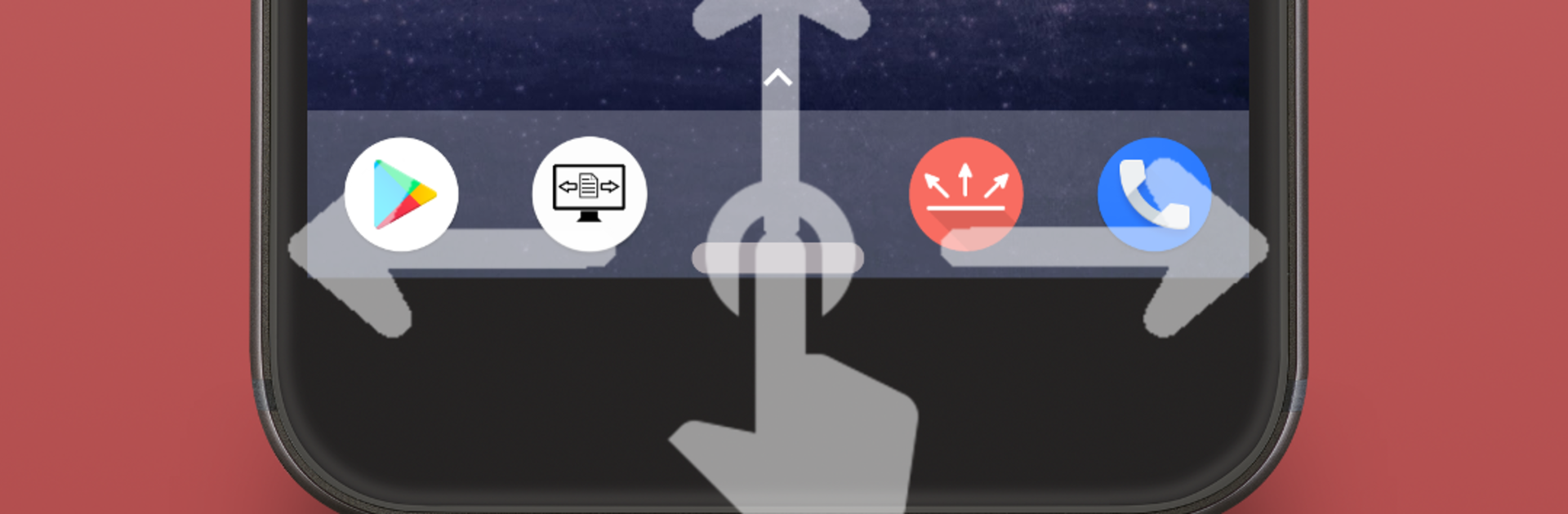


Why limit yourself to your small screen on the phone? Run Gesture Control – Pro Key, an app by Conena, best experienced on your PC or Mac with BlueStacks, the world’s #1 Android emulator.
Gesture Control – Pro Key feels like a small switch that makes the main Gesture Control app a lot more flexible. It is not a stand alone thing, it just unlocks extra options inside the free app, so both need to be installed. The idea is simple. there is a thin on-screen indicator that sits at an edge, and the pro key lets the user tweak it and map more gestures to real actions. It runs fine on BlueStacks too, so using it on a PC with a mouse click instead of a thumb swipe still makes sense.
What stands out is the extra control. The pro version lets the user change the indicator’s horizontal position and width so it fits where the hand naturally lands. It also adds more gestures, like double click, long press, and press and hold on the indicator, then ties those to practical stuff. Launch an app directly, pop open volume controls, mute or boost alarms or ringtones, jump tracks, pause or stop music, show quick info like time, date, battery and even used or free memory, or nudge brightness up, down, max, min, or auto. Media controls depend on Android version and the player in use, so it is worth checking if the favorite music app is supported. Not every phone or Android build will support every action either, which is normal for this kind of tool. When it works, it keeps the screen cleaner and the phone or emulator snappier to use without big overlays getting in the way.
Switch to BlueStacks and make the most of your apps on your PC or Mac.





