
he.net - Network Tools

he.net - Network Tools

Tools

| Hurricane Electric, LLC

Play on PC with BlueStacks or from our cloud

  • Overview
  • How to Download

Page Modified On: December 22, 2025

Run he.net - Network Tools on PC or Mac

Why limit yourself to your small screen on the phone? Run he.net – Network Tools, an app by Hurricane Electric, LLC, best experienced on your PC or Mac with BlueStacks, the world’s #1 Android emulator.

he.net – Network Tools feels like a straight up utility belt for networks, nothing flashy, just fast and to the point. On a PC through BlueStacks it is extra comfortable, long outputs are easier to read, copying results is simple, and it feels closer to a desktop terminal without juggling windows. The layout keeps things tidy so a person can jump from ping to traceroute to a quick DNS check without losing track.

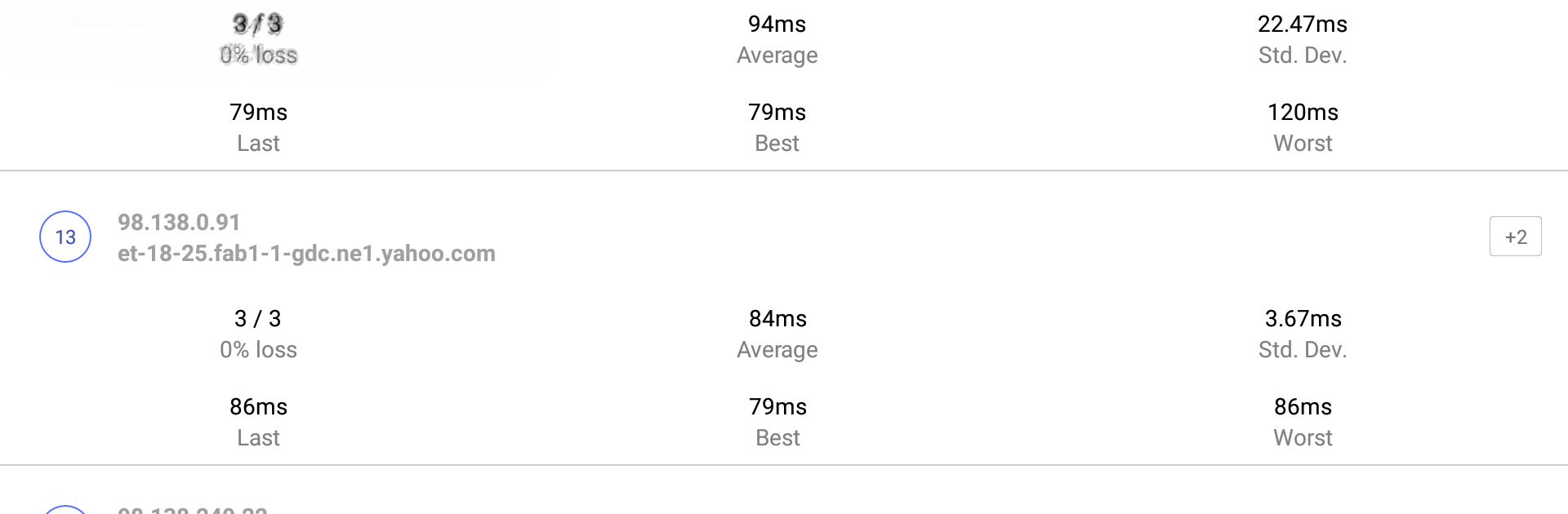
What stands out is the range. There is ping and ping sweep for a whole subnet, classic traceroute plus a progressive traceroute that shows detailed hop stats, and iperf v2 or v3 built in for TCP and UDP throughput checks. DNS lookups cover the usual suspects, A, AAAA, MX, TXT, plus reverse. A quick SSL or TLS inspector pulls certificate details when a domain looks suspicious. Whois digs up domain, ASN, and IP allocation info. The device manager discovers local devices with MAC, IP, and even NETBIOS where it can. There is a Bonjour browser for mDNS and ZeroConf services, an IP calculator for subnets and ranges, ARP and NDP for resolving addresses, and a MAC vendor lookup when a mysterious OUI shows up on the network. It even has a one time password section for HOTP and TOTP, and the camera permission is only for scanning QR codes to add those accounts, the app does not use the camera for anything else. No ads anywhere, the whole thing stays focused and fast, and IPv6 is treated as a first class citizen throughout. The team asks for feedback, which fits the no nonsense, engineer friendly vibe.

Ready to experience he.net – Network Tools on a bigger screen, in all its glory? Download BlueStacks now.


How to Download and Run he.net - Network Tools on PC or Mac

  • Download and install BlueStacks on your PC or Mac

  • Complete Google sign-in to access the Play Store, or do it later

  • Look for he.net - Network Tools in the search bar at the top right corner

  • Click to install he.net - Network Tools from the search results

  • Complete Google sign-in (if you skipped step 2) to install he.net - Network Tools

  • Click the he.net - Network Tools icon on the home screen to start playing

video
Watch Video

Minimum System Requirements

With BlueStacks 5, you can get started on a PC that fulfills the following requirements.

  • Operating System

    Microsoft Windows 7 or above, macOS 11 (Big Sur) or above

  • Processor

    Intel, AMD or Apple Silicon Processor

  • RAM

    at least 4GB

  • HDD

    10GB Free Disk Space

Note:

* You must be an Administrator on your PC. Up to date graphics drivers from Microsoft or the chipset vendor.

he.net - Network Tools - FAQs

  • How to Run he.net - Network Tools on Windows PC & Mac?

    Run he.net - Network Tools on your PC or Mac by following these simple steps.

    • Click on ‘Download he.net - Network Tools on PC’ to download BlueStacks
    • Install it and log-in to Google Play Store
    • Launch and run the app.
  • Why is BlueStacks the fastest and safest platform to play games on PC?

    BlueStacks respects your privacy and is always safe and secure to use. It does not carry any malware, spyware, or any sort of additional software that could harm your PC.

    It is engineered to optimize speed and performance for a seamless gaming experience.

  • What are he.net - Network Tools PC requirements?

    Minimum requirement to run he.net - Network Tools on your PC

    • OS: Microsoft Windows 7 and above:
    • Processor: Intel or AMD Processor:
    • RAM: Your PC must have at least 2GB of RAM. (Note that having 2GB or more disk space is not a substitute for RAM):
    • HDD: 5GB Free Disk Space.
    • You must be an Administrator on your PC.



