
lares 4.0
lares 4.0

lares 4.0

Tools

| Ksenia Security Spa

Play on PC with BlueStacks or from our cloud

  • Overview
  • How to Download

Page Modified On: November 28, 2025

Run lares 4.0 on PC or Mac

Why limit yourself to your small screen on the phone? Run lares 4.0, an app by Ksenia Security Spa, best experienced on your PC or Mac with BlueStacks, the world’s #1 Android emulator.

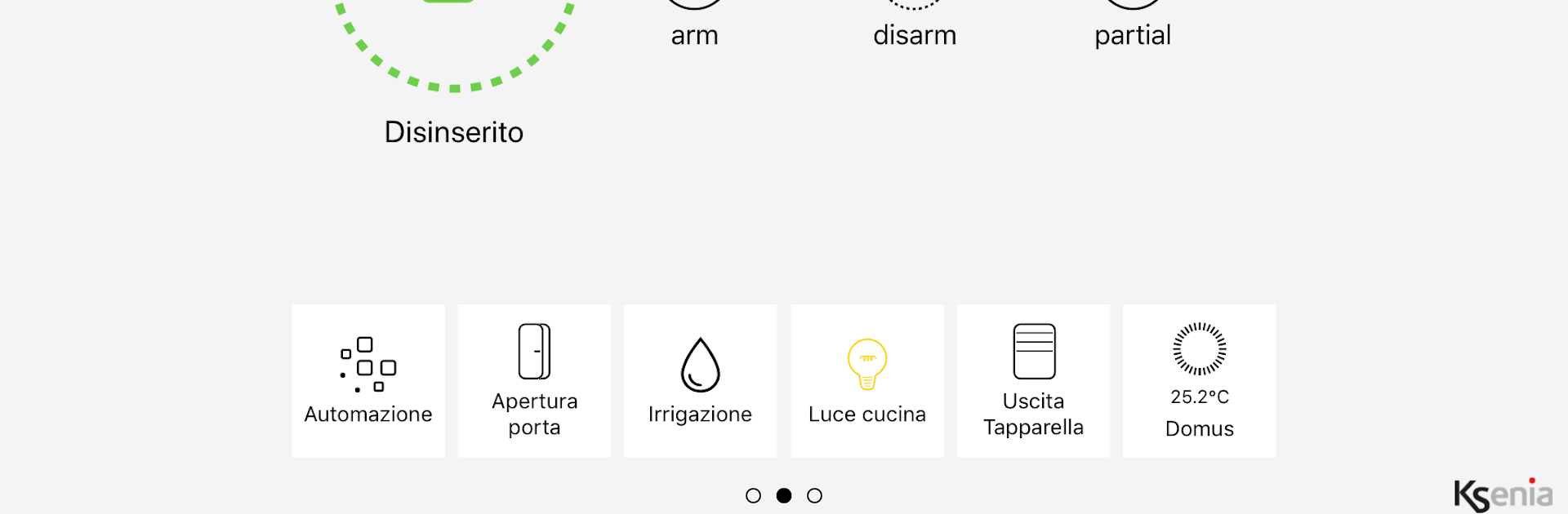
lares 4.0 feels like a single remote for the whole place, focused on fast control and not a lot of fluff. It puts security, video checks, and home automation in one spot so a person can arm or disarm, see what is going on, and switch things on or off in real time without digging through a maze of menus. Status changes show up quickly, alerts pop in fast, and the layout keeps things clear with simple icons and obvious states for armed, disarmed, or alarms. Video verification opens fast so someone can see what set off a notification before getting worried.

On a PC with BlueStacks, the bigger screen really helps. Camera feeds are easier to read, long device lists are not a hassle, and using a mouse to hit small toggles feels accurate. Typing codes or naming rooms with a keyboard is a nice bonus. Setup is straight once the system is linked, and most actions are a tap or two. It keeps the focus on control and speed, but it still handles the usual home automation bits if the hardware supports them, like lights or gates. It comes across as a practical tool for anyone who wants quick oversight at home or away, without drama or extra noise.

Switch to BlueStacks and make the most of your apps on your PC or Mac.

How to Download and Run lares 4.0 on PC or Mac

  • Download and install BlueStacks on your PC or Mac

  • Complete Google sign-in to access the Play Store, or do it later

  • Look for lares 4.0 in the search bar at the top right corner

  • Click to install lares 4.0 from the search results

  • Complete Google sign-in (if you skipped step 2) to install lares 4.0

  • Click the lares 4.0 icon on the home screen to start playing

video
Watch Video

Minimum System Requirements

With BlueStacks 5, you can get started on a PC that fulfills the following requirements.

  • Operating System

    Microsoft Windows 7 or above, macOS 11 (Big Sur) or above

  • Processor

    Intel, AMD or Apple Silicon Processor

  • RAM

    at least 4GB

  • HDD

    10GB Free Disk Space

Note:

* You must be an Administrator on your PC. Up to date graphics drivers from Microsoft or the chipset vendor.

lares 4.0 - FAQs

  • How to Run lares 4.0 on Windows PC & Mac?

    Run lares 4.0 on your PC or Mac by following these simple steps.

    • Click on ‘Download lares 4.0 on PC’ to download BlueStacks
    • Install it and log-in to Google Play Store
    • Launch and run the app.
  • Why is BlueStacks the fastest and safest platform to play games on PC?

    BlueStacks respects your privacy and is always safe and secure to use. It does not carry any malware, spyware, or any sort of additional software that could harm your PC.

    It is engineered to optimize speed and performance for a seamless gaming experience.

  • What are lares 4.0 PC requirements?

    Minimum requirement to run lares 4.0 on your PC

    • OS: Microsoft Windows 7 and above:
    • Processor: Intel or AMD Processor:
    • RAM: Your PC must have at least 2GB of RAM. (Note that having 2GB or more disk space is not a substitute for RAM):
    • HDD: 5GB Free Disk Space.
    • You must be an Administrator on your PC.




