


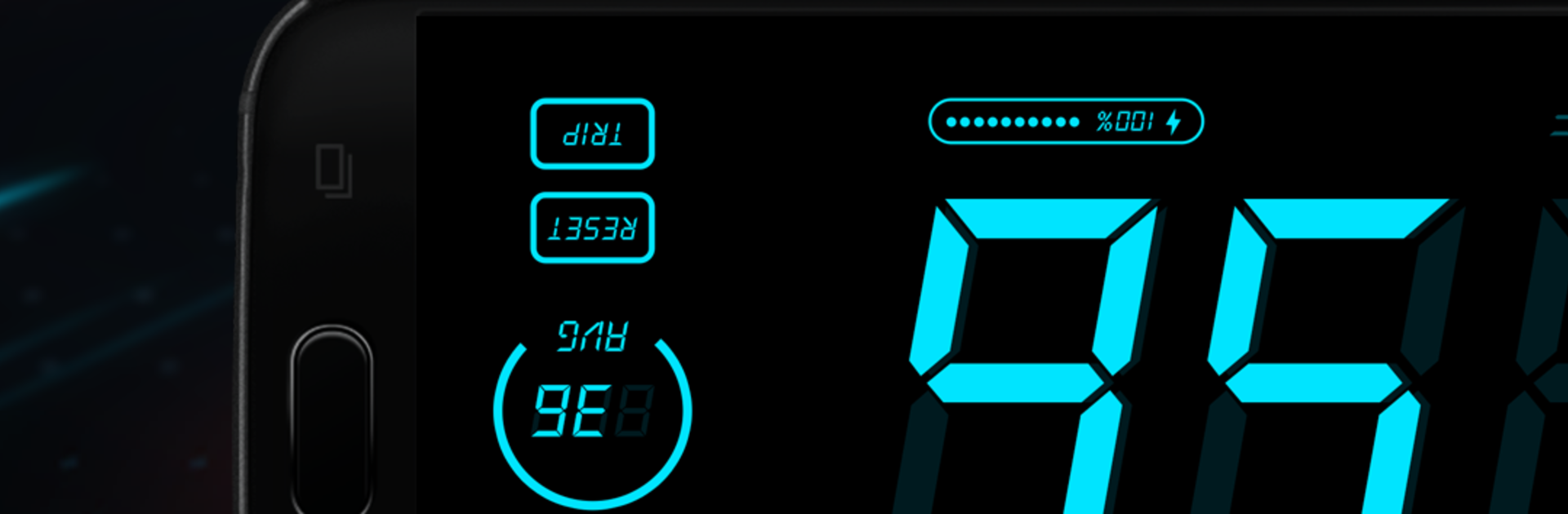


Get freedom from your phone’s obvious limitations. Use HUD Speedometer Speed Monitor, made by FUNNY APPS, a Tools app on your PC or Mac with BlueStacks, and level up your experience.
HUD Speedometer Speed Monitor feels like a clean digital dashboard that just focuses on the basics and does them well. Big numbers, simple layout, and quick toggles. It tracks current speed, total trip distance, and keeps max and average speed so someone can see how the whole ride went. There is a mirrored HUD mode that flips the display for the windshield, which is neat for night drives, and the app handles portrait or landscape with auto rotate without fuss. Units are easy to swap between MPH, KMH, or even knots, and there is a simple color picker for day or night looks. Running it on a PC with BlueStacks makes the readouts huge and easy to glance at, and tapping settings on a keyboard or trackpad is oddly comfy.
The useful bits pile up fast. Speed alerts can be set to any limit, and the app will warn when the number creeps past it. An odometer keeps a running total, which helps for car logs, bike rides, or a long walk. It shows handy details like time, battery level, and GPS signal so the user knows if the readings are solid. Modes for car, bike, and walking make the numbers feel tuned for each activity. There is also history and simple stats, so past trips do not disappear. It is GPS based, so accuracy depends on signal, but when it locks in, it stays steady and easy to trust.
Ready to experience HUD Speedometer Speed Monitor on a bigger screen, in all its glory? Download BlueStacks now.





