
MC Skin Factory for Minecraft

MC Skin Factory for Minecraft

Tools

| PIONE STUDIO

Play on PC with BlueStacks or from our cloud

  • Overview
  • How to Download

Page Modified On: November 10, 2025

Run MC Skin Factory for Minecraft on PC or Mac

What’s better than using MC Skin Factory for Minecraft by PIONE STUDIO? Well, try it on a big screen, on your PC or Mac, with BlueStacks to see the difference.

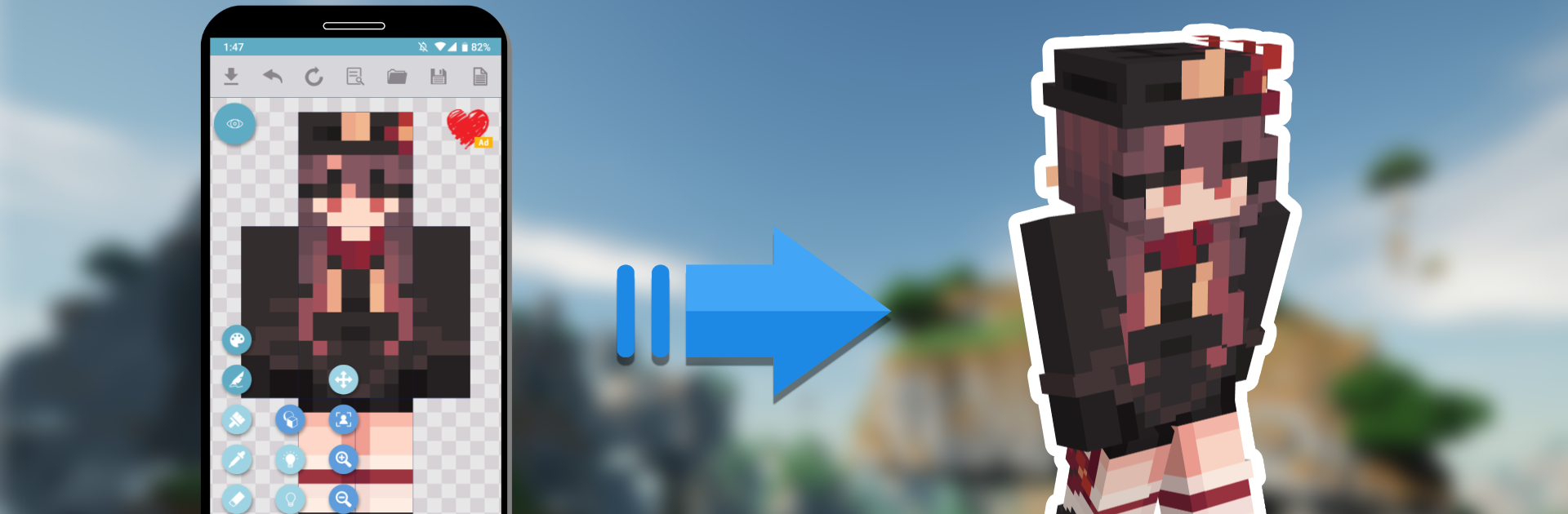
MC Skin Factory is a simple, no-drama way to make Minecraft skins from scratch or polish ones that already look close to right. The editor leans into the small details, so players can tweak hair, eyes, clothes, and those little accents that make a character feel like theirs. The best part is how quick it is to nudge colors or add a new piece without rebuilding everything. Saving and swapping between ideas feels light, and the app pushes sharing as a normal step, not a chore. There is a public library built in, so players can browse a steady flow of skins from other people, download what they like, and use it as a base or just wear it as is.

Running it on a PC with BlueStacks actually helps a lot. The bigger screen and a mouse make careful edits less fussy, especially around edges, and scrolling through the community library is easier than doing it on a small phone. It is not tied to Mojang officially, so it just focuses on editing and sharing skins, nothing extra or weird. For someone who wants a clean editor that moves fast, lets them adjust tiny parts without friction, and then push the finished look straight into play, this hits that spot. It keeps the process relaxed, and the constant stream of community skins means fresh ideas are always around the corner.

BlueStacks brings your apps to life on a bigger screen—seamless and straightforward.

How to Download and Run MC Skin Factory for Minecraft on PC or Mac

  • Download and install BlueStacks on your PC or Mac

  • Complete Google sign-in to access the Play Store, or do it later

  • Look for MC Skin Factory for Minecraft in the search bar at the top right corner

  • Click to install MC Skin Factory for Minecraft from the search results

  • Complete Google sign-in (if you skipped step 2) to install MC Skin Factory for Minecraft

  • Click the MC Skin Factory for Minecraft icon on the home screen to start playing

video
Watch Video

Minimum System Requirements

With BlueStacks 5, you can get started on a PC that fulfills the following requirements.

  • Operating System

    Microsoft Windows 7 or above, macOS 11 (Big Sur) or above

  • Processor

    Intel, AMD or Apple Silicon Processor

  • RAM

    at least 4GB

  • HDD

    10GB Free Disk Space

Note:

* You must be an Administrator on your PC. Up to date graphics drivers from Microsoft or the chipset vendor.

MC Skin Factory for Minecraft - FAQs

  • How to Run MC Skin Factory for Minecraft on Windows PC & Mac?

    Run MC Skin Factory for Minecraft on your PC or Mac by following these simple steps.

    • Click on ‘Download MC Skin Factory for Minecraft on PC’ to download BlueStacks
    • Install it and log-in to Google Play Store
    • Launch and run the app.
  • Why is BlueStacks the fastest and safest platform to play games on PC?

    BlueStacks respects your privacy and is always safe and secure to use. It does not carry any malware, spyware, or any sort of additional software that could harm your PC.

    It is engineered to optimize speed and performance for a seamless gaming experience.

  • What are MC Skin Factory for Minecraft PC requirements?

    Minimum requirement to run MC Skin Factory for Minecraft on your PC

    • OS: Microsoft Windows 7 and above:
    • Processor: Intel or AMD Processor:
    • RAM: Your PC must have at least 2GB of RAM. (Note that having 2GB or more disk space is not a substitute for RAM):
    • HDD: 5GB Free Disk Space.
    • You must be an Administrator on your PC.




