




Let BlueStacks turn your PC, Mac, or laptop into the perfect home for Miaow Clock, a fun Tools app from System monitor tools lab – Cpu Ram Battery.
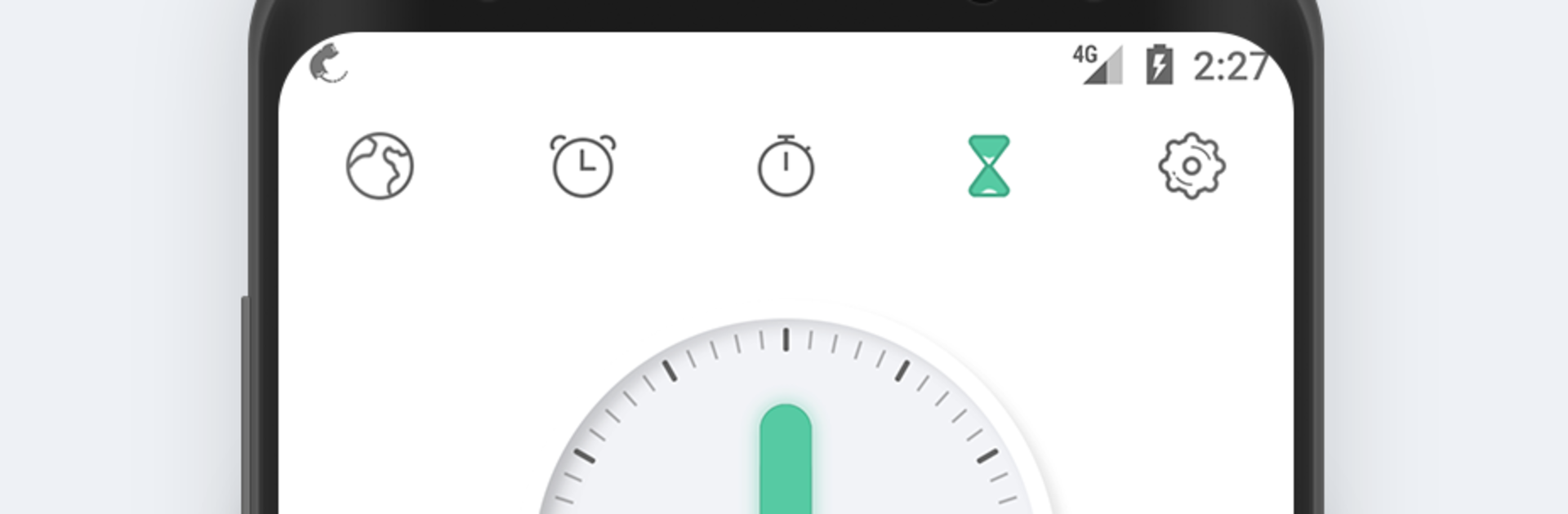
Miaow Clock is a simple, clean clock app that does the basics really well, without junk getting in the way. The main screen looks tidy and readable, and it switches between a light day look and a darker night look automatically, which feels nice if the screen stays on a desk all day. It supports both 12-hour and 24-hour time so it fits whatever someone is used to. There is a world clock with a big list of cities, so checking a coworker’s time in another country is quick. The alarm part is straightforward, no weird setup, just set a time and move on. The stopwatch is neat because it keeps its state between sessions, so if the app closes, it still shows the time as if it kept going. The timer is very plain and fast to start. No noisy ads, no strange permissions, just time tools that work.
On a PC with BlueStacks, it feels like a small desktop clock someone can park to the side. The big screen makes the world clock and timers easier to glance at, and tapping with a mouse is fine here. There is a Pro option if more in one place is needed, but the regular setup already covers world clock, alarm, stopwatch, and timer in a clean way. Multi-theme switching is there too, so it is easy to pick day or night if the auto change is not the favorite.
Big screen. Bigger performance. Use BlueStacks on your PC or Mac to run your favorite apps.





