



What’s better than using Mobile Number Location – Phone Call Locator by Onex Apps? Well, try it on a big screen, on your PC or Mac, with BlueStacks to see the difference.
About the App
Mobile Number Location – Phone Call Locator helps you figure out who’s calling and where a number is registered, fast. It blends caller ID, number search, and a simple map view so you can get useful context without fuss. Prefer a bigger screen? You can run it with BlueStacks too.
App Features
- Instant caller ID: See the likely name, city/state, country, and carrier info as your phone rings. Many details are available even when you’re offline.
- Number search: Type in any mobile number to check its registered region and basic details in seconds.
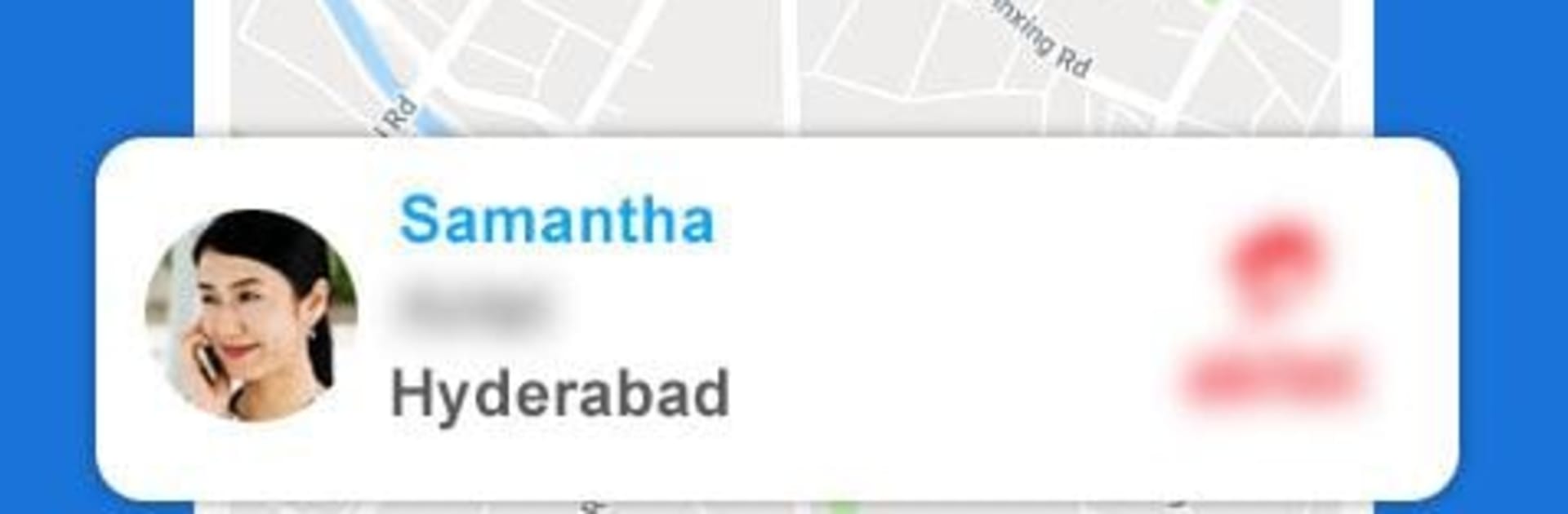
- Map view of the area: Get a visual of the number’s general service area on a clean, easy-to-read map.
- Spam control: Silence robocalls and unwanted numbers with a built-in call blocker. Create your own blocklist and cut out distractions.
- Identify unknown calls: Missed a call from a new number? Pull up details like region and operator to decide if it’s worth calling back.
- STD & ISD codes: Quickly look up city and country dialing codes without using data—super handy when traveling or saving contacts.
- Offline lookups: Core databases for caller ID, regions, and codes work without internet, so you’re not stuck when reception is spotty.
- Simple, lightweight Tools app: Built by Onex Apps, this Tools app keeps things straightforward and easy to navigate, no clutter or complicated menus.
Switch to BlueStacks and make the most of your apps on your PC or Mac.





