
OctoRemote for OctoPrint

OctoRemote for OctoPrint

Tools

| OctoRemote

Play on PC with BlueStacks or from our cloud

  • Overview
  • How to Download

Page Modified On: August 19, 2025

Run OctoRemote for OctoPrint on PC or Mac

What’s better than using OctoRemote for OctoPrint by OctoRemote? Well, try it on a big screen, on your PC or Mac, with BlueStacks to see the difference.

About the App

OctoRemote for OctoPrint brings your entire 3D printing setup right to your Android device—no fuss, just control and updates at your fingertips. Whether you’re a seasoned maker or a hobbyist tinkering after hours, this app keeps you connected to your printers wherever you are. Managing prints, adjusting settings, or checking on progress? It’s all just a tap away.

App Features

  • Multiple Printer Management
    Switch between different 3D printers all in one place. Keep things organized if you’ve got more than one machine humming along.

  • Easy File Handling
    Upload your print files directly from your phone, or grab finished ones with a quick download. No need to jump between devices anymore.

  • Temperature Control
    Want to tweak the hotend or bed temps? Set the numbers that work best for your project and watch the changes in real time.

  • Live Webcam Feeds
    Peek at your prints anytime with the built-in webcam viewer. Super handy if you need to spot a potential printing mishap before it gets out of hand.

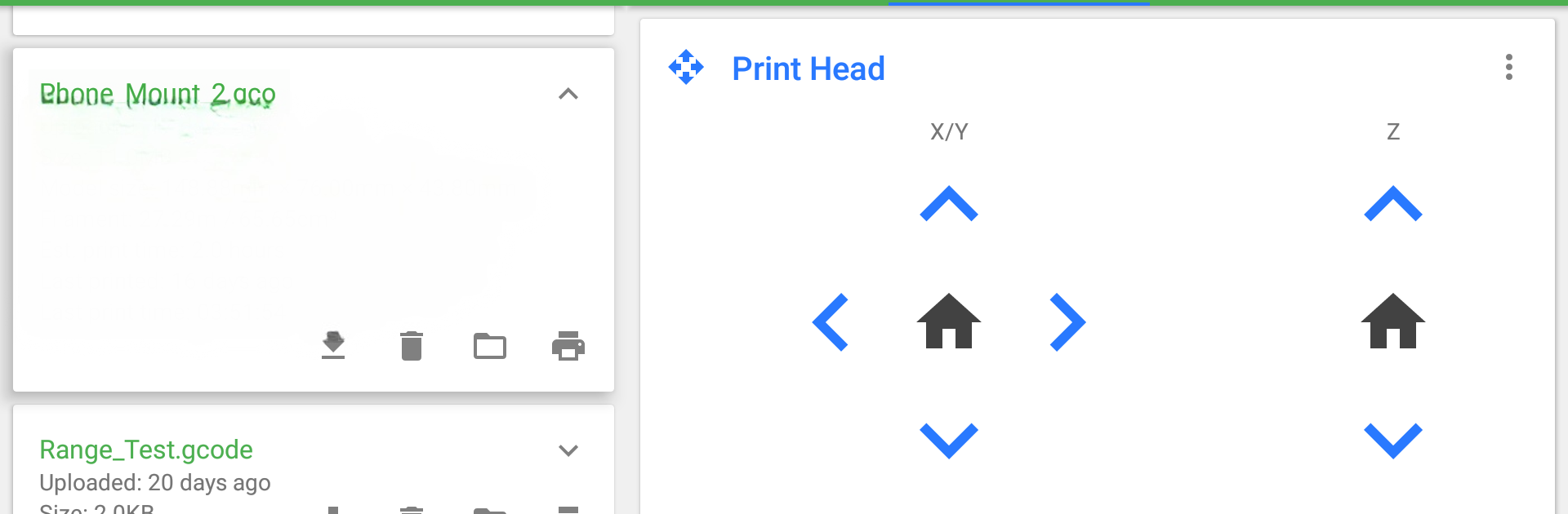
  • Manual Print Head Control
    Move the print head or adjust the extruder with on-screen controls—precision is right there under your thumb.

  • Custom Controls
    Set up quick actions with your own inputs or sliders for routines you run often. Perfect for those who like to fine-tune their process.

  • Terminal Access
    Dive a bit deeper if you need to—monitor communications or send custom commands right from the app’s terminal section.

  • Timelapse Tweaks
    Change how your printer captures timelapses, and download those cool videos when they’re ready.

  • STL Slicing Support
    Got an STL file? Slice it through OctoPrint’s CuraEngine plugin, straight from your device, and get things printing faster.

  • System Commands
    Need to reboot or shut down your server? Take care of those tasks from anywhere—no desktop or laptop required.

Using BlueStacks, you can also check out OctoRemote for OctoPrint right from your computer if the Android screen feels a bit tight.

BlueStacks gives you the much-needed freedom to experience your favorite apps on a bigger screen. Get it now.


How to Download and Run OctoRemote for OctoPrint on PC or Mac

  • Download and install BlueStacks on your PC or Mac

  • Complete Google sign-in to access the Play Store, or do it later

  • Look for OctoRemote for OctoPrint in the search bar at the top right corner

  • Click to install OctoRemote for OctoPrint from the search results

  • Complete Google sign-in (if you skipped step 2) to install OctoRemote for OctoPrint

  • Click the OctoRemote for OctoPrint icon on the home screen to start playing

video
Watch Video

Minimum System Requirements

With BlueStacks 5, you can get started on a PC that fulfills the following requirements.

  • Operating System

    Microsoft Windows 7 or above, macOS 11 (Big Sur) or above

  • Processor

    Intel, AMD or Apple Silicon Processor

  • RAM

    at least 4GB

  • HDD

    10GB Free Disk Space

Note:

* You must be an Administrator on your PC. Up to date graphics drivers from Microsoft or the chipset vendor.

OctoRemote for OctoPrint - FAQs

  • How to Run OctoRemote for OctoPrint on Windows PC & Mac?

    Run OctoRemote for OctoPrint on your PC or Mac by following these simple steps.

    • Click on ‘Download OctoRemote for OctoPrint on PC’ to download BlueStacks
    • Install it and log-in to Google Play Store
    • Launch and run the app.
  • Why is BlueStacks the fastest and safest platform to play games on PC?

    BlueStacks respects your privacy and is always safe and secure to use. It does not carry any malware, spyware, or any sort of additional software that could harm your PC.

    It is engineered to optimize speed and performance for a seamless gaming experience.

  • What are OctoRemote for OctoPrint PC requirements?

    Minimum requirement to run OctoRemote for OctoPrint on your PC

    • OS: Microsoft Windows 7 and above:
    • Processor: Intel or AMD Processor:
    • RAM: Your PC must have at least 2GB of RAM. (Note that having 2GB or more disk space is not a substitute for RAM):
    • HDD: 5GB Free Disk Space.
    • You must be an Administrator on your PC.



