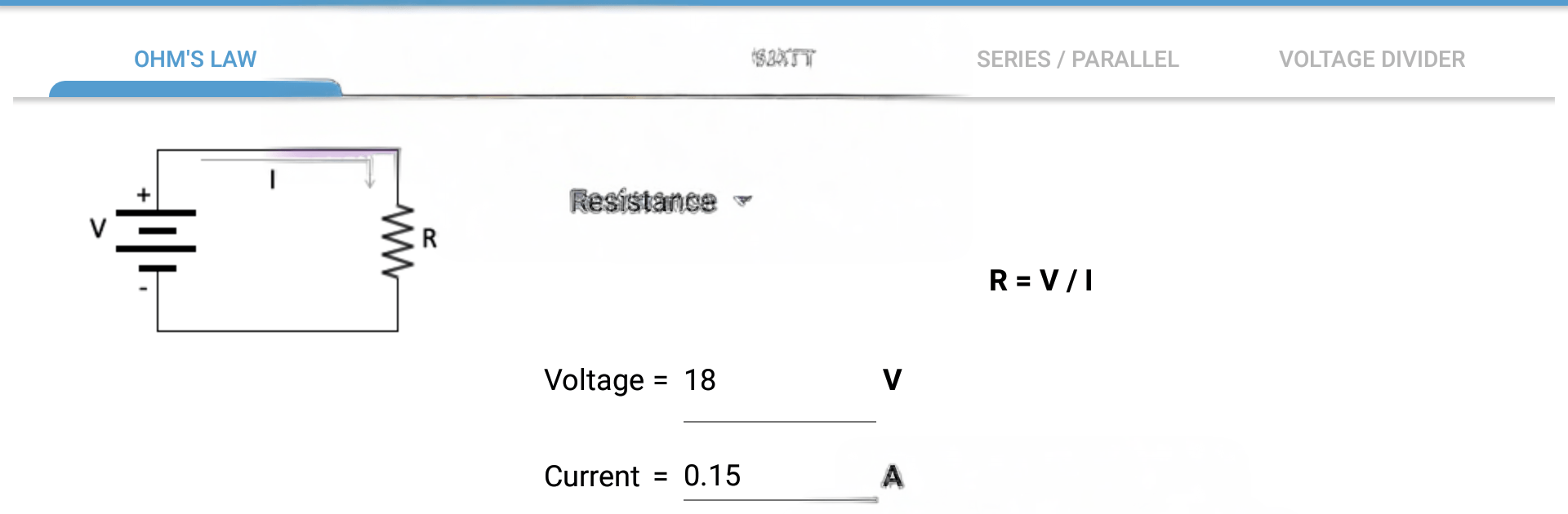
Ohm's Law
Ohm's Law

Ohm's Law

Tools

| Davide_M

Play on PC with BlueStacks or from our cloud

  • Overview
  • How to Download

Page Modified On: August 03, 2026

Run Ohm's Law on PC or Mac

Get freedom from your phone’s obvious limitations. Use Ohm’s Law, made by Davide_M, a Tools app on your PC or Mac with BlueStacks, and level up your experience.

About the App

Ohm’s Law is your quick, no-fuss helper for everyday electronics math. Whether you’re tinkering on the bench, sketching a circuit idea, or double-checking a build, it gives you the right numbers fast without digging through formulas. Prefer working on a bigger screen? It plays nicely with BlueStacks too.

App Features

  • Ohm’s Law calculator: Solve for voltage, current, resistance, or power in seconds—just enter any two values and let the app do the rest.
  • LED series resistor: Figure out the right resistor to protect an LED based on your supply voltage and the LED’s specs, so you don’t toast that brand‑new diode.
  • Power (watts): Convert between volts, amps, ohms, and watts with clear, straightforward results—handy for sizing parts and checking limits.
  • Series/parallel combos: Get equivalent values for resistors, capacitors, and inductors in series or parallel. Great for planning networks or simplifying a messy schematic.
  • Voltage divider: Calculate output voltage from a two‑resistor divider in a snap—perfect for level shifting or reference taps.
  • Clean, focused design: No clutter, no distractions—just the tools you actually use when building or troubleshooting circuits.
  • Fast checks, fewer mistakes: Skip the mental math and reduce errors when you’re prototyping, taking notes, or verifying a datasheet.

Switch to BlueStacks and make the most of your apps on your PC or Mac.

How to Download and Run Ohm's Law on PC or Mac

  • Download and install BlueStacks on your PC or Mac

  • Complete Google sign-in to access the Play Store, or do it later

  • Look for Ohm's Law in the search bar at the top right corner

  • Click to install Ohm's Law from the search results

  • Complete Google sign-in (if you skipped step 2) to install Ohm's Law

  • Click the Ohm's Law icon on the home screen to start playing

video
Watch Video

Minimum System Requirements

With BlueStacks 5, you can get started on a PC that fulfills the following requirements.

  • Operating System

    Microsoft Windows 7 or above, macOS 11 (Big Sur) or above

  • Processor

    Intel, AMD or Apple Silicon Processor

  • RAM

    at least 4GB

  • HDD

    10GB Free Disk Space

Note:

* You must be an Administrator on your PC. Up to date graphics drivers from Microsoft or the chipset vendor.

Ohm's Law - FAQs

  • How to Run Ohm's Law on Windows PC & Mac?

    Run Ohm's Law on your PC or Mac by following these simple steps.

    • Click on ‘Download Ohm's Law on PC’ to download BlueStacks
    • Install it and log-in to Google Play Store
    • Launch and run the app.
  • Why is BlueStacks the fastest and safest platform to play games on PC?

    BlueStacks respects your privacy and is always safe and secure to use. It does not carry any malware, spyware, or any sort of additional software that could harm your PC.

    It is engineered to optimize speed and performance for a seamless gaming experience.

  • What are Ohm's Law PC requirements?

    Minimum requirement to run Ohm's Law on your PC

    • OS: Microsoft Windows 7 and above:
    • Processor: Intel or AMD Processor:
    • RAM: Your PC must have at least 2GB of RAM. (Note that having 2GB or more disk space is not a substitute for RAM):
    • HDD: 5GB Free Disk Space.
    • You must be an Administrator on your PC.