
Pocket AutoML
Pocket AutoML

Pocket AutoML

Tools

| Evgeniy Mamchenko

Play on PC with BlueStacks or from our cloud

  • Overview
  • How to Download

Page Modified On: October 23, 2025

Run Pocket AutoML on PC or Mac

Why limit yourself to your small screen on the phone? Run Pocket AutoML, an app by Evgeniy Mamchenko, best experienced on your PC or Mac with BlueStacks, the world’s #1 Android emulator.

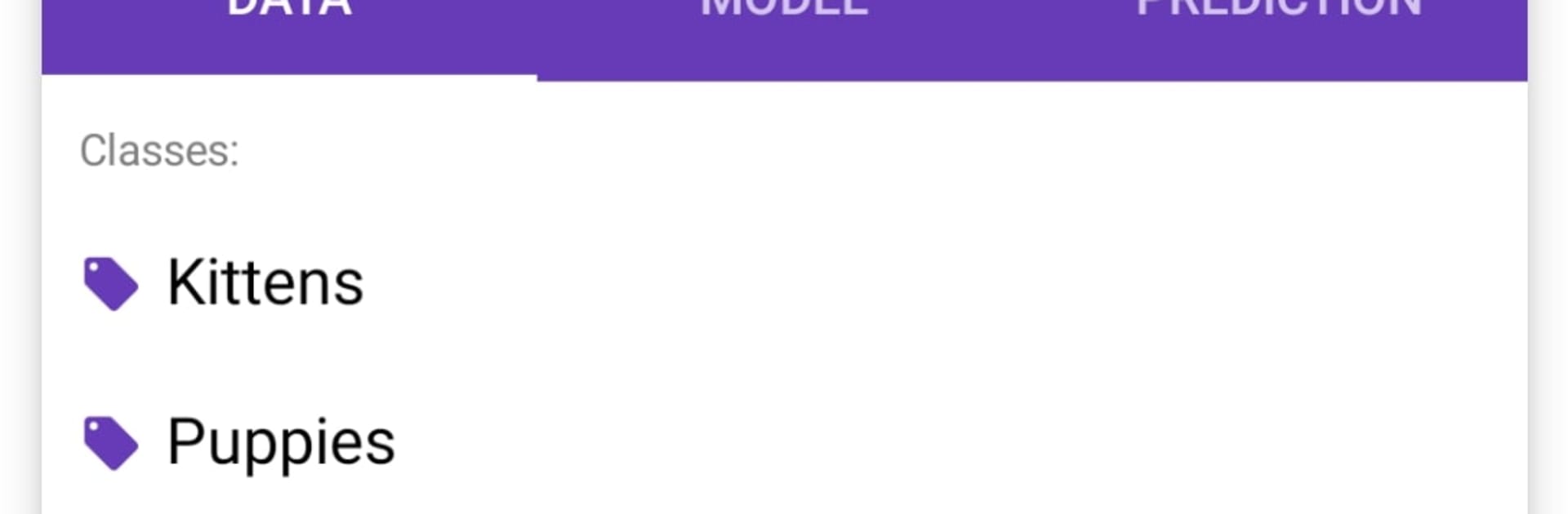
Pocket AutoML feels like a tiny lab for teaching a device to recognize things, without needing to code. Open it, point it at a folder of photos, make a couple of labels, and hit train. The app builds an image classifier in seconds for small sets, then lets the user test it right away. It keeps the techy stuff tucked away, so even though it uses a real convolutional neural network under the hood, the flow is simple. On a PC with BlueStacks, the larger screen makes sorting and labeling images easier, and using a mouse for quick taps helps a lot. Results are surprisingly decent with only a few photos per label, which is that few-shot learning idea, and that makes the whole thing feel fast and practical.

Privacy is a big part of it. Training and predictions happen on the device, no internet needed, no image uploads lurking in the background. People who are deeper into computer vision can still get mileage here, because it is good for quick transfer learning tests without writing a single line of code. The model export to TensorFlow Lite is there too, so someone can take what they trained and plug it into a simple Android app following the built-in guidance. It is not flashy and it does not try to be. It is a straightforward tool that lets a person try an idea, see if it works, and move on. That is the appeal.

Big screen. Bigger performance. Use BlueStacks on your PC or Mac to run your favorite apps.

How to Download and Run Pocket AutoML on PC or Mac

  • Download and install BlueStacks on your PC or Mac

  • Complete Google sign-in to access the Play Store, or do it later

  • Look for Pocket AutoML in the search bar at the top right corner

  • Click to install Pocket AutoML from the search results

  • Complete Google sign-in (if you skipped step 2) to install Pocket AutoML

  • Click the Pocket AutoML icon on the home screen to start playing

video
Watch Video

Minimum System Requirements

With BlueStacks 5, you can get started on a PC that fulfills the following requirements.

  • Operating System

    Microsoft Windows 7 or above, macOS 11 (Big Sur) or above

  • Processor

    Intel, AMD or Apple Silicon Processor

  • RAM

    at least 4GB

  • HDD

    10GB Free Disk Space

Note:

* You must be an Administrator on your PC. Up to date graphics drivers from Microsoft or the chipset vendor.

Pocket AutoML - FAQs

  • How to Run Pocket AutoML on Windows PC & Mac?

    Run Pocket AutoML on your PC or Mac by following these simple steps.

    • Click on ‘Download Pocket AutoML on PC’ to download BlueStacks
    • Install it and log-in to Google Play Store
    • Launch and run the app.
  • Why is BlueStacks the fastest and safest platform to play games on PC?

    BlueStacks respects your privacy and is always safe and secure to use. It does not carry any malware, spyware, or any sort of additional software that could harm your PC.

    It is engineered to optimize speed and performance for a seamless gaming experience.

  • What are Pocket AutoML PC requirements?

    Minimum requirement to run Pocket AutoML on your PC

    • OS: Microsoft Windows 7 and above:
    • Processor: Intel or AMD Processor:
    • RAM: Your PC must have at least 2GB of RAM. (Note that having 2GB or more disk space is not a substitute for RAM):
    • HDD: 5GB Free Disk Space.
    • You must be an Administrator on your PC.




