



What’s better than using Remote for Apple TV by KRAFTWERK 9 LTD? Well, try it on a big screen, on your PC or Mac, with BlueStacks to see the difference.
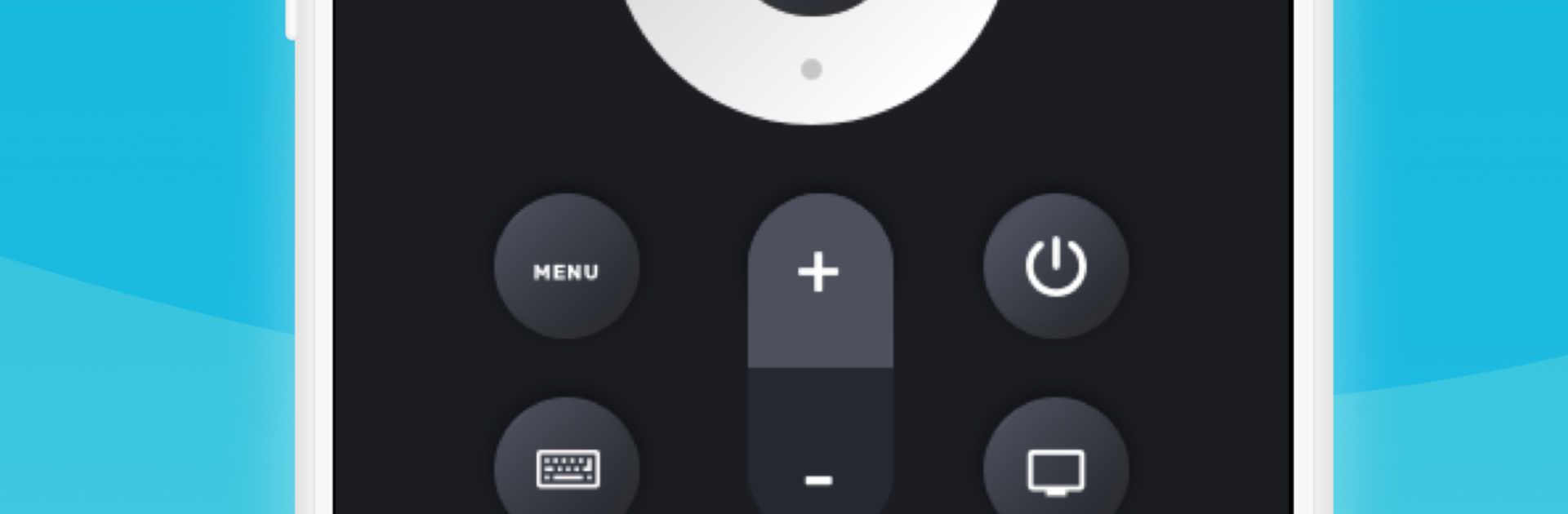
Remote for Apple TV basically turns a phone or a PC into a solid Apple TV controller. Once the TV and device are on the same Wi‑Fi and paired, it behaves like a normal remote with all the useful bits in one place. There is a big touchpad area for swiping around menus, proper playback buttons, and a built‑in keyboard so typing a show title or a long password does not feel like punishment. It even has a quick way to jump into apps on the Apple TV, which saves a few clicks when someone just wants to open YouTube or Music fast.
Running it through BlueStacks on a PC is surprisingly handy. The mouse works like a roomy trackpad, and the physical keyboard makes search boxes and logins painless. It reconnects automatically when the Apple TV wakes, so it feels seamless most of the time. If there are multiple Apple TVs around, picking the right one is straightforward after pairing. It only works when everything shares the same network, so hotel Wi‑Fi or split networks can be a hiccup, but at home it is smooth. It supports Apple TV 4th generation and newer tvOS, plus the 3rd gen on its last software, and there is a Wear OS option if a watch is part of the setup. Worth noting, it is not an official Apple app, just a practical alternative that keeps the tiny stock remote from getting all the attention.
BlueStacks brings your apps to life on a bigger screen—seamless and straightforward.





