
Roman Numerals Converter

Roman Numerals Converter

Tools

| Joel Christophel

Play on PC with BlueStacks or from our cloud

  • Overview
  • How to Download

Page Modified On: November 20, 2025

Run Roman Numerals Converter on PC or Mac

Upgrade your experience. Try Roman Numerals Converter, the fantastic Tools app from Joel Christophel, from the comfort of your laptop, PC, or Mac, only on BlueStacks.

Roman Numerals Converter feels like a small, no fuss tool that does a lot more than expected. It turns Roman numerals into regular numbers and back again, and it also understands full math expressions. Someone can type things like XII + 3.5 * IV or mix Roman and decimal numbers together, and it will follow the normal order of operations, with parentheses, powers, multiply, divide, add, subtract, all that. Results update as they type, which makes it easy to catch mistakes on the spot. It even tidies up weird or improper Roman numerals and spits out the proper form, then simplifies the expression so it reads clean.

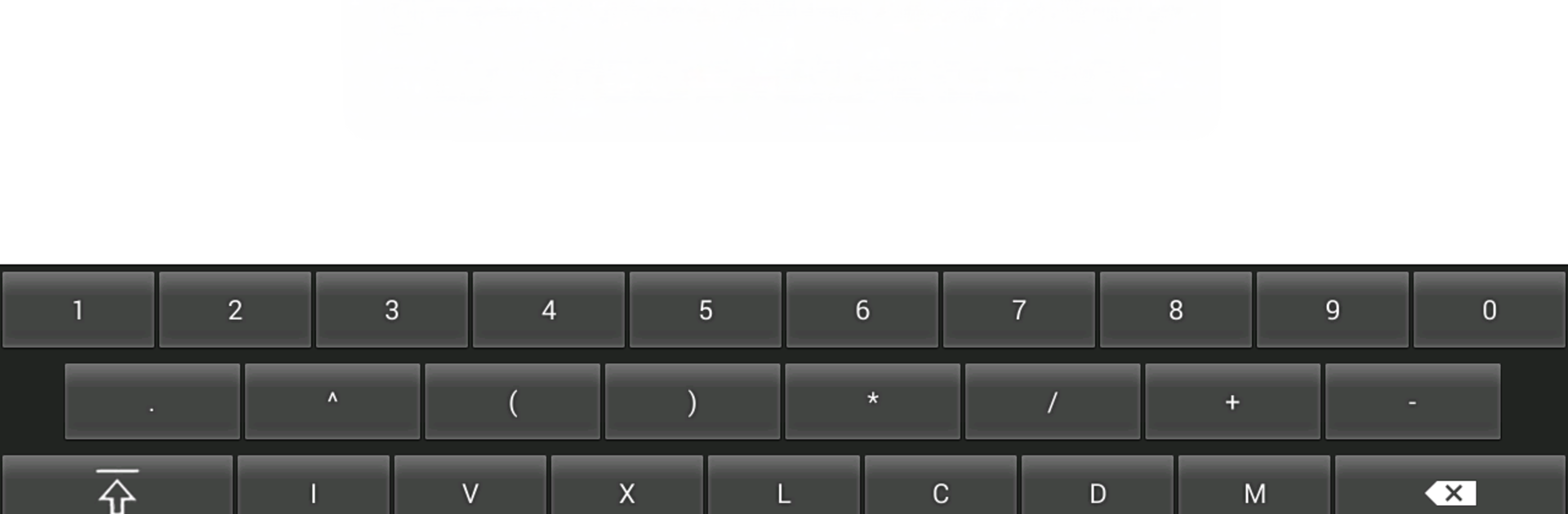
The range goes way past the usual 3,999 limit, up to 3,999,999, which is handy for odd trivia or school stuff. There is copy and paste, and a custom keyboard on mobile that puts the Roman symbols and operators in one place. On a PC with BlueStacks, the physical keyboard makes long expressions quicker to enter, and the bigger screen keeps the live results readable without squinting. It runs in English, Spanish, and Russian. The install size is tiny, about 0.15 MB, it asks for no permissions, and there are no ads poking around. The interface is plain and fast, more like a calculator than a flashy app, which suits the job it is trying to do.

Big screen. Bigger performance. Use BlueStacks on your PC or Mac to run your favorite apps.

How to Download and Run Roman Numerals Converter on PC or Mac

  • Download and install BlueStacks on your PC or Mac

  • Complete Google sign-in to access the Play Store, or do it later

  • Look for Roman Numerals Converter in the search bar at the top right corner

  • Click to install Roman Numerals Converter from the search results

  • Complete Google sign-in (if you skipped step 2) to install Roman Numerals Converter

  • Click the Roman Numerals Converter icon on the home screen to start playing

video
Watch Video

Minimum System Requirements

With BlueStacks 5, you can get started on a PC that fulfills the following requirements.

  • Operating System

    Microsoft Windows 7 or above, macOS 11 (Big Sur) or above

  • Processor

    Intel, AMD or Apple Silicon Processor

  • RAM

    at least 4GB

  • HDD

    10GB Free Disk Space

Note:

* You must be an Administrator on your PC. Up to date graphics drivers from Microsoft or the chipset vendor.

Roman Numerals Converter - FAQs

  • How to Run Roman Numerals Converter on Windows PC & Mac?

    Run Roman Numerals Converter on your PC or Mac by following these simple steps.

    • Click on ‘Download Roman Numerals Converter on PC’ to download BlueStacks
    • Install it and log-in to Google Play Store
    • Launch and run the app.
  • Why is BlueStacks the fastest and safest platform to play games on PC?

    BlueStacks respects your privacy and is always safe and secure to use. It does not carry any malware, spyware, or any sort of additional software that could harm your PC.

    It is engineered to optimize speed and performance for a seamless gaming experience.

  • What are Roman Numerals Converter PC requirements?

    Minimum requirement to run Roman Numerals Converter on your PC

    • OS: Microsoft Windows 7 and above:
    • Processor: Intel or AMD Processor:
    • RAM: Your PC must have at least 2GB of RAM. (Note that having 2GB or more disk space is not a substitute for RAM):
    • HDD: 5GB Free Disk Space.
    • You must be an Administrator on your PC.




