



Let BlueStacks turn your PC, Mac, or laptop into the perfect home for Rotation Key, a fun Tools app from Pranav Pandey.
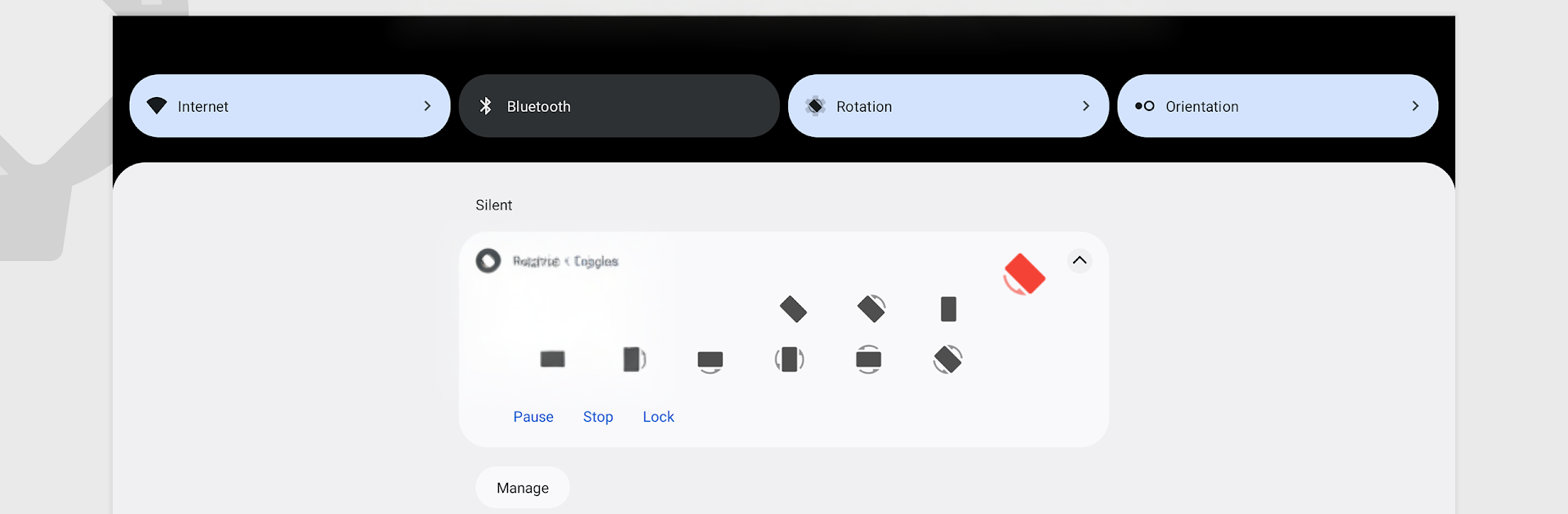
Rotation Key is basically the unlock that makes Rotation feel complete. The base app already lets a phone or tablet try to follow how someone wants the screen to turn, but the key pulls the annoying stuff out and opens the good tools. The standout is that little floating head that sits on top of whatever is open. Tap, flip, done. There is also a notification toggle and a quick settings tile, so the screen can be forced into portrait or landscape without digging around. On a PC through BlueStacks it is extra handy, because some mobile apps look weird stretched out and this makes them behave on a big monitor. Clicking the bubble with a mouse feels natural, and it stays out of the way.
The key also unlocks automation through Tasker or Locale. That means rules, lots of them. Think more than forty possible actions, so rotation can change when a certain app starts, when a headset connects, at a time of day, on charge, during navigation, and so on. It turns into set it once and forget it. There is backup and restore for the settings, so it is easy to move everything to a new device or just keep a safety copy. Ads are gone for good, which keeps the interface clean. Small note that matters a lot: this is not a standalone app. The free Rotation app has to be installed first, then the key unlocks the advanced stuff.
BlueStacks brings your apps to life on a bigger screen—seamless and straightforward.





