



Upgrade your experience. Try Screenshot Easy Pro, the fantastic Tools app from Ice Cold Apps, from the comfort of your laptop, PC, or Mac, only on BlueStacks.
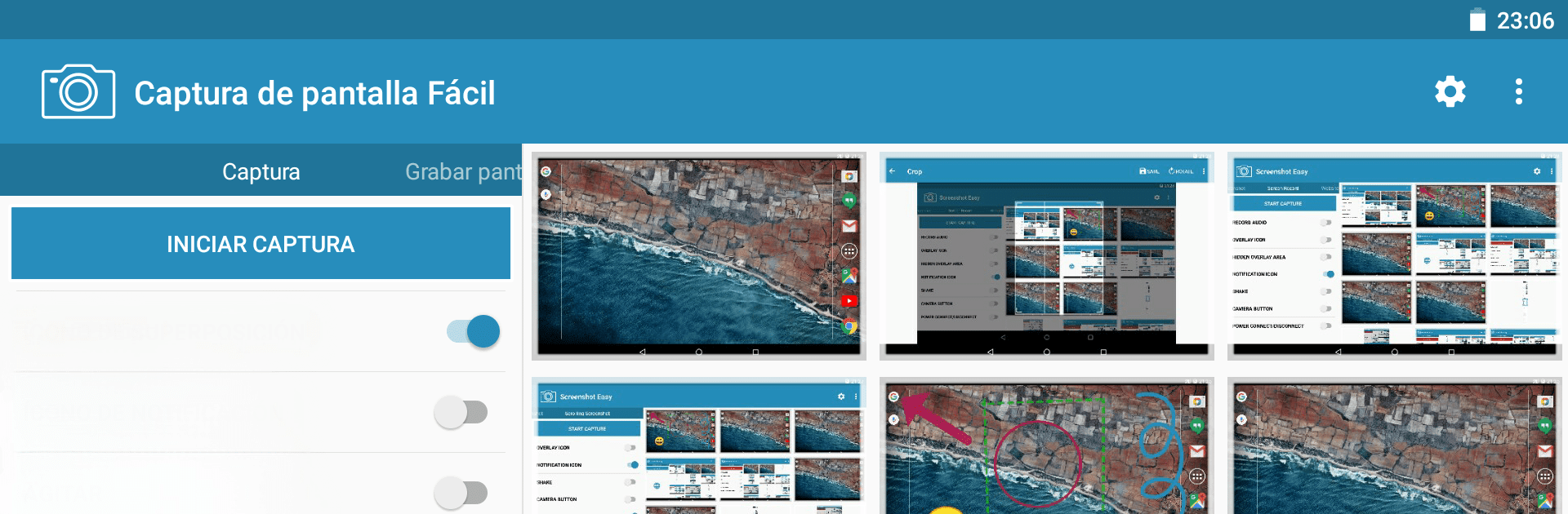
Screenshot Easy Pro feels like a Swiss army tool for grabbing what is on the screen, only without the fuss. It handles normal screenshots, long scrolling pages, and full web pages, plus there is a built in screen recorder that saves to MP4 with control over framerate, bitrate, and audio. The app throws in handy triggers so someone can capture in the way that fits their habits, like a little overlay bubble, a hidden tap zone, notification tap, shaking the device, the camera button, a widget, a custom shortcut, even power plug in or out. On PC with BlueStacks, the overlay and shortcut triggers feel especially convenient, and editing with a mouse is easy.
What stands out is the editing and organizing flow right after a capture. There is a viewer, crop and rotate tools, aspect ratio presets, drawing with layers, text, emojis, transparency tweaks, and then quick options to join images or videos, trim clips, zip stuff, or just share it. It supports JPG, PNG, and WEBP, has a delay timer, quick settings tile, and does not need root. Folders and subfolders keep things tidy, so social screenshots do not get mixed with game videos or work notes. There is Tasker and Locale plugin support if someone likes automation. The website capture can grab a full size page, or users can share a URL from a browser to trigger scroll capture, which is neat for long articles. No advertisements is a relief, and the app is upfront that secure or protected screens might not be capturable, which is fair.
Eager to take your app experience to the next level? Start right away by downloading BlueStacks on your PC or Mac.





