
Shining Mask
Shining Mask

Shining Mask

Tools

| Heaton

Play on PC with BlueStacks or from our cloud

  • Overview
  • How to Download

Page Modified On: October 23, 2025

Run Shining Mask on PC or Mac

Multitask effortlessly on your PC or Mac as you try out Shining Mask, a Tools app by Heaton on BlueStacks.

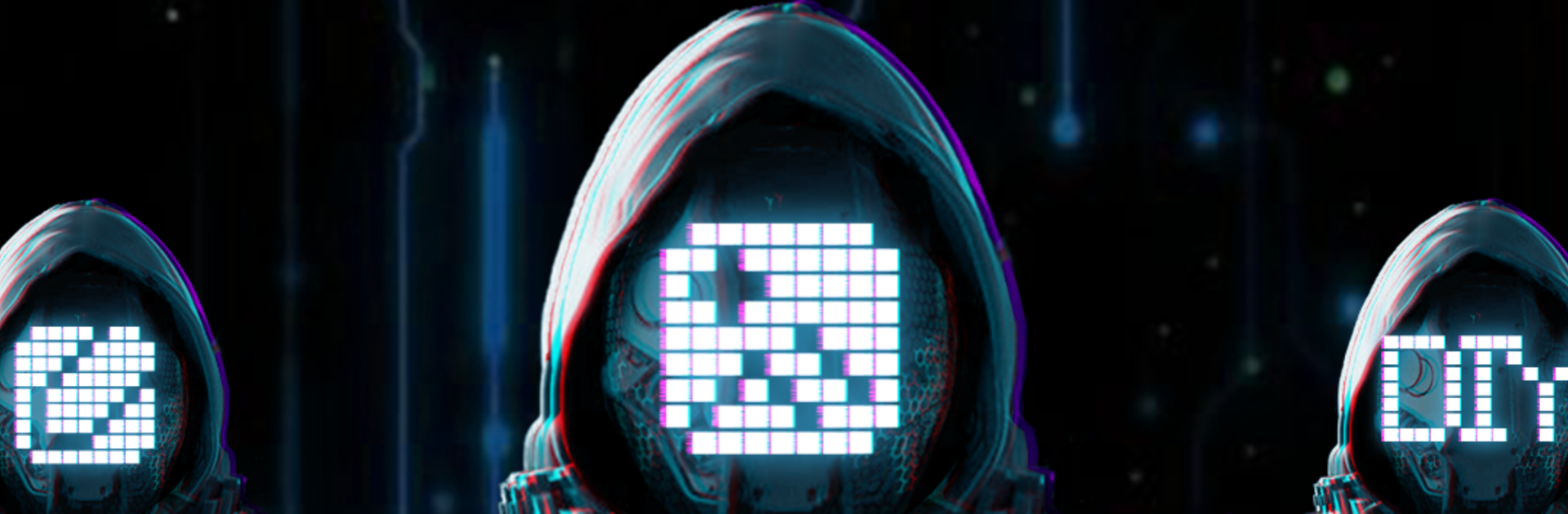
Shining Mask is basically a remote control and mini editor for those LED face masks, so the whole thing feels like turning the mask into a tiny billboard. The app lets a person type in text, switch between different display effects, and swap in lots of preset animations or simple pictures. It also pulls from photos, so a snapshot from the gallery can become a pixel style design on the mask. The fun part is how quick it is to change a message or try a new look, then watch it show up on the mask in a second or two. On PC through BlueStacks, it is easier to type longer text and poke through options on a bigger screen, which makes planning a sequence of looks less fiddly.

What stands out is the variety. There are looping animations for energetic stuff, calmer patterns for low key use, and text that can scroll or sit still. The editor keeps things straightforward, so a person picks a style, sets the text, tweaks speed or direction, and lets it run. It feels playful but practical, ideal for parties, cosplay, small performances, or anyone who wants a mask that is not the same as everyone else. It does need a compatible LED mask to actually show anything, but once paired, it is a quick way to give the mask a new personality every time they head out.

Big screen. Bigger performance. Use BlueStacks on your PC or Mac to run your favorite apps.

How to Download and Run Shining Mask on PC or Mac

  • Download and install BlueStacks on your PC or Mac

  • Complete Google sign-in to access the Play Store, or do it later

  • Look for Shining Mask in the search bar at the top right corner

  • Click to install Shining Mask from the search results

  • Complete Google sign-in (if you skipped step 2) to install Shining Mask

  • Click the Shining Mask icon on the home screen to start playing

video
Watch Video

Minimum System Requirements

With BlueStacks 5, you can get started on a PC that fulfills the following requirements.

  • Operating System

    Microsoft Windows 7 or above, macOS 11 (Big Sur) or above

  • Processor

    Intel, AMD or Apple Silicon Processor

  • RAM

    at least 4GB

  • HDD

    10GB Free Disk Space

Note:

* You must be an Administrator on your PC. Up to date graphics drivers from Microsoft or the chipset vendor.

Shining Mask - FAQs

  • How to Run Shining Mask on Windows PC & Mac?

    Run Shining Mask on your PC or Mac by following these simple steps.

    • Click on ‘Download Shining Mask on PC’ to download BlueStacks
    • Install it and log-in to Google Play Store
    • Launch and run the app.
  • Why is BlueStacks the fastest and safest platform to play games on PC?

    BlueStacks respects your privacy and is always safe and secure to use. It does not carry any malware, spyware, or any sort of additional software that could harm your PC.

    It is engineered to optimize speed and performance for a seamless gaming experience.

  • What are Shining Mask PC requirements?

    Minimum requirement to run Shining Mask on your PC

    • OS: Microsoft Windows 7 and above:
    • Processor: Intel or AMD Processor:
    • RAM: Your PC must have at least 2GB of RAM. (Note that having 2GB or more disk space is not a substitute for RAM):
    • HDD: 5GB Free Disk Space.
    • You must be an Administrator on your PC.




