
Splashtop Streamer
Splashtop Streamer

Splashtop Streamer

Tools

| Splashtop

Play on PC with BlueStacks or from our cloud

  • Overview
  • How to Download

Page Modified On: October 24, 2025

Run Splashtop Streamer on PC or Mac

Get freedom from your phone’s obvious limitations. Use Splashtop Streamer, made by Splashtop, a Tools app on your PC or Mac with BlueStacks, and level up your experience.

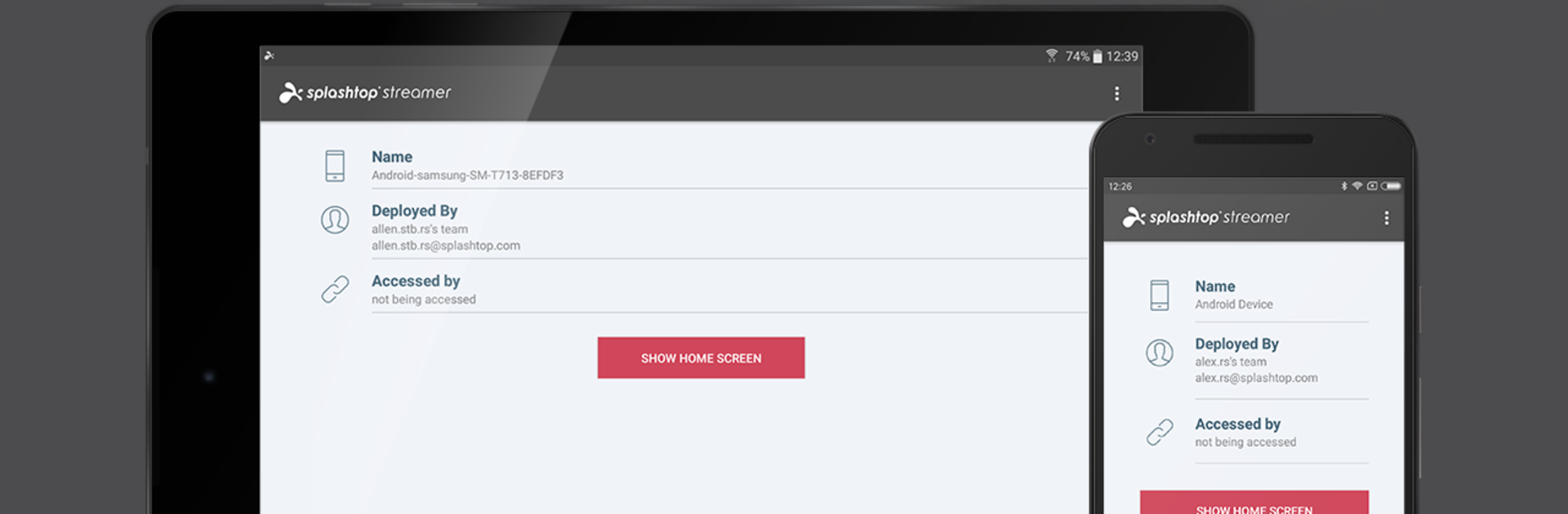
Splashtop Streamer feels more like a reliable toolbox than a flashy app. On a PC through BlueStacks, it is basically a clean panel for getting into Android devices without being there in person. It does remote control and screen sharing with very little fuss, and the mouse-and-keyboard setup makes poking through settings or tapping tiny buttons a lot less annoying. File transfers are quick, and the bulk actions are the real time saver: push files, install APKs, or run shell scripts across a bunch of devices at once instead of doing it one by one. Clipboard sync is handy for passing links or snippets back and forth, and the built-in voice call helps when someone on the other end needs to talk through what they are seeing. Remote annotations are nice for drawing a circle around the exact button someone should tap. The device inventory view keeps track of models and versions so nothing gets lost in the shuffle.

It does ask for Device Admin so full control works, and that full tap-to-control is best on most Samsung phones, some LG and Lenovo, or anything rooted. Others might need an accessibility add-on to get proper control. Rugged brands like Zebra or Honeywell need their own license, which is worth knowing before rollout. Setup is not complicated: create a deployment code in the web console, install the app on the Android devices, paste the code, then connect from the Splashtop Business app on desktop or mobile. Android 5.0 and up is the baseline. The whole thing suits anyone managing kiosks, point-of-sale tablets, or a spread of field devices that must be touched up now and then. It is not trying to be flashy, it is just steady and fast, and using it inside BlueStacks makes the admin parts feel easier to manage on a big screen.

BlueStacks brings your apps to life on a bigger screen—seamless and straightforward.

How to Download and Run Splashtop Streamer on PC or Mac

  • Download and install BlueStacks on your PC or Mac

  • Complete Google sign-in to access the Play Store, or do it later

  • Look for Splashtop Streamer in the search bar at the top right corner

  • Click to install Splashtop Streamer from the search results

  • Complete Google sign-in (if you skipped step 2) to install Splashtop Streamer

  • Click the Splashtop Streamer icon on the home screen to start playing

video
Watch Video

Minimum System Requirements

With BlueStacks 5, you can get started on a PC that fulfills the following requirements.

  • Operating System

    Microsoft Windows 7 or above, macOS 11 (Big Sur) or above

  • Processor

    Intel, AMD or Apple Silicon Processor

  • RAM

    at least 4GB

  • HDD

    10GB Free Disk Space

Note:

* You must be an Administrator on your PC. Up to date graphics drivers from Microsoft or the chipset vendor.

Splashtop Streamer - FAQs

  • How to Run Splashtop Streamer on Windows PC & Mac?

    Run Splashtop Streamer on your PC or Mac by following these simple steps.

    • Click on ‘Download Splashtop Streamer on PC’ to download BlueStacks
    • Install it and log-in to Google Play Store
    • Launch and run the app.
  • Why is BlueStacks the fastest and safest platform to play games on PC?

    BlueStacks respects your privacy and is always safe and secure to use. It does not carry any malware, spyware, or any sort of additional software that could harm your PC.

    It is engineered to optimize speed and performance for a seamless gaming experience.

  • What are Splashtop Streamer PC requirements?

    Minimum requirement to run Splashtop Streamer on your PC

    • OS: Microsoft Windows 7 and above:
    • Processor: Intel or AMD Processor:
    • RAM: Your PC must have at least 2GB of RAM. (Note that having 2GB or more disk space is not a substitute for RAM):
    • HDD: 5GB Free Disk Space.
    • You must be an Administrator on your PC.




