
Stickers For WhatsApp - STICKER MAKER

Stickers For WhatsApp - STICKER MAKER

Tools

| Snapcial™ - Photo Editor and Photo Collage Maker

Play on PC with BlueStacks or from our cloud

  • Overview
  • How to Download

Page Modified On: September 12, 2025

Run Stickers For WhatsApp - STICKER MAKER on PC or Mac

Upgrade your experience. Try Stickers For WhatsApp – STICKER MAKER, the fantastic Tools app from Snapcial, from the comfort of your laptop, PC, or Mac, only on BlueStacks.

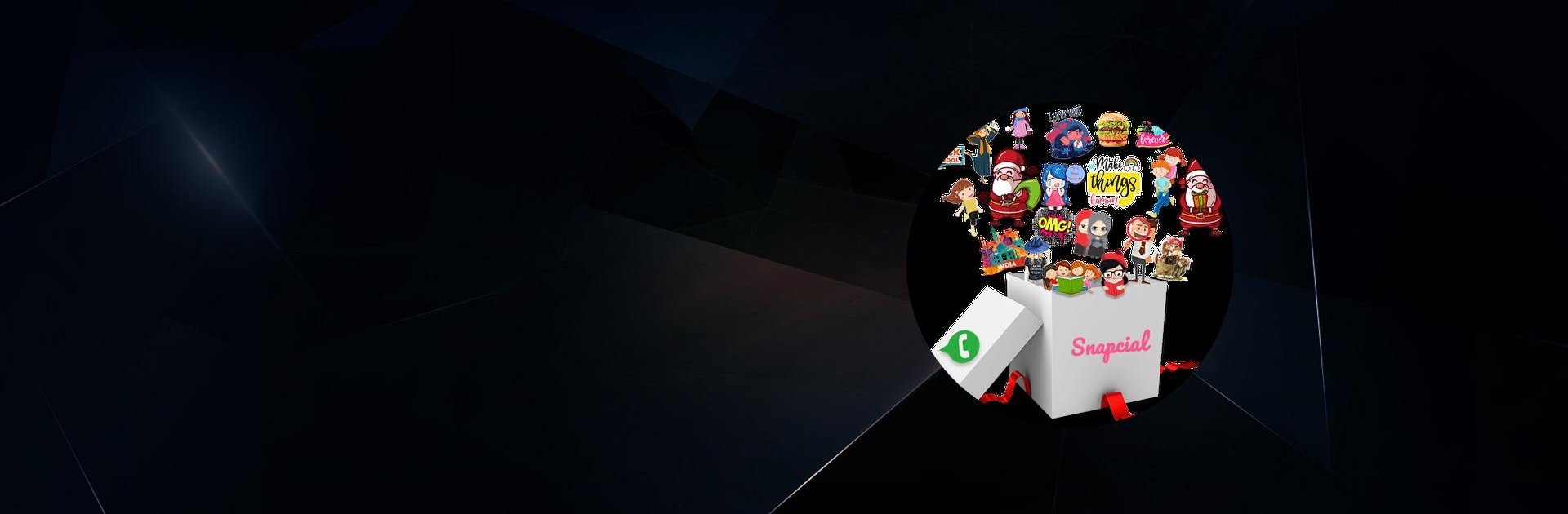
Stickers For WhatsApp – STICKER MAKER feels like a giant toy box for chats. It packs a huge library of sticker packs, spread across hundreds of categories, so there is something for almost any mood. Love notes, good morning and good night sets, cute animals, birthdays, funny faces, sports, coffee jokes, even world leaders and festival stuff like Christmas and New Year. It also covers a bunch of languages, including Spanish, Portuguese, Hindi, Gujarati, Tamil, Telugu, Marathi, Kannada, and more get added over time, so friends in different regions can find something that fits.

The part that stands out is the built in editor. Users can pull in photos, wipe the background with a simple eraser, add text, or turn a picture into a custom sticker pack that works with WhatsApp’s sticker format. Adding packs is straightforward. Download a pack, tap to add it to WhatsApp, then open the sticker tab next to the emoji button and everything is there, ready to send. On PC with BlueStacks, the bigger screen and mouse make trimming edges cleaner and organizing packs less fussy, which is nice when creating personal stickers from photos. It is not a pro design tool, but it is quick, friendly, and very shareable, which is exactly what a sticker app should be.

Big screen. Bigger performance. Use BlueStacks on your PC or Mac to run your favorite apps.

How to Download and Run Stickers For WhatsApp - STICKER MAKER on PC or Mac

  • Download and install BlueStacks on your PC or Mac

  • Complete Google sign-in to access the Play Store, or do it later

  • Look for Stickers For WhatsApp - STICKER MAKER in the search bar at the top right corner

  • Click to install Stickers For WhatsApp - STICKER MAKER from the search results

  • Complete Google sign-in (if you skipped step 2) to install Stickers For WhatsApp - STICKER MAKER

  • Click the Stickers For WhatsApp - STICKER MAKER icon on the home screen to start playing

video
Watch Video

Minimum System Requirements

With BlueStacks 5, you can get started on a PC that fulfills the following requirements.

  • Operating System

    Microsoft Windows 7 or above, macOS 11 (Big Sur) or above

  • Processor

    Intel, AMD or Apple Silicon Processor

  • RAM

    at least 4GB

  • HDD

    10GB Free Disk Space

Note:

* You must be an Administrator on your PC. Up to date graphics drivers from Microsoft or the chipset vendor.

Stickers For WhatsApp - STICKER MAKER - FAQs

  • How to Run Stickers For WhatsApp - STICKER MAKER on Windows PC & Mac?

    Run Stickers For WhatsApp - STICKER MAKER on your PC or Mac by following these simple steps.

    • Click on ‘Download Stickers For WhatsApp - STICKER MAKER on PC’ to download BlueStacks
    • Install it and log-in to Google Play Store
    • Launch and run the app.
  • Why is BlueStacks the fastest and safest platform to play games on PC?

    BlueStacks respects your privacy and is always safe and secure to use. It does not carry any malware, spyware, or any sort of additional software that could harm your PC.

    It is engineered to optimize speed and performance for a seamless gaming experience.

  • What are Stickers For WhatsApp - STICKER MAKER PC requirements?

    Minimum requirement to run Stickers For WhatsApp - STICKER MAKER on your PC

    • OS: Microsoft Windows 7 and above:
    • Processor: Intel or AMD Processor:
    • RAM: Your PC must have at least 2GB of RAM. (Note that having 2GB or more disk space is not a substitute for RAM):
    • HDD: 5GB Free Disk Space.
    • You must be an Administrator on your PC.




