

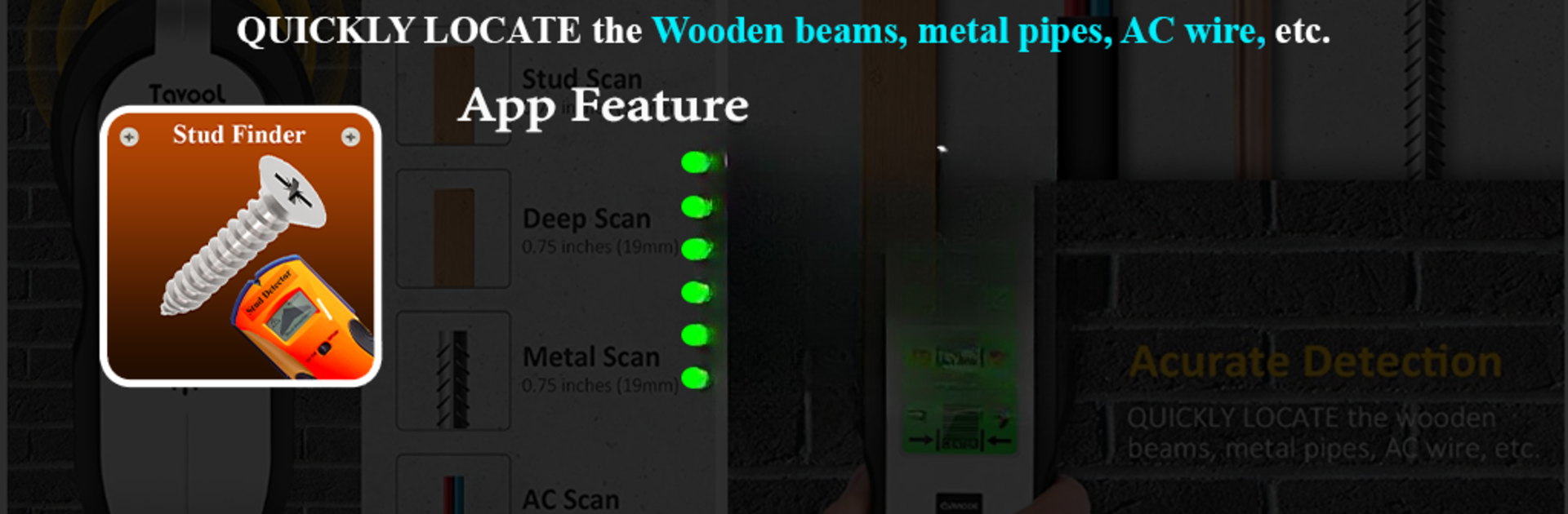


What’s better than using Stud Finder – Wall Scanner by Rich Dev Apps? Well, try it on a big screen, on your PC or Mac, with BlueStacks to see the difference.
About the App
Curious what’s lurking behind your walls? Stud Finder – Wall Scanner from Rich Dev Apps is here to lend a hand. With just your phone, you can spot metal, studs, or even those sneaky screws hidden inside walls, wooden panels, or furniture—no special gadgets needed. Whether you’re tackling a home project, hanging shelves, or just trying to avoid a surprise while drilling, this app turns your phone into a handy wall scanner you can keep in your pocket.
App Features
-
Magnetic Detection at Your Fingertips
Tap into your phone’s magnetic sensor for quick scanning. If your device has a magnetometer, you’re all set to detect steel, iron, and other metal objects without digging or guessing. -
Multiple Ways to Scan
Choose the mode that works best for you: check out real-time readings in Meter View, watch for sudden changes in Graph View, or get straightforward Digital Readings. There’s even a Sensor Values option for those who like a bit of techy detail. -
Real-Time Visualization
See live changes in the magnetic field, making it easier to pinpoint exactly where that nail, stud, or pipe is hiding. -
Works Across Various Surfaces
Ideal for drywall, wood, some concretes, and even furniture. Need to scan a wardrobe, bed frame, or shed wall? No problem. -
Handy Tips & Tricks
Built-in advice helps you get the best results—reminders to move slowly, keep clear from electronics, or test out the scanner on something metallic first so you know what to expect. -
Scan Range Guidance
For most accurate detection, keep your phone about 15–25 cm from the surface. Just close enough for the sensor to pick up hidden objects, but not so close it’s confusing. -
Practical Use Cases
Use it before drilling, hanging that new TV, assembling furniture, or checking hotel rooms and wooden panels during a DIY project. -
Compatibility Check
Just a heads up: not every smartphone has the built-in sensor needed. If you’re not getting good readings, your device might be missing the hardware. -
Safe and Policy-Compliant
Made for tool use only—there’s nothing sneaky here. It strictly follows Google Play rules and only spots physical metal hidden behind surfaces.
And if you want to try Stud Finder – Wall Scanner using BlueStacks, that’s totally possible too.
BlueStacks gives you the much-needed freedom to experience your favorite apps on a bigger screen. Get it now.





