Thermal Master
Thermal Master

Thermal Master

Tools

| Thermal Master Technology

Play on PC with BlueStacks or from our cloud

  • Overview
  • How to Download

Page Modified On: October 05, 2026

Run Thermal Master on PC or Mac

What’s better than using Thermal Master by Thermal Master Technology? Well, try it on a big screen, on your PC or Mac, with BlueStacks to see the difference.

About the App

Thermal Master is a Tools app that pairs with compatible Thermal Master cameras to deliver a clear, tuned thermal view on Android. It’s built for real jobs—home temperature checks, industrial inspections, and long‑range spotting—without burying you in complicated steps. Prefer working on a bigger screen? You can also use it with BlueStacks.

App Features

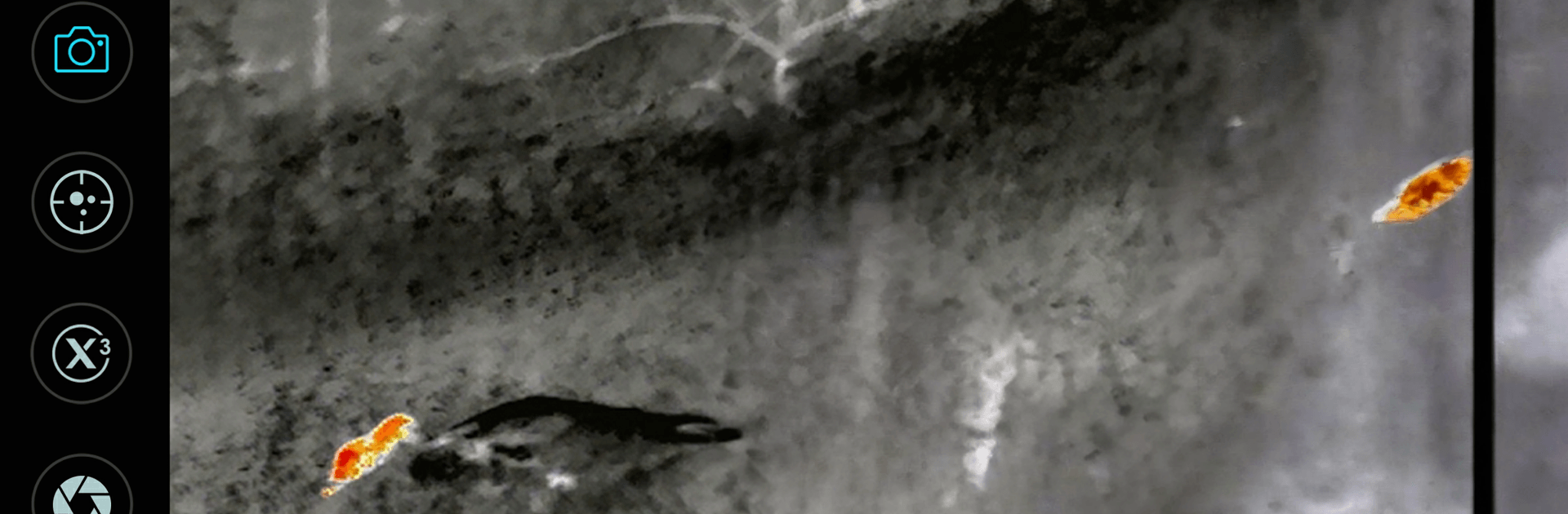
  • Upgraded Insight+ imaging: The latest processing intelligently suppresses false targets, boosts true heat signatures, and cuts background noise so important details pop.
  • 15x digital zoom: Pinpoint what you’re looking at fast with smooth, precise zoom that helps you lock onto distant or small heat sources.
  • Long‑range visibility: When paired with supported hardware, observe thermal targets at distances up to roughly 1500 meters—great for outdoor and low‑light use.
  • Broad model compatibility: Built for Thermal Master P series, X series, DV series, and T2Max models; choose the matching option for your gear and you’re good to go.
  • Fast photo/video capture: Save images and clips straight from the live view; the first save may show a standard Android permission prompt—that’s normal and secure.
  • Clearer targets in complex scenes: Heat sources appear larger and brighter, making it easier to separate what matters from background clutter.
  • Ongoing free updates: Enjoy lifetime software upgrades that refine image quality, improve stability, and keep your setup performing at its best.
  • Android 10 note: This version isn’t compatible with Android 10.

Switch to BlueStacks and make the most of your apps on your PC or Mac.

How to Download and Run Thermal Master on PC or Mac

  • Download and install BlueStacks on your PC or Mac

  • Complete Google sign-in to access the Play Store, or do it later

  • Look for Thermal Master in the search bar at the top right corner

  • Click to install Thermal Master from the search results

  • Complete Google sign-in (if you skipped step 2) to install Thermal Master

  • Click the Thermal Master icon on the home screen to start playing

video
Watch Video

Minimum System Requirements

With BlueStacks 5, you can get started on a PC that fulfills the following requirements.

  • Operating System

    Microsoft Windows 7 or above, macOS 11 (Big Sur) or above

  • Processor

    Intel, AMD or Apple Silicon Processor

  • RAM

    at least 4GB

  • HDD

    10GB Free Disk Space

Note:

* You must be an Administrator on your PC. Up to date graphics drivers from Microsoft or the chipset vendor.

Thermal Master - FAQs

  • How to Run Thermal Master on Windows PC & Mac?

    Run Thermal Master on your PC or Mac by following these simple steps.

    • Click on ‘Download Thermal Master on PC’ to download BlueStacks
    • Install it and log-in to Google Play Store
    • Launch and run the app.
  • Why is BlueStacks the fastest and safest platform to play games on PC?

    BlueStacks respects your privacy and is always safe and secure to use. It does not carry any malware, spyware, or any sort of additional software that could harm your PC.

    It is engineered to optimize speed and performance for a seamless gaming experience.

  • What are Thermal Master PC requirements?

    Minimum requirement to run Thermal Master on your PC

    • OS: Microsoft Windows 7 and above:
    • Processor: Intel or AMD Processor:
    • RAM: Your PC must have at least 2GB of RAM. (Note that having 2GB or more disk space is not a substitute for RAM):
    • HDD: 5GB Free Disk Space.
    • You must be an Administrator on your PC.