Thread Cutting & Calculators

Thread Cutting & Calculators

Tools

| Siberian Apps

Play on PC with BlueStacks or from our cloud

  • Overview
  • How to Download

Page Modified On: November 28, 2025

Run Thread Cutting & Calculators on PC or Mac

Multitask effortlessly on your PC or Mac as you try out Thread Cutting & Calculators, a Tools app by Siberian Apps on BlueStacks.

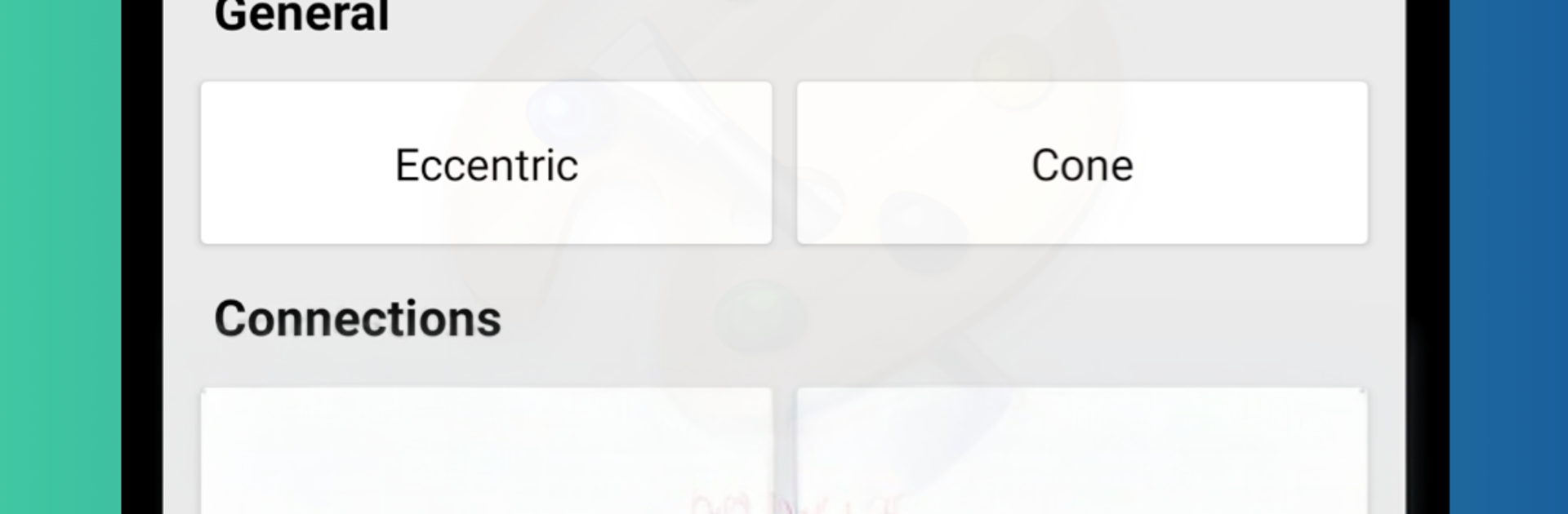
Thread Cutting & Calculators feels like a no-nonsense toolbox for anyone working around lathes or mills. The main screen is simple and fast, with calculators aimed at turners and milling cutters that give quick results without extra taps. It is the kind of app that just hands over the numbers and moves out of the way. On BlueStacks, the bigger screen and a mouse make entering values and checking results a bit easier, and it sits nicely alongside CAD or a PDF spec while someone is setting up a job.

The thread library is the part that stands out. It covers the common standards people actually run into, like ASME/ANSI, DIN, and GOST, and flipping between inch and metric is built in, not a hassle. Each standard has a clean diagram in hi res that can be zoomed in to check the profile and details, which is extra handy on a monitor where small lines finally look crisp. The layout is plain but clear, so finding a thread and confirming what is needed before cutting does not take much hunting. Nothing flashy, just practical tools and references that make sense for day to day machining work.

Switch to BlueStacks and make the most of your apps on your PC or Mac.

How to Download and Run Thread Cutting & Calculators on PC or Mac

  • Download and install BlueStacks on your PC or Mac

  • Complete Google sign-in to access the Play Store, or do it later

  • Look for Thread Cutting & Calculators in the search bar at the top right corner

  • Click to install Thread Cutting & Calculators from the search results

  • Complete Google sign-in (if you skipped step 2) to install Thread Cutting & Calculators

  • Click the Thread Cutting & Calculators icon on the home screen to start playing

video
Watch Video

Minimum System Requirements

With BlueStacks 5, you can get started on a PC that fulfills the following requirements.

  • Operating System

    Microsoft Windows 7 or above, macOS 11 (Big Sur) or above

  • Processor

    Intel, AMD or Apple Silicon Processor

  • RAM

    at least 4GB

  • HDD

    10GB Free Disk Space

Note:

* You must be an Administrator on your PC. Up to date graphics drivers from Microsoft or the chipset vendor.

Thread Cutting & Calculators - FAQs

  • How to Run Thread Cutting & Calculators on Windows PC & Mac?

    Run Thread Cutting & Calculators on your PC or Mac by following these simple steps.

    • Click on ‘Download Thread Cutting & Calculators on PC’ to download BlueStacks
    • Install it and log-in to Google Play Store
    • Launch and run the app.
  • Why is BlueStacks the fastest and safest platform to play games on PC?

    BlueStacks respects your privacy and is always safe and secure to use. It does not carry any malware, spyware, or any sort of additional software that could harm your PC.

    It is engineered to optimize speed and performance for a seamless gaming experience.

  • What are Thread Cutting & Calculators PC requirements?

    Minimum requirement to run Thread Cutting & Calculators on your PC

    • OS: Microsoft Windows 7 and above:
    • Processor: Intel or AMD Processor:
    • RAM: Your PC must have at least 2GB of RAM. (Note that having 2GB or more disk space is not a substitute for RAM):
    • HDD: 5GB Free Disk Space.
    • You must be an Administrator on your PC.