



Let BlueStacks turn your PC, Mac, or laptop into the perfect home for Toast Source, a fun Tools app from Michał Jakubowski.
About the App
Mysterious toast pop-ups showing up on your phone and you’ve got no clue which app sent them? Toast Source makes that guesswork go away. This handy Tools utility by Michał Jakubowski quietly watches for toast messages, tells you exactly where they came from, and lets you follow up in a couple of taps. Prefer checking from a desktop? It plays nicely with BlueStacks, too.
App Features
- Instant ID
-
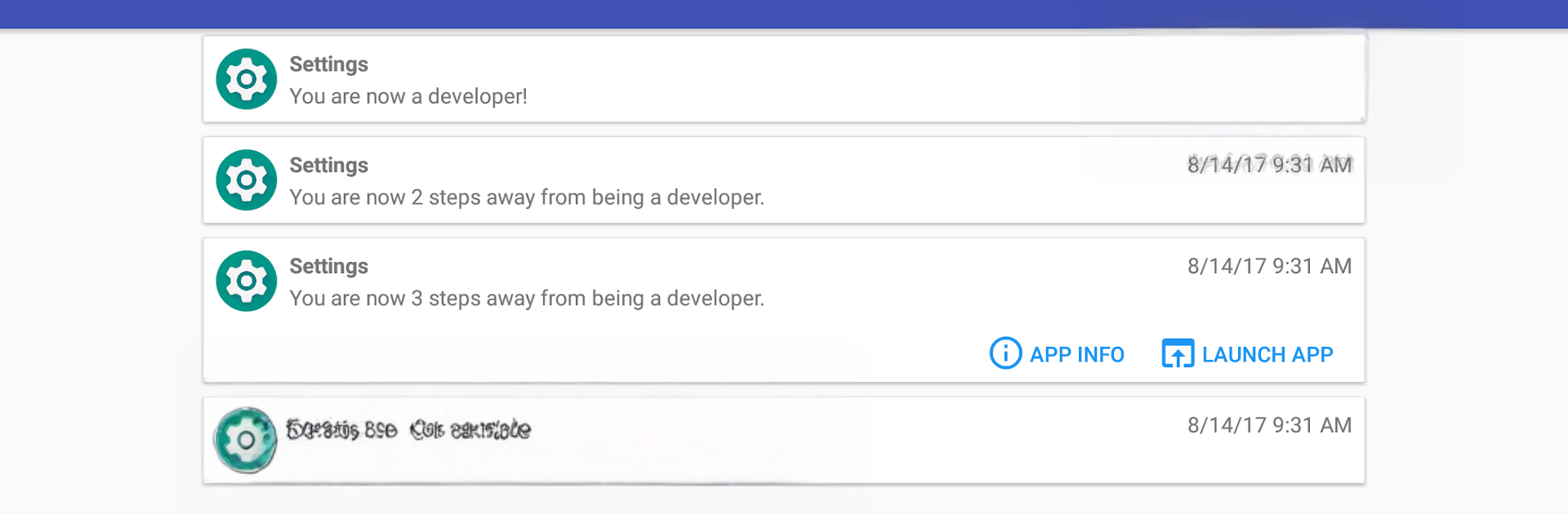
The moment a toast appears, see the app’s name and icon so you know who’s talking to you.
-
Saved history
-
Keep a record of recent toasts with their details, perfect for reviewing odd pop-ups when you’ve got a minute.
-
One-tap follow‑up
-
Jump straight into the originating app or open its system info screen to tweak settings or uninstall—your call.
-
Simple setup
-
Open Toast Source once, flip on the Accessibility option (look for “Toast Source Detection Service”), and you’re good. Turn it off anytime after you track down the culprit.
-
Privacy first
-
No internet permission. Nothing gets sent anywhere, and toast contents stay on your device.
-
Works the reliable way
-
Uses Android’s Accessibility features to read toast text plus metadata like the app’s package name, so results are accurate and fast.
-
Lightweight and unobtrusive
- Runs in the background without nagging you, only stepping in when a toast pops up.
Ready to experience Toast Source on a bigger screen, in all its glory? Download BlueStacks now.





