




Why limit yourself to your small screen on the phone? Run Wi-Fi password manager, an app by Android Tools (ru), best experienced on your PC or Mac with BlueStacks, the world’s #1 Android emulator.
About the App
Keep every Wi‑Fi password you care about in one tidy place. Wi-Fi password manager makes it easy to store, find, and share the networks you already use—without rooting your phone. Made by Android Tools (ru), this Tools app keeps things simple: add your networks, sync them across devices, and pull up a password right when you need it. Prefer managing from your computer? It works smoothly on BlueStacks, too.
App Features
- Save and organize: Add your known Wi‑Fi networks, keep the SSID and password together, and tidy up your list with quick edits or deletions.
- Quick copy and connect: Copy a password to your clipboard in a tap and jump onto saved networks faster.
- Share the easy way: Send the network name and password to other apps as plain text when someone asks, no scrambling required.
- QR code joining: Create a scannable QR image with the connection details so friends can get online in seconds.
- Fast search: Find a saved network instantly with a simple search when your list gets long.
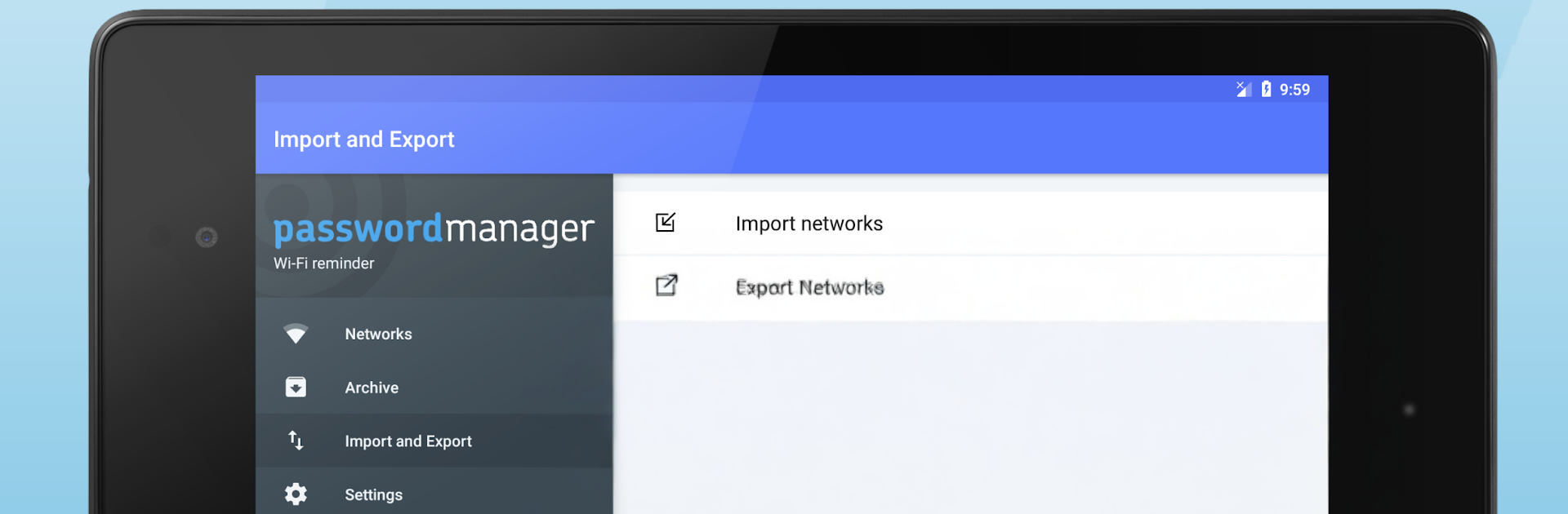
- Backup and import: Export your data to CSV (wp_export.csv) and import past records, including older wifi_pass_export.csv/ksv files.
- Sync across devices: Sign in with your Google account or an email-and-password login to keep networks in sync on all your phones and tablets.
- Restore if deleted: Accidentally removed a network on your device? Bring it back from your saved list and reconnect.
- Works without root: Everything runs fine out of the box. On rooted devices, the app can auto-add known networks and update the list whenever you connect to something new.
- For your networks only: This isn’t a password cracker—it simply manages Wi‑Fi credentials you already know and use.
BlueStacks brings your apps to life on a bigger screen—seamless and straightforward.





