




Why limit yourself to your small screen on the phone? Run ja! mobil, an app by congstar Services GmbH, best experienced on your PC or Mac with BlueStacks, the world’s #1 Android emulator.
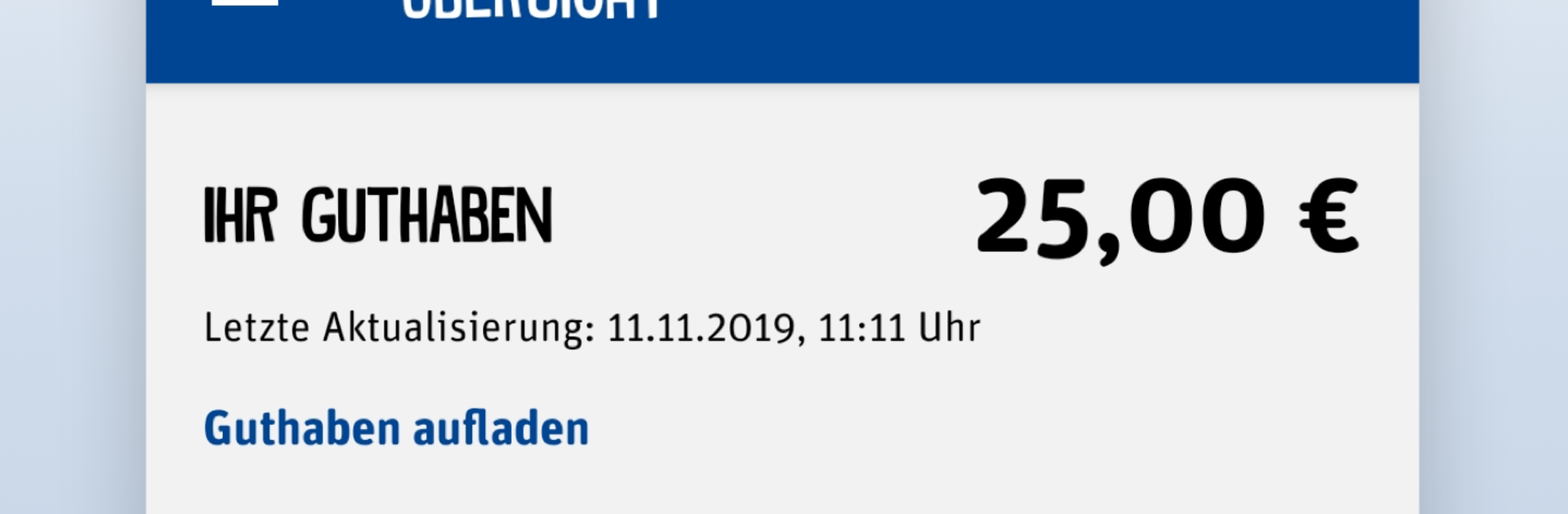
ja! mobil feels like a clean little control panel for a prepaid plan, not flashy, just focused on what matters. The start is quick, and the login is simple, with fingerprint support on phones for people who want that. The main screen shows current credit and data usage in a way that is easy to read, so there is no guessing about what is left. Topping up is straightforward, either by entering a cash code or setting up automatic refills, and the flow does not get in the way. Switching tariffs, booking or cancelling options, and checking customer data are tucked into clear menus that make sense. There is even a spot for the legitimation PIN, with the option to change it without calling support.
On PC with BlueStacks, the app feels roomier. The bigger screen makes the balance and data sections easier to scan at a glance, and typing account details with a keyboard is just less annoying. It still behaves like a mobile app, but mouse clicks make managing options quick. The design is simple and a bit bare in places, which kind of fits, since it is still early in development. Some parts look basic, yet the essentials run fast and it keeps the focus on day to day tasks. If someone wants less fluff and a clear way to manage a ja! mobil prepaid account, this hits that note.
Ready to experience ja! mobil on a bigger screen, in all its glory? Download BlueStacks now.





