
Zen Space
Zen Space

Zen Space

Tools

| OnePlus Ltd.

Play on PC with BlueStacks or from our cloud

  • Overview
  • How to Download

Page Modified On: October 13, 2025

Run Zen Space on PC or Mac

Let BlueStacks turn your PC, Mac, or laptop into the perfect home for Zen Space, a fun Tools app from OnePlus Ltd..

About the App

Zen Space from OnePlus Ltd. is the quiet zone your phone has been missing. It’s a simple Tools app that helps you cut through distractions and stay focused, whether you’re cranking through a deadline or just want a little breathing room. Pick how strict you want things to be, start a session, and let the noise fade into the background.

App Features

  • Deep Zen: Need a total reset? This mode silences notifications and keeps everything off-limits except the Camera, so you can stay locked in on what matters without temptation.

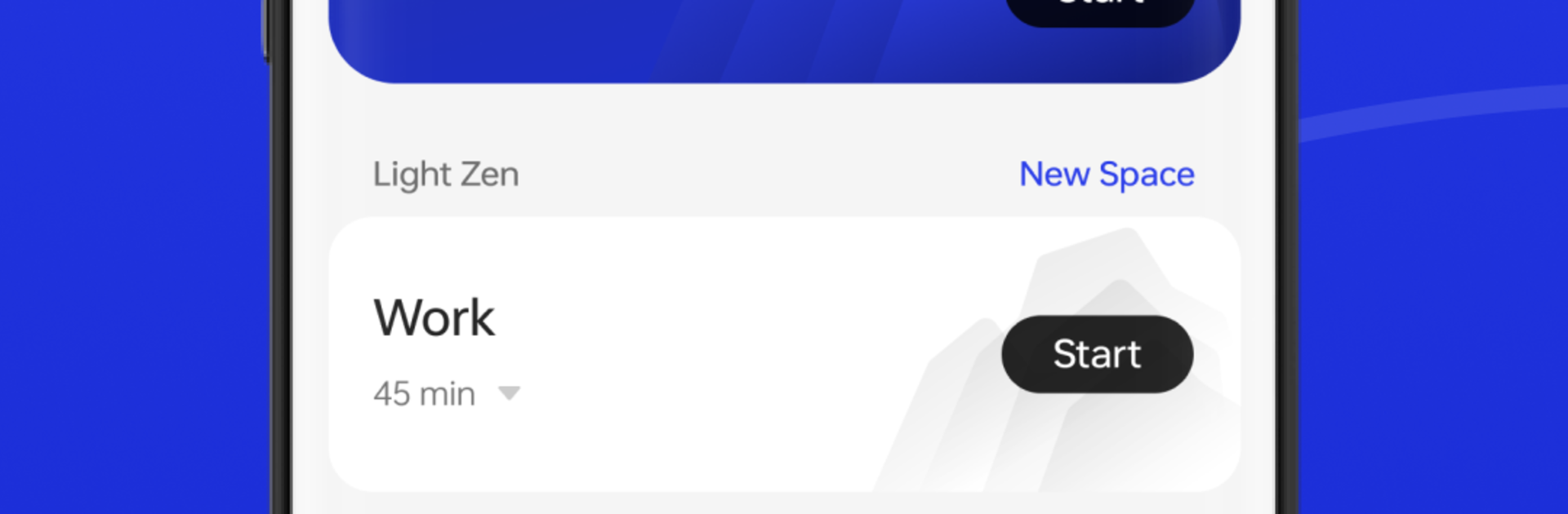
  • Light Zen: Prefer a softer approach? Choose the apps you’re allowed to use during a session—music, notes, maps, whatever fits the moment—and keep everything else out of sight.

  • Custom Spaces: Create multiple Light Zen setups for different situations (work, studying, workouts) and switch between them in a couple of taps.

  • Focus Dashboard: See how your sessions add up with clean stats and a timeline of your “zen” streaks. You can also share your achievements when you’re proud of a run.

  • Simple Controls: Start, pause, or switch spaces quickly so you don’t lose momentum when your day changes gears.

  • Compatibility Notes: Zen Space works on devices running ColorOS 13.1 or later. If your device doesn’t support it, the older Zen Mode experience will be used instead.

  • Desktop-Friendly: Like managing focus from your computer? Running Zen Space with BlueStacks makes it easy to keep your routines consistent across devices.

Switch to BlueStacks and make the most of your apps on your PC or Mac.

How to Download and Run Zen Space on PC or Mac

  • Download and install BlueStacks on your PC or Mac

  • Complete Google sign-in to access the Play Store, or do it later

  • Look for Zen Space in the search bar at the top right corner

  • Click to install Zen Space from the search results

  • Complete Google sign-in (if you skipped step 2) to install Zen Space

  • Click the Zen Space icon on the home screen to start playing

video
Watch Video

Minimum System Requirements

With BlueStacks 5, you can get started on a PC that fulfills the following requirements.

  • Operating System

    Microsoft Windows 7 or above, macOS 11 (Big Sur) or above

  • Processor

    Intel, AMD or Apple Silicon Processor

  • RAM

    at least 4GB

  • HDD

    10GB Free Disk Space

Note:

* You must be an Administrator on your PC. Up to date graphics drivers from Microsoft or the chipset vendor.

Zen Space - FAQs

  • How to Run Zen Space on Windows PC & Mac?

    Run Zen Space on your PC or Mac by following these simple steps.

    • Click on ‘Download Zen Space on PC’ to download BlueStacks
    • Install it and log-in to Google Play Store
    • Launch and run the app.
  • Why is BlueStacks the fastest and safest platform to play games on PC?

    BlueStacks respects your privacy and is always safe and secure to use. It does not carry any malware, spyware, or any sort of additional software that could harm your PC.

    It is engineered to optimize speed and performance for a seamless gaming experience.

  • What are Zen Space PC requirements?

    Minimum requirement to run Zen Space on your PC

    • OS: Microsoft Windows 7 and above:
    • Processor: Intel or AMD Processor:
    • RAM: Your PC must have at least 2GB of RAM. (Note that having 2GB or more disk space is not a substitute for RAM):
    • HDD: 5GB Free Disk Space.
    • You must be an Administrator on your PC.




