
Zordo Browser - Lite & Fast

Zordo Browser - Lite & Fast

Tools

| Zordo Technologies

Play on PC with BlueStacks or from our cloud

  • Overview
  • How to Download

Page Modified On: August 29, 2025

Run Zordo Browser - Lite & Fast on PC or Mac

Upgrade your experience. Try Zordo Browser – Lite & Fast, the fantastic Tools app from Zordo Technologies, from the comfort of your laptop, PC, or Mac, only on BlueStacks.

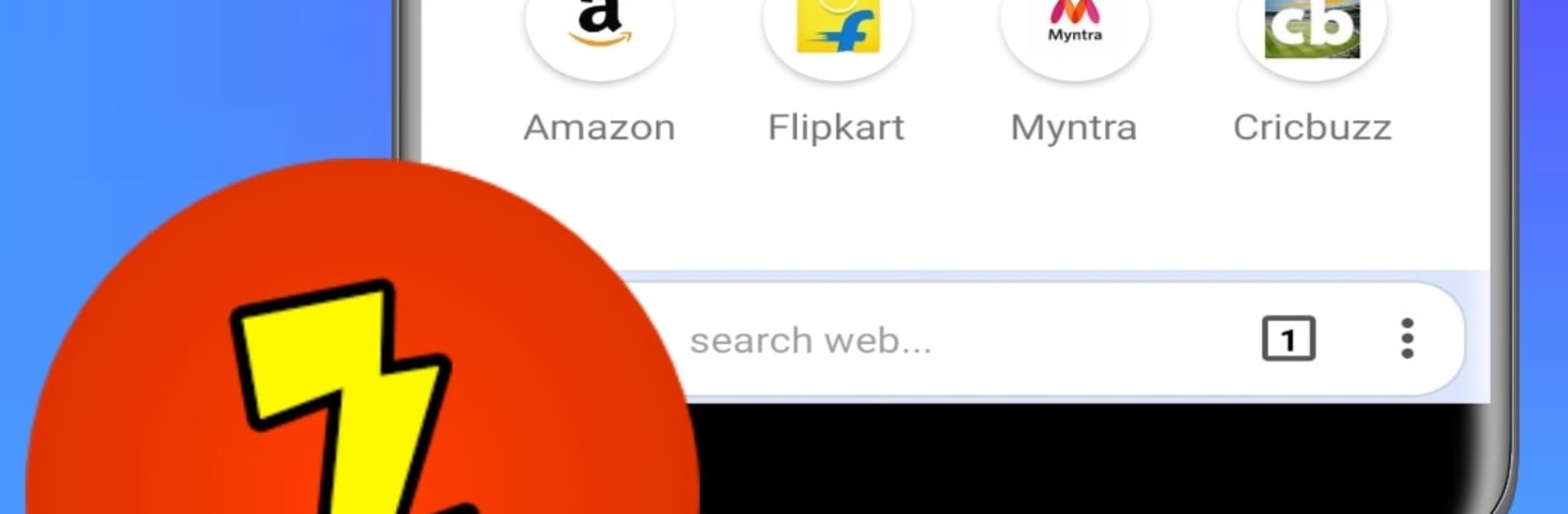
Zordo Browser Lite feels like a clean, fast browser that does not try to be fancy, it just gets out of the way so pages load quick. The app is tiny and light, so it opens fast and does not chew through memory. The start page is simple and can be dressed up with a theme or color, and pinning favorite sites on the home screen makes it easy to hop around. The search bar, they call it the Awesome Bar, is actually smart enough to pull up results from history, bookmarks, and open tabs while typing, which saves a few steps. Private mode is not just a blank slate either. It blocks a bunch of trackers, so there is less of that follow-you-around ad stuff. There is a data saver switch that blocks images, a quick whole-page screenshot button for saving long articles, and a tidy shopping view that compares prices across stores in one place.

On PC with BlueStacks it runs smooth and snappy, no weird lag, and keyboard input makes searching and switching feel quicker than on a phone. It stays quiet without pushing random news or alerts. The interface is minimal and fast, good for anyone who likes a no-clutter setup or has an older machine that needs something light. Clearing cache from the menu is simple, and it can move downloads or cache to an SD card to free space. Not overloaded with extras, just the basics done well with a few useful tricks.

BlueStacks brings your apps to life on a bigger screen—seamless and straightforward.

How to Download and Run Zordo Browser - Lite & Fast on PC or Mac

  • Download and install BlueStacks on your PC or Mac

  • Complete Google sign-in to access the Play Store, or do it later

  • Look for Zordo Browser - Lite & Fast in the search bar at the top right corner

  • Click to install Zordo Browser - Lite & Fast from the search results

  • Complete Google sign-in (if you skipped step 2) to install Zordo Browser - Lite & Fast

  • Click the Zordo Browser - Lite & Fast icon on the home screen to start playing

video
Watch Video

Minimum System Requirements

With BlueStacks 5, you can get started on a PC that fulfills the following requirements.

  • Operating System

    Microsoft Windows 7 or above, macOS 11 (Big Sur) or above

  • Processor

    Intel, AMD or Apple Silicon Processor

  • RAM

    at least 4GB

  • HDD

    10GB Free Disk Space

Note:

* You must be an Administrator on your PC. Up to date graphics drivers from Microsoft or the chipset vendor.

Zordo Browser - Lite & Fast - FAQs

  • How to Run Zordo Browser - Lite & Fast on Windows PC & Mac?

    Run Zordo Browser - Lite & Fast on your PC or Mac by following these simple steps.

    • Click on ‘Download Zordo Browser - Lite & Fast on PC’ to download BlueStacks
    • Install it and log-in to Google Play Store
    • Launch and run the app.
  • Why is BlueStacks the fastest and safest platform to play games on PC?

    BlueStacks respects your privacy and is always safe and secure to use. It does not carry any malware, spyware, or any sort of additional software that could harm your PC.

    It is engineered to optimize speed and performance for a seamless gaming experience.

  • What are Zordo Browser - Lite & Fast PC requirements?

    Minimum requirement to run Zordo Browser - Lite & Fast on your PC

    • OS: Microsoft Windows 7 and above:
    • Processor: Intel or AMD Processor:
    • RAM: Your PC must have at least 2GB of RAM. (Note that having 2GB or more disk space is not a substitute for RAM):
    • HDD: 5GB Free Disk Space.
    • You must be an Administrator on your PC.




