Quizine - Culture Générale

Quizine - Culture Générale

Trivia

| FreddyLoth225

Play on PC with BlueStacks or from our cloud

  • Overview
  • Game Features
  • How to Play

Page Modified On: August 10, 2026

Play Quizine - Culture Générale on PC or Mac

Step into the World of Quizine – Culture Générale, a thrilling Trivia game from the house of FreddyLoth225. Play this Android game on BlueStacks App Player and experience immersive gaming on PC or Mac.

About the Game

Quizine – Culture Générale is a fast, friendly take on Trivia that feels like a giant buffet for your brain. Pick a topic, fire off answers, and see how far your knowledge stretches—solo or against real people. It’s easy to jump into for a quick round, but there’s plenty of depth if you want to chase mastery.

Game Features

  • Wide range of topics: Explore 14+ themes, from History and Science to Cinema, Music, Sports, Otaku, Food, Mythology, Animals, and more. There’s always something new to nibble on.
  • Play anywhere (even offline): No connection? No problem. The full experience works without the internet, perfect for commutes or flights.
  • Solo mode that sticks: Go at your own pace, unlock new subjects, and actually learn along the way.
  • Smart review tools: Missed a question? Hit Review Mode to revisit and lock it in for next time.
  • Party-ready local multiplayer: Pass one phone around or use split-screen. There’s also a TV-style Buzzer mode where the fastest finger wins.
  • Online and async battles: Challenge players worldwide in real time, or send a set of questions and let your opponent answer when they can.
  • Two answer styles: Choose Multiple Choice (Duo, Trio, Square) for a steady climb, or try Cash mode—type the exact answer for higher risk and bigger rewards.
  • Earn and spend Neurons: Score points to collect Neurons, then grab handy power-ups like Shield (forgives one mistake), Timer+ (extra seconds), Elimination (removes a wrong option), and Double Neurons (x2 earnings).
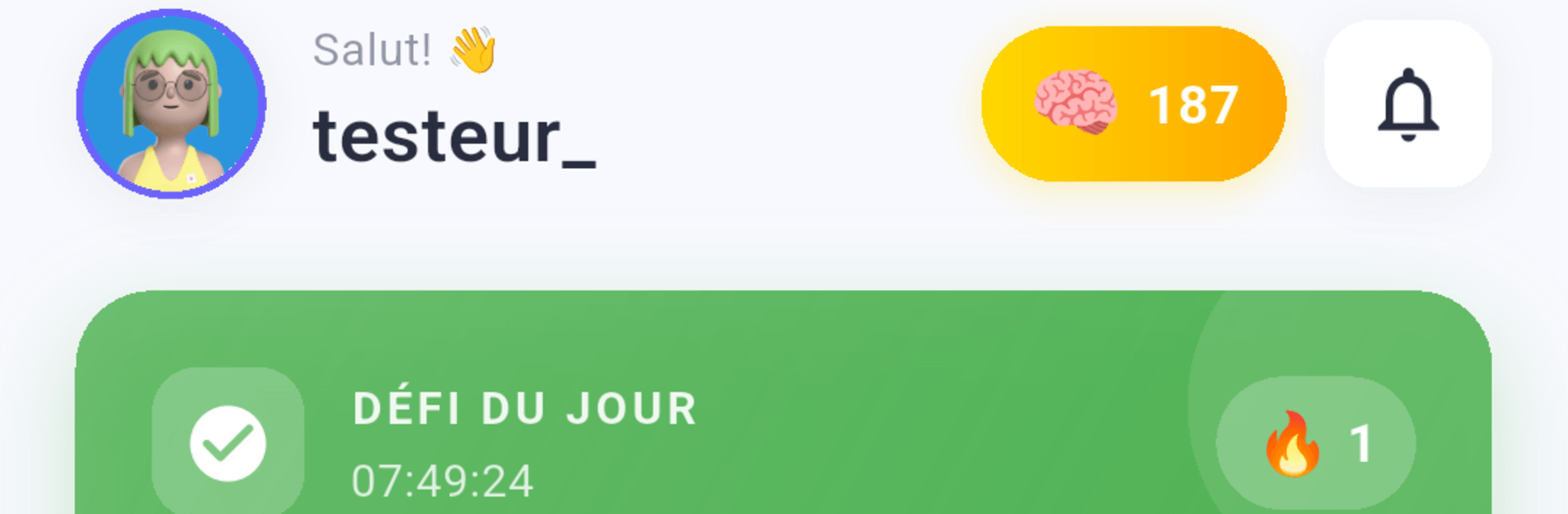
  • Track real progress: Check detailed stats by theme, climb from Novice to Master, watch your global rank move, and tackle daily challenges with streaks to keep you going.
  • Comfortable on any screen: Great on mobile, and surprisingly nice on PC with BlueStacks if you want a bigger view and comfy controls.

Get ready for a buttery smooth, high-performance gaming action only on BlueStacks.

Game Features

Enhancements

  • Macros
  • Multi Instance
  • Multi Instance Sync
  • Script
  • Enhancements
Macros

Macros

Automate the predictable in Quizine - Culture Générale and transform your gameplay with Macros. Get access to inventive Macros in the BlueStacks Macro Community
Multi Instance

Multi Instance

Play Quizine - Culture Générale on one window. And chat with your friend on the other. Press CTRL + Shift + 8 to open the Multi-Instance Manager. And start creating fresh instances or clone an existing one.
Multi Instance Sync

Multi Instance Sync

Play Quizine - Culture Générale with the power of Multi-Instance Sync. Replicate what you are doing on the main instance on all other instances. Level up faster, play more.
Script

Script

Script your way to gaming glory in Quizine - Culture Générale with BlueStacks Script. Write and run a set of commands to automate repeated tasks. Trigger the command by assigning it to any key.
Read More

How to Download and Play Quizine - Culture Générale on PC or Mac

  • Download and install BlueStacks on your PC or Mac

  • Complete Google sign-in to access the Play Store, or do it later

  • Look for Quizine - Culture Générale in the search bar at the top right corner

  • Click to install Quizine - Culture Générale from the search results

  • Complete Google sign-in (if you skipped step 2) to install Quizine - Culture Générale

  • Click the Quizine - Culture Générale icon on the home screen to start playing

video
Watch Video

Minimum System Requirements

With BlueStacks 5, you can get started on a PC that fulfills the following requirements.

  • Operating System

    Microsoft Windows 7 or above, macOS 11 (Big Sur) or above

  • Processor

    Intel, AMD or Apple Silicon Processor

  • RAM

    at least 4GB

  • HDD

    10GB Free Disk Space

Note:

* You must be an Administrator on your PC. Up to date graphics drivers from Microsoft or the chipset vendor.

Quizine - Culture Générale - FAQs

  • How to play Quizine - Culture Générale on Windows PC & Mac?

    Play Quizine - Culture Générale on your PC or Mac by following these simple steps.

    • Click on 'Play Quizine - Culture Générale on PC’ to download BlueStacks
    • Install it and log-in to Google Play Store
    • Launch and play the game.
  • Why is BlueStacks the fastest and safest platform to play games on PC?

    BlueStacks respects your privacy and is always safe and secure to use. It does not carry any malware, spyware, or any sort of additional software that could harm your PC.

    It is engineered to optimize speed and performance for a seamless gaming experience.

  • What are Quizine - Culture Générale PC requirements?

    Minimum requirement to run Quizine - Culture Générale on your PC

    • OS: Microsoft Windows 7 or above MacOS 11 (Big Sur) or above
    • Processor: Intel, AMD or Apple Silicon Processor
    • RAM: Your PC must have at least 4GB of RAM. (Note that having 4GB or more disk space is not a substitute for RAM)
    • HDD: 10GB Free Disk Space.
    • You must be an Administrator on your PC.