
Trivia Machine: Quiz Game

Trivia Machine: Quiz Game

Trivia

| Smart Owl Apps

Play on PC with BlueStacks or from our cloud

  • Overview
  • Game Features
  • How to Play

Page Modified On: October 23, 2026

Play Trivia Machine: Quiz Game on PC or Mac

Bring your A-game to Trivia Machine: Quiz Game, the Trivia game sensation from Smart Owl Apps. Give your gameplay the much-needed boost with precise game controls, high FPS graphics, and top-tier features on your PC or Mac with BlueStacks.

About the Game

Trivia Machine: Quiz Game puts a playful twist on quizzing by letting a spin of the machine decide what you face next—category, topic, and how many points are on the line. It’s a friendly, take-your-time kind of Trivia experience that still knows how to crank up the pressure when it counts. Prefer a bigger screen? It runs smoothly on BlueStacks too.

Game Features

  • Spin-to-start challenges: Give the machine a whirl and let it choose your next category, topic, and point value—sometimes lucky, sometimes tricky, always fun.
  • Climb-the-ladder levels: Every correct answer bumps you up a rung; reach the top to bank the points. Miss one and you lose a life, but you keep your spot. Hearts from the reels can win a life back.
  • No timer, no rush: Think it through, debate with yourself, and answer when you’re ready—no countdown breathing down your neck.
  • Lots of topics and formats: Explore 25+ categories with hundreds of subjects, from music and movies to science and history, plus question types like multiple choice, true/false, flags, and landmarks.
  • Locally tuned questions: Content is tailored to your country, and you can play in English, Hebrew, French, Spanish, Italian, or Portuguese.
  • Smart lifelines: Use 50:50 to cut the noise, RE-ROLL for a fresh question, or FRIEND to share a stumper; open the Daily Chest for two extra helpers.
  • Master Challenges: Every 10th level turns into a high-stakes sprint—five spins to hit a target score.
  • Progress that shows: Earn ranks as your total climbs, unlock new avatars, and collect badges for your milestones.
  • Leaderboards that matter: Check where you stand on daily, weekly, and all-time boards, and share memorable questions to test your friends.
  • Instant play: No sign-up wall—open it and start answering.
  • Your call on ads: It’s free with ads, with a one-time Remove Ads option if you want a cleaner run.

BlueStacks gives you more room to focus on the game and less time adjusting around mobile limitations.
Game Features

Enhancements

  • Macros
  • Multi Instance
  • Multi Instance Sync
  • Script
  • Enhancements
Macros

Macros

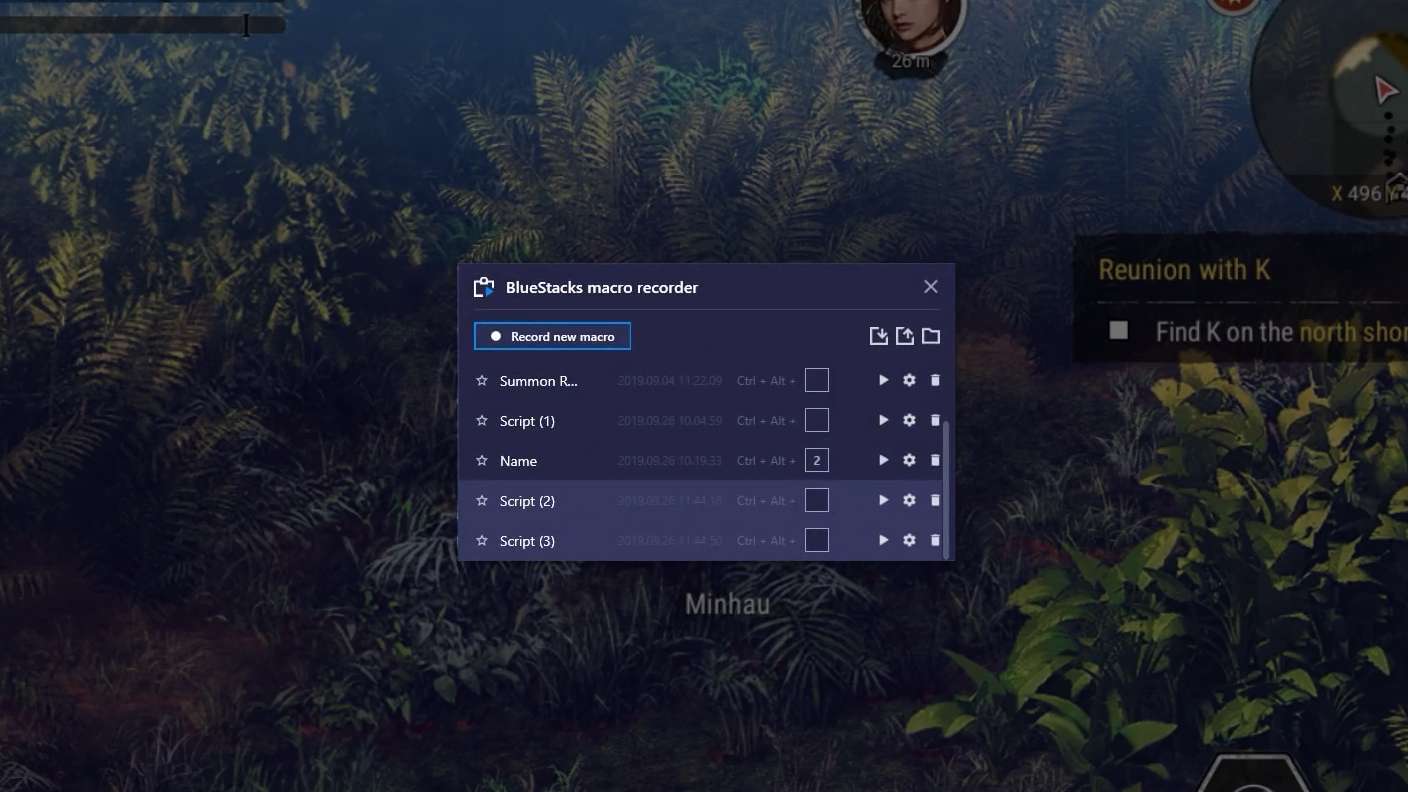
Automate the predictable in Trivia Machine: Quiz Game and transform your gameplay with Macros. Get access to inventive Macros in the BlueStacks Macro Community
Multi Instance

Multi Instance

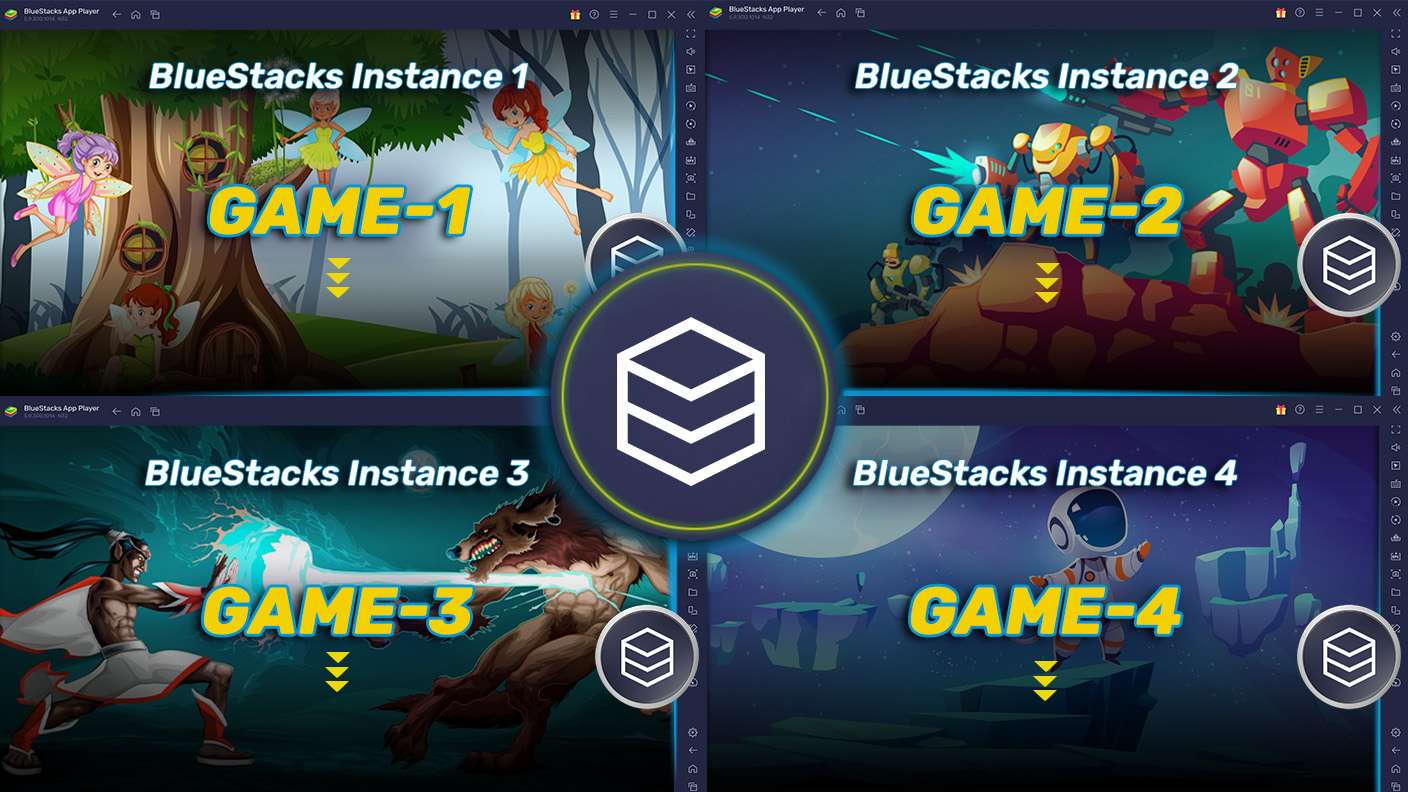
Play Trivia Machine: Quiz Game on one window. And chat with your friend on the other. Press CTRL + Shift + 8 to open the Multi-Instance Manager. And start creating fresh instances or clone an existing one.
Multi Instance Sync

Multi Instance Sync

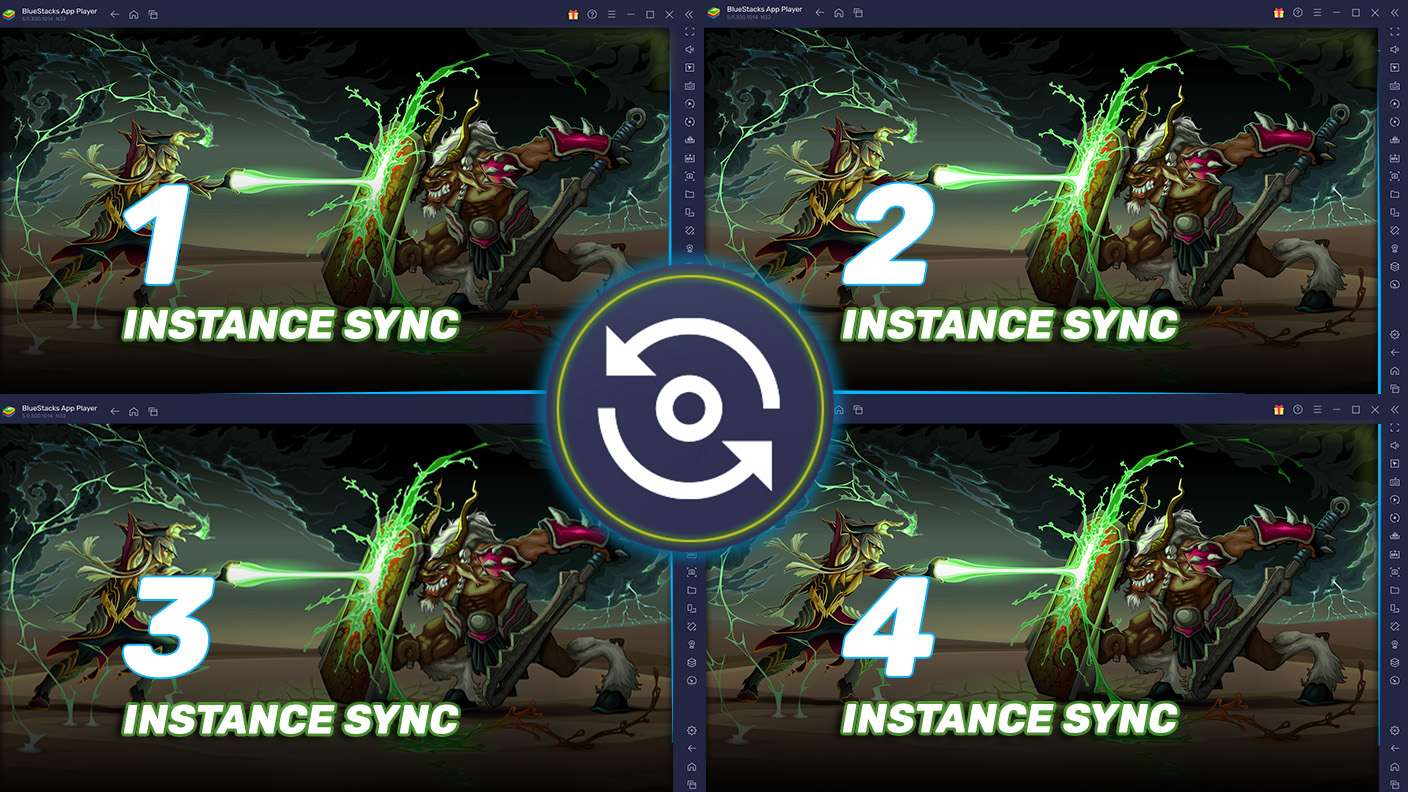
Play Trivia Machine: Quiz Game with the power of Multi-Instance Sync. Replicate what you are doing on the main instance on all other instances. Level up faster, play more.
Script

Script

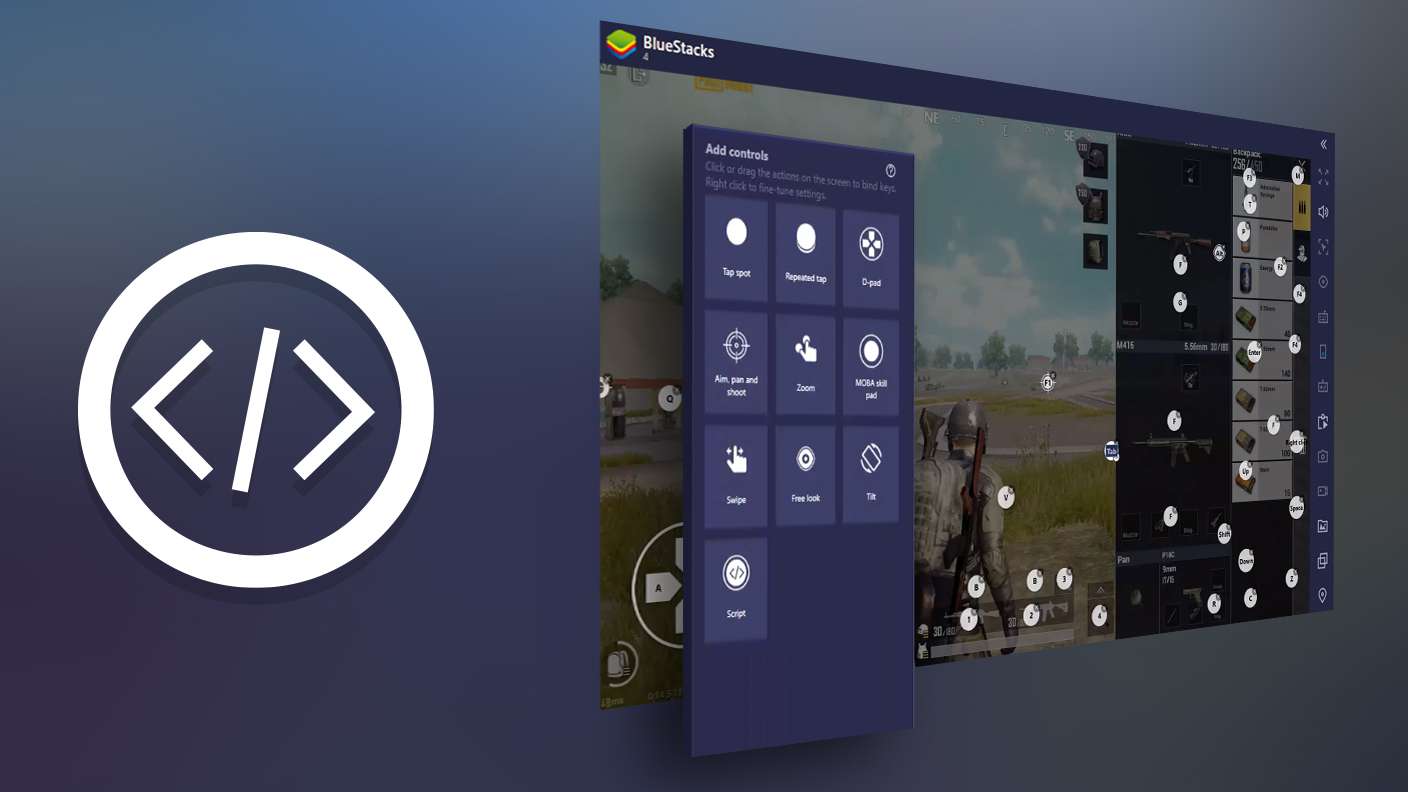
Script your way to gaming glory in Trivia Machine: Quiz Game with BlueStacks Script. Write and run a set of commands to automate repeated tasks. Trigger the command by assigning it to any key.
Read More

How to Download and Play Trivia Machine: Quiz Game on PC or Mac

  • Download and install BlueStacks on your PC or Mac

  • Complete Google sign-in to access the Play Store, or do it later

  • Look for Trivia Machine: Quiz Game in the search bar at the top right corner

  • Click to install Trivia Machine: Quiz Game from the search results

  • Complete Google sign-in (if you skipped step 2) to install Trivia Machine: Quiz Game

  • Click the Trivia Machine: Quiz Game icon on the home screen to start playing

video
Watch Video

Minimum System Requirements

With BlueStacks 5, you can get started on a PC that fulfills the following requirements.

  • Operating System

    Microsoft Windows 7 or above, macOS 11 (Big Sur) or above

  • Processor

    Intel, AMD or Apple Silicon Processor

  • RAM

    at least 4GB

  • HDD

    10GB Free Disk Space

Note:

* You must be an Administrator on your PC. Up to date graphics drivers from Microsoft or the chipset vendor.

Trivia Machine: Quiz Game - FAQs

  • How to play Trivia Machine: Quiz Game on Windows PC & Mac?

    Play Trivia Machine: Quiz Game on your PC or Mac by following these simple steps.

    • Click on 'Play Trivia Machine: Quiz Game on PC’ to download BlueStacks
    • Install it and log-in to Google Play Store
    • Launch and play the game.
  • Why is BlueStacks the fastest and safest platform to play games on PC?

    BlueStacks respects your privacy and is always safe and secure to use. It does not carry any malware, spyware, or any sort of additional software that could harm your PC.

    It is engineered to optimize speed and performance for a seamless gaming experience.

  • What are Trivia Machine: Quiz Game PC requirements?

    Minimum requirement to run Trivia Machine: Quiz Game on your PC

    • OS: Microsoft Windows 7 or above MacOS 11 (Big Sur) or above
    • Processor: Intel, AMD or Apple Silicon Processor
    • RAM: Your PC must have at least 4GB of RAM. (Note that having 4GB or more disk space is not a substitute for RAM)
    • HDD: 10GB Free Disk Space.
    • You must be an Administrator on your PC.