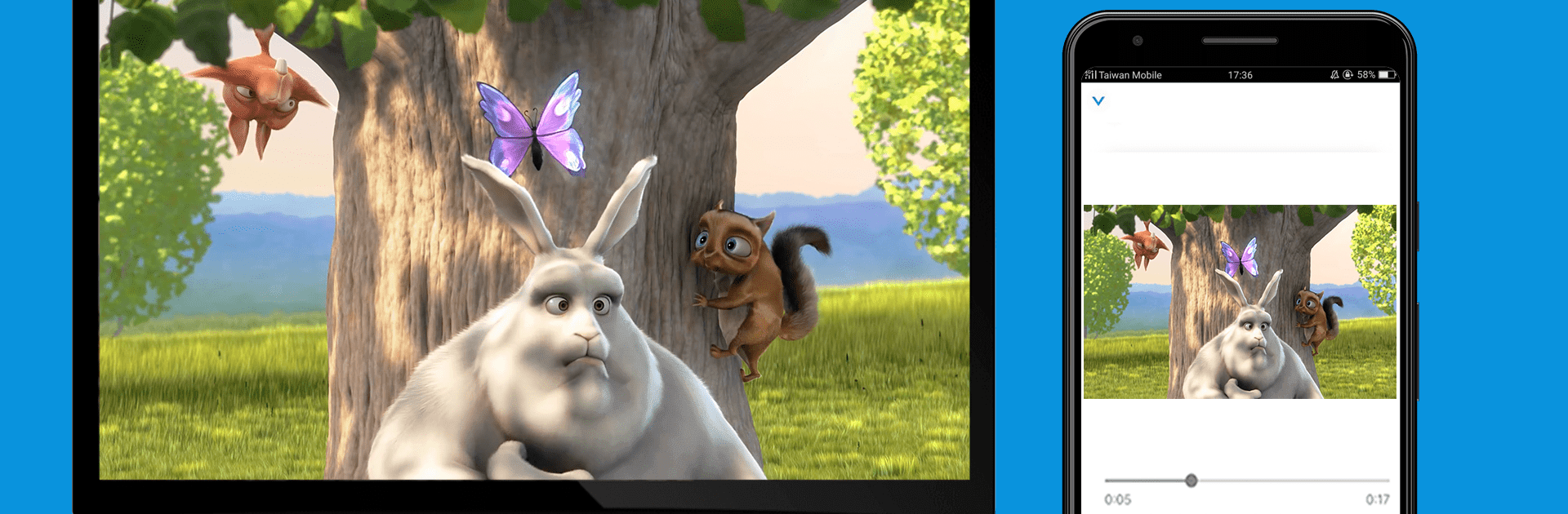


Multitask effortlessly on your PC or Mac as you try out EZCast – Cast Media to TV, a Video Players & Editors app by Winner Wave Limited on BlueStacks.
EZCast is basically the sidekick for getting a phone or laptop screen onto a TV or projector without fuss. The app walks through connecting to a receiver, and the Wi-Fi setup is quick, either by Bluetooth or by scanning a QR code on supported gear. Once it is paired, it feels like a remote control for the big screen. On PC with BlueStacks, the layout is easy to poke through with a mouse, and typing Wi-Fi passwords or search terms is way less annoying than on a tiny keyboard.
The EZChannel bit stands out because it lets someone build simple video playlists from places like YouTube or Facebook, then press play and let the queue run on the TV. Family photos are easy to throw up for everyone to see, and mobile videos look better when they are not stuck on a hand-held screen. There is a basic web browser in there too, so reading sites on a couch becomes doable, big text and all. It supports common wireless display receivers, including Chromecast, which helps if there is already a dongle on the TV. Streaming quality depends on the home network, but when the Wi-Fi is stable, playback feels smooth and the controls respond fast. Using it on BlueStacks also makes organizing playlists and jumping between features feel a bit tidier, more desktop-like, without changing what the app does.
BlueStacks gives you the much-needed freedom to experience your favorite apps on a bigger screen. Get it now.