

Get freedom from your phone’s obvious limitations. Use Url Player +, made by NextPlusApps, a Video Players & Editors app on your PC or Mac with BlueStacks, and level up your experience.
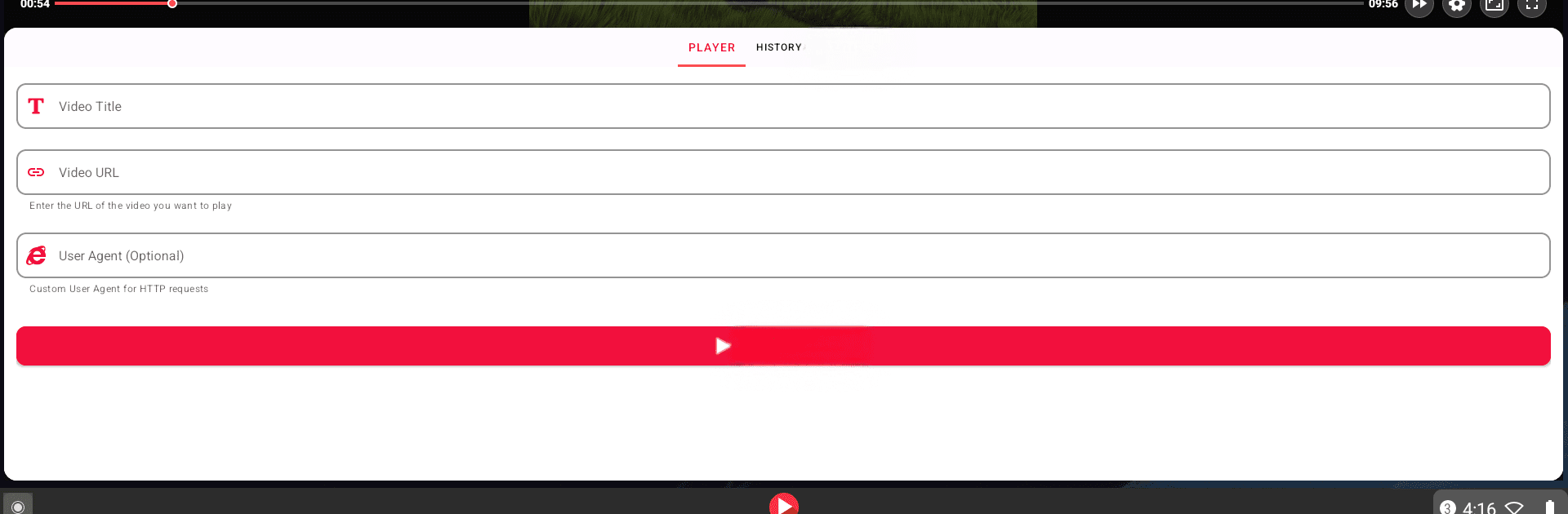
URL Player+ feels like a straight-to-the-point tool for people who just want to play videos from links without all the extra stuff. Paste a video address and it starts right up, whether the source is MP4, HLS, DASH, RTSP, or RTMP. The layout is clean, nothing flashy, so the focus stays on the video. What stands out is how private it feels. No account prompts, no cloud sync screens, nothing nosy. Everything, from the links entered to the history and favorites, lives on the device. The only thing it asks for is internet access to stream the video, which makes sense.
There are a couple of helpful touches that make it easier to live with day to day. Users can favorite links, review past videos, or clear them out with a quick tap. Casting to a Chromecast works with one button, which is nice for a couch night. There is even a custom user agent option for those picky sites that refuse to play nicely, which is a rare but useful setting. Opening links from a browser or a chat app is smooth and saves a few steps. On a PC with BlueStacks, typing long URLs with a keyboard is faster, and window controls make it easier to tuck the player off to the side while doing other things. No fluff, no ads yelling in the corner, just a simple private player that handles links well.
Switch to BlueStacks and make the most of your apps on your PC or Mac.