Vizmato – Video Editor & Slideshow maker!

Vizmato – Video Editor & Slideshow maker!

Video Players & Editors

| Global Delight Technologies Pvt. Ltd.

Play on PC with BlueStacks or from our cloud

  • Overview
  • How to Download

Page Modified On: August 25, 2025

Run Vizmato – Video Editor & Slideshow maker! on PC or Mac

Let BlueStacks turn your PC, Mac, or laptop into the perfect home for Vizmato – Video Editor & Slideshow maker!, a fun Video Players & Editors app from Global Delight Technologies Pvt. Ltd..

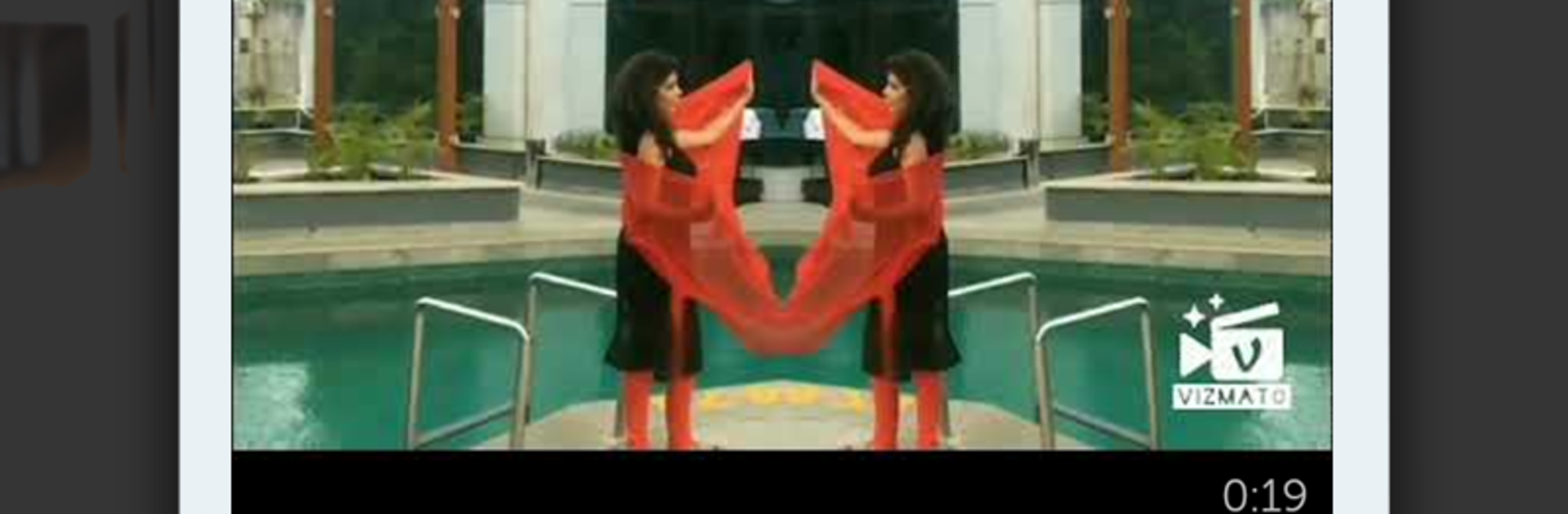
Vizmato feels a lot like one of those apps where you can just play around with your videos and end up making something way more interesting than you started with. Editing is simple—just trimming, clipping, dropping in filters and weird effects, and adding music or text. The filters and themes are fun, too, and there are plenty of options so a video can go from looking plain to totally stylized, whether it’s something dramatic, silly, or kind of mysterious. People tend to like how fast it works; you can throw together a little slideshow from photos in a few seconds, pick a theme, pop in some music, and it’s ready to go.

What grabs a lot of attention is all those effects—they’re surprisingly bold, and there’s a good chunk to pick from, even some effects you’d expect in bigger editing programs. Making GIFs or looping videos is easy, plus there’s that live recording feature where you can apply filters and effects as you film (kind of cool if you want to see everything in real time). Even the voice changer is there for when you want to add a weird twist to the audio—think chipmunk or robot, not just basic pitch changes. It helps that it feels comfortable to use on a bigger PC screen with BlueStacks. And since you can share to different socials or check out stuff other people have made, there’s always some new idea right in the app. All in all, it’s the kind of tool that manages to be relaxed but still lets you look creative.

Switch to BlueStacks and make the most of your apps on your PC or Mac.

How to Download and Run Vizmato – Video Editor & Slideshow maker! on PC or Mac

  • Download and install BlueStacks on your PC or Mac

  • Complete Google sign-in to access the Play Store, or do it later

  • Look for Vizmato – Video Editor & Slideshow maker! in the search bar at the top right corner

  • Click to install Vizmato – Video Editor & Slideshow maker! from the search results

  • Complete Google sign-in (if you skipped step 2) to install Vizmato – Video Editor & Slideshow maker!

  • Click the Vizmato – Video Editor & Slideshow maker! icon on the home screen to start playing

video
Watch Video

Minimum System Requirements

With BlueStacks 5, you can get started on a PC that fulfills the following requirements.

  • Operating System

    Microsoft Windows 7 or above, macOS 11 (Big Sur) or above

  • Processor

    Intel, AMD or Apple Silicon Processor

  • RAM

    at least 4GB

  • HDD

    10GB Free Disk Space

Note:

* You must be an Administrator on your PC. Up to date graphics drivers from Microsoft or the chipset vendor.

Vizmato – Video Editor & Slideshow maker! - FAQs

  • How to Run Vizmato – Video Editor & Slideshow maker! on Windows PC & Mac?

    Run Vizmato – Video Editor & Slideshow maker! on your PC or Mac by following these simple steps.

    • Click on ‘Download Vizmato – Video Editor & Slideshow maker! on PC’ to download BlueStacks
    • Install it and log-in to Google Play Store
    • Launch and run the app.
  • Why is BlueStacks the fastest and safest platform to play games on PC?

    BlueStacks respects your privacy and is always safe and secure to use. It does not carry any malware, spyware, or any sort of additional software that could harm your PC.

    It is engineered to optimize speed and performance for a seamless gaming experience.

  • What are Vizmato – Video Editor & Slideshow maker! PC requirements?

    Minimum requirement to run Vizmato – Video Editor & Slideshow maker! on your PC

    • OS: Microsoft Windows 7 and above:
    • Processor: Intel or AMD Processor:
    • RAM: Your PC must have at least 2GB of RAM. (Note that having 2GB or more disk space is not a substitute for RAM):
    • HDD: 5GB Free Disk Space.
    • You must be an Administrator on your PC.