Words of Word
Words of Word

Words of Word

Word

| AroundBrain

Play on PC with BlueStacks or from our cloud

  • Overview
  • Game Features
  • How to Play

Page Modified On: August 10, 2026

Play Words of Word on PC or Mac

Bring your A-game to Words of Word, the Word game sensation from AroundBrain. Give your gameplay the much-needed boost with precise game controls, high FPS graphics, and top-tier features on your PC or Mac with BlueStacks.

About the Game

Words of Word puts a fresh spin on the Word genre by letting you build compound words piece by piece. It’s easy to pick up, relaxing when you want it to be, and surprisingly tricky when the board fills up. Play a quick round on your phone or kick back on a bigger screen with BlueStacks—either way, it’s all about that “aha!” moment when two tiles click together.

Game Features

  • Build Compound Words: Drag one tile onto another to see if they snap into a real word. Think SUN + FLOWER or NOTE + BOOK—clean, satisfying matches never get old.

  • Pick-Up-and-Play Controls: The rules are simple and the flow is smooth, so you can hop in for a minute or stay for a whole session without a steep learning curve.

  • Growing Challenge: Tackle a long path of puzzles that scale from breezy to brainy. Boards expand, layouts get clever, and the solutions keep you guessing.

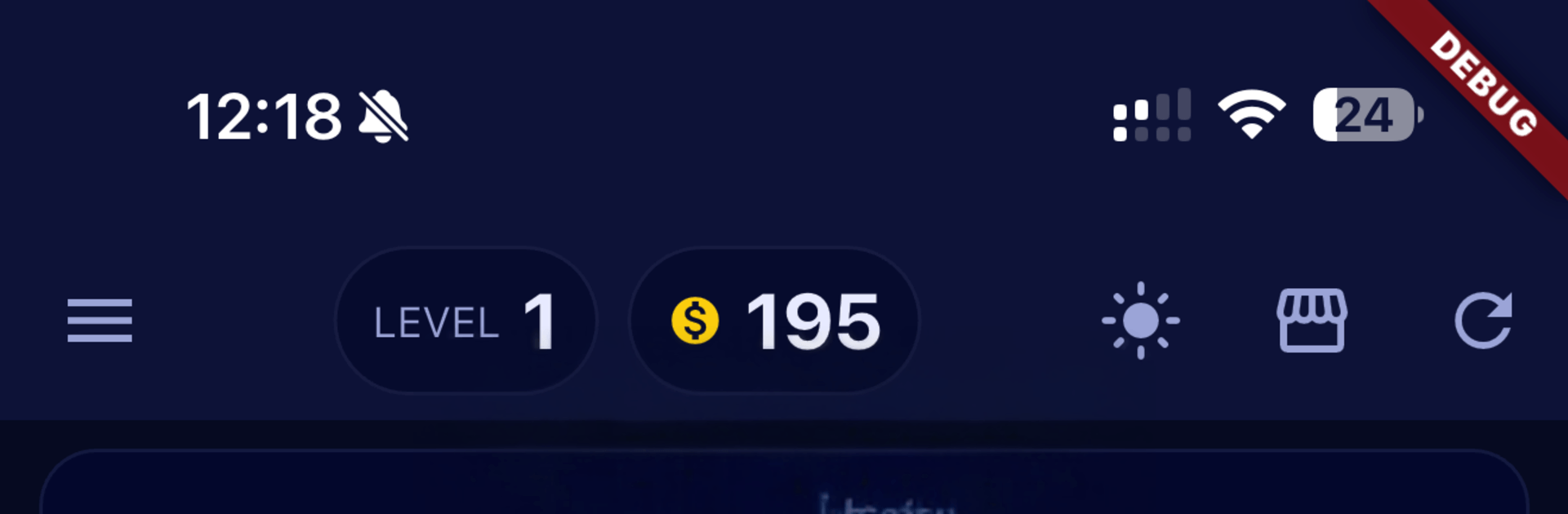
  • Smart Power-Ups: Stuck on a stubborn pair? Use coins for handy boosts—Peek, Replace, Shuffle, or Solve—to nudge the board forward without killing the fun.

  • Themed Word Sets: Explore categories that feel familiar—School, Nature, Food, Travel, Tech, and more—so your vocabulary grows naturally as you play.

  • Rewards and Bonus Finds: Finish levels to earn coins, then hunt for sneaky extra words that aren’t on the goal list for a little jackpot feeling.

  • Clean Look, Your Style: A modern interface with Dark Mode and Light Mode keeps things comfy on your eyes, whether it’s a late-night session or a quick lunchtime break.

  • Offline Friendly: No signal? No problem. Play anywhere—on the train, in the air, or on the couch—without missing a beat.

Ready to top the leaderboard? We bet you do. Let precise controls and sharp visuals optimized on BlueStacks lead you to victory.


Game Features

Enhancements

  • Macros
  • Multi Instance
  • Multi Instance Sync
  • Script
  • Enhancements
Macros

Macros

Automate the predictable in Words of Word and transform your gameplay with Macros. Get access to inventive Macros in the BlueStacks Macro Community
Multi Instance

Multi Instance

Play Words of Word on one window. And chat with your friend on the other. Press CTRL + Shift + 8 to open the Multi-Instance Manager. And start creating fresh instances or clone an existing one.
Multi Instance Sync

Multi Instance Sync

Play Words of Word with the power of Multi-Instance Sync. Replicate what you are doing on the main instance on all other instances. Level up faster, play more.
Script

Script

Script your way to gaming glory in Words of Word with BlueStacks Script. Write and run a set of commands to automate repeated tasks. Trigger the command by assigning it to any key.
Read More

How to Download and Play Words of Word on PC or Mac

  • Download and install BlueStacks on your PC or Mac

  • Complete Google sign-in to access the Play Store, or do it later

  • Look for Words of Word in the search bar at the top right corner

  • Click to install Words of Word from the search results

  • Complete Google sign-in (if you skipped step 2) to install Words of Word

  • Click the Words of Word icon on the home screen to start playing

video
Watch Video

Minimum System Requirements

With BlueStacks 5, you can get started on a PC that fulfills the following requirements.

  • Operating System

    Microsoft Windows 7 or above, macOS 11 (Big Sur) or above

  • Processor

    Intel, AMD or Apple Silicon Processor

  • RAM

    at least 4GB

  • HDD

    10GB Free Disk Space

Note:

* You must be an Administrator on your PC. Up to date graphics drivers from Microsoft or the chipset vendor.

Words of Word - FAQs

  • How to play Words of Word on Windows PC & Mac?

    Play Words of Word on your PC or Mac by following these simple steps.

    • Click on 'Play Words of Word on PC’ to download BlueStacks
    • Install it and log-in to Google Play Store
    • Launch and play the game.
  • Why is BlueStacks the fastest and safest platform to play games on PC?

    BlueStacks respects your privacy and is always safe and secure to use. It does not carry any malware, spyware, or any sort of additional software that could harm your PC.

    It is engineered to optimize speed and performance for a seamless gaming experience.

  • What are Words of Word PC requirements?

    Minimum requirement to run Words of Word on your PC

    • OS: Microsoft Windows 7 or above MacOS 11 (Big Sur) or above
    • Processor: Intel, AMD or Apple Silicon Processor
    • RAM: Your PC must have at least 4GB of RAM. (Note that having 4GB or more disk space is not a substitute for RAM)
    • HDD: 10GB Free Disk Space.
    • You must be an Administrator on your PC.