Introducing BlueStacks Desktop for Humans and AI
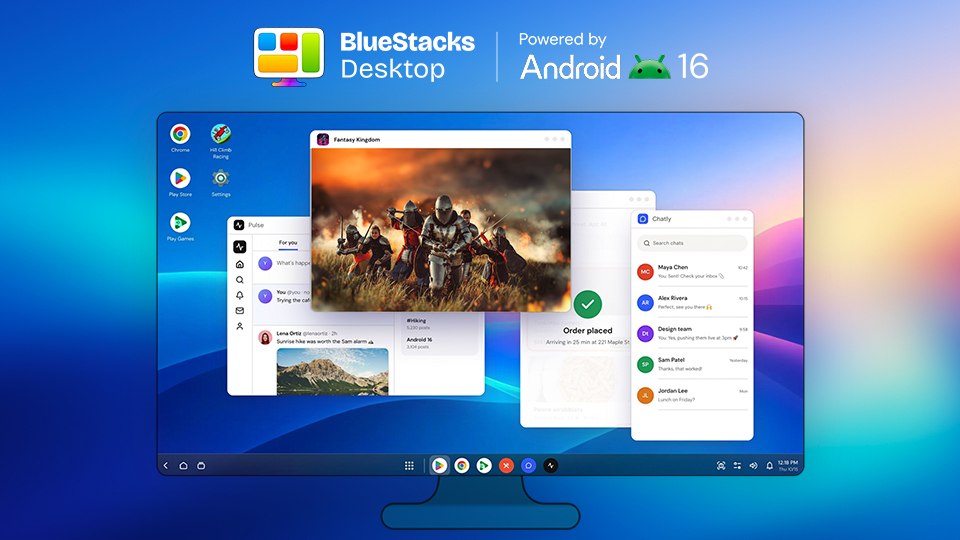
Android apps now have a desktop built for the way you work. Introducing BlueStacks Desktop, a full Android desktop that lets you open, resize and run multiple apps at the same time on Windows and Mac. Keep the apps you need together on one screen, arrange them around your task and move between them as you would on a traditional desktop.
BlueStacks Desktop is built for people and optimized for AI agents. You can use the apps yourself, or bring an agent such as Claude or Codex to interact with them and complete tasks. Powered by Android 16, it brings multi-application support and agent-driven workflows into the same Android environment. BlueStacks Desktop comes to Windows first, with Mac support coming soon.
Bring your AI agent to Android
Computer-use agents can work through a software interface by interacting with what is on screen. BlueStacks Desktop extends that idea to Android apps. It is optimized for AI agents such as Claude and Codex, allowing them to interact with apps, navigate between applications and complete tasks.
You bring the agent; BlueStacks Desktop provides the Android computer. That distinction matters when a workflow reaches an app. The agent can continue in an Android environment instead of handing that step back to a person. You can see the apps it is using and review the results of its work.
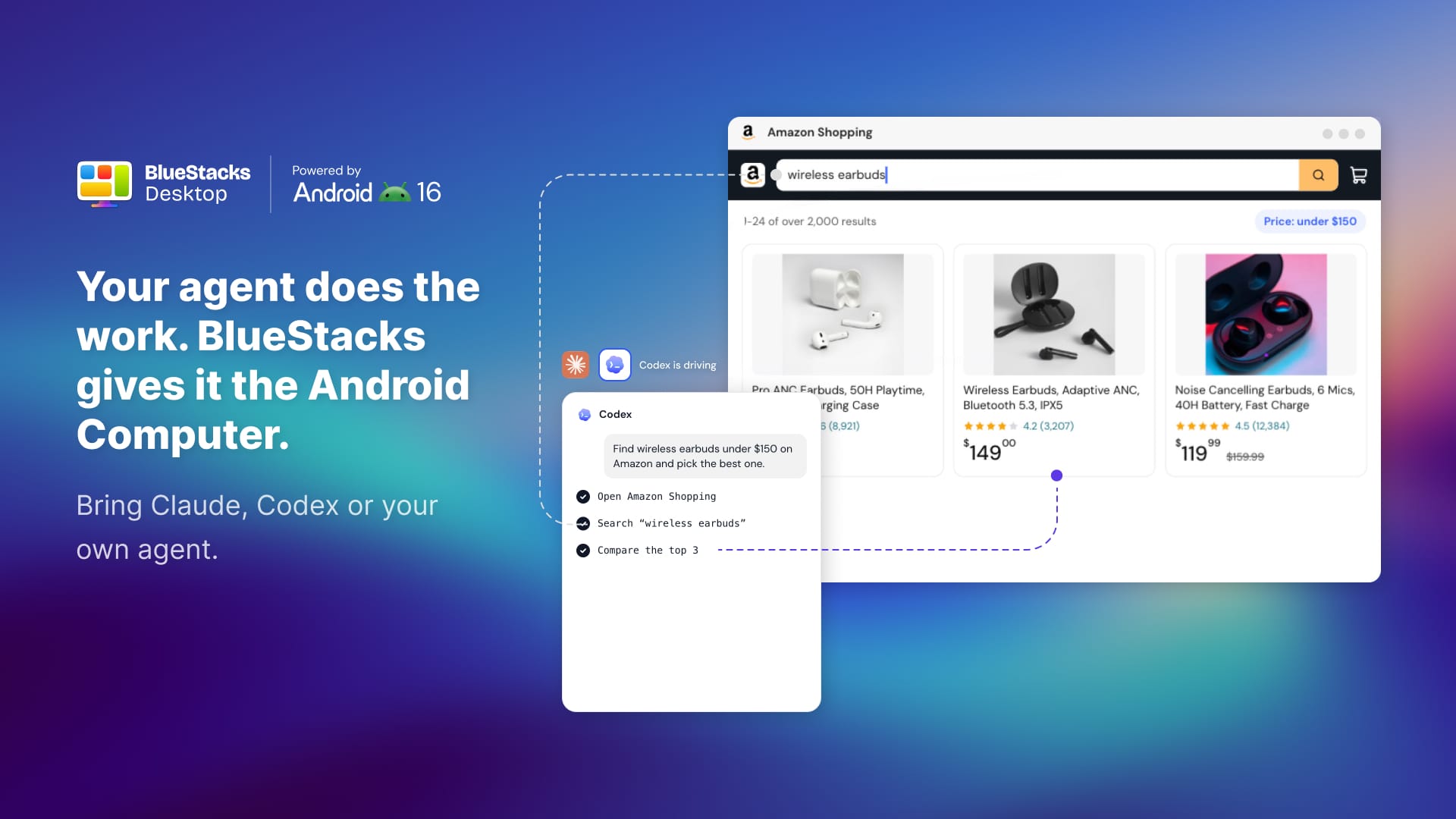
For a developer, this could mean asking a coding agent to open an Android app and work through a sign-up flow. For an operations team, it could mean checking information in an Android app and using it in the next step of a task. The intelligence comes from the agent, while BlueStacks Desktop gives it a place to act.
Run Android apps side by side
Open a messaging app alongside your browser, check two apps together or give a game more room. Each app runs in its own window, so you can arrange the desktop around your task. Resize windows and use keyboard and mouse controls to work in a familiar way.
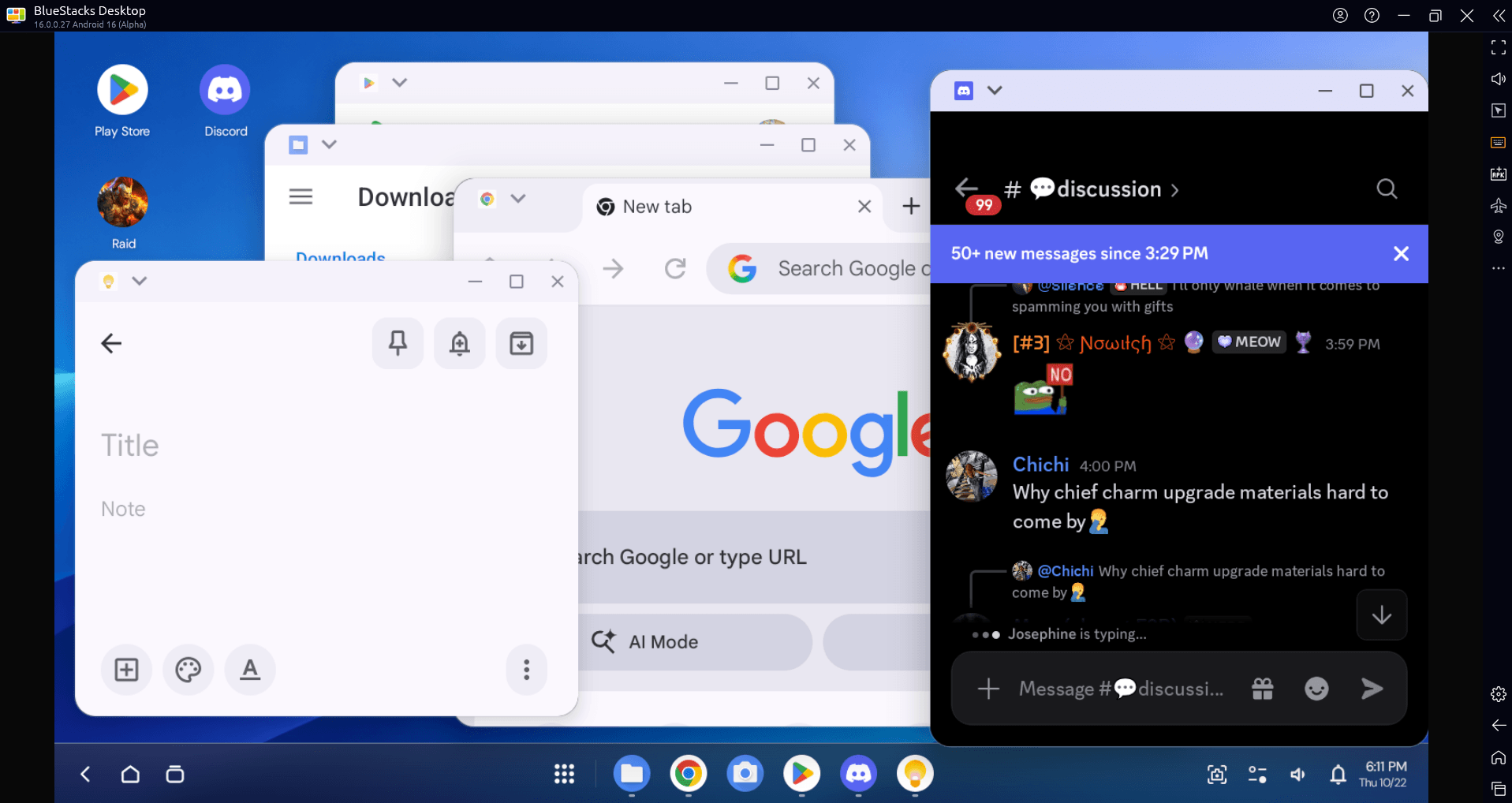
BlueStacks App Player serves people who want to play mobile games on PC. BlueStacks Desktop expands the experience with a full Android desktop for people and AI agents to work across apps.
Keep apps browser and files together
Work often moves between a website, a document and an app. BlueStacks Desktop brings Android apps, a browser and files into one environment, giving people and agents the tools to follow a task across those steps. An agent might read a file, open an app to check the details and return to the browser with the information it needs.
This is especially useful when a service depends on its Android app. Some apartment, school and support services have no equivalent website or API for the task at hand. Giving an agent access to the app makes those interfaces part of the workflow too.
Android 16 makes the desktop experience possible
Android 16 is the foundation of BlueStacks Desktop. Native windowing keeps multiple apps open side by side in windows you can resize and arrange. Together with keyboard and mouse support, it gives Android apps a practical desktop interface on Windows and Mac.
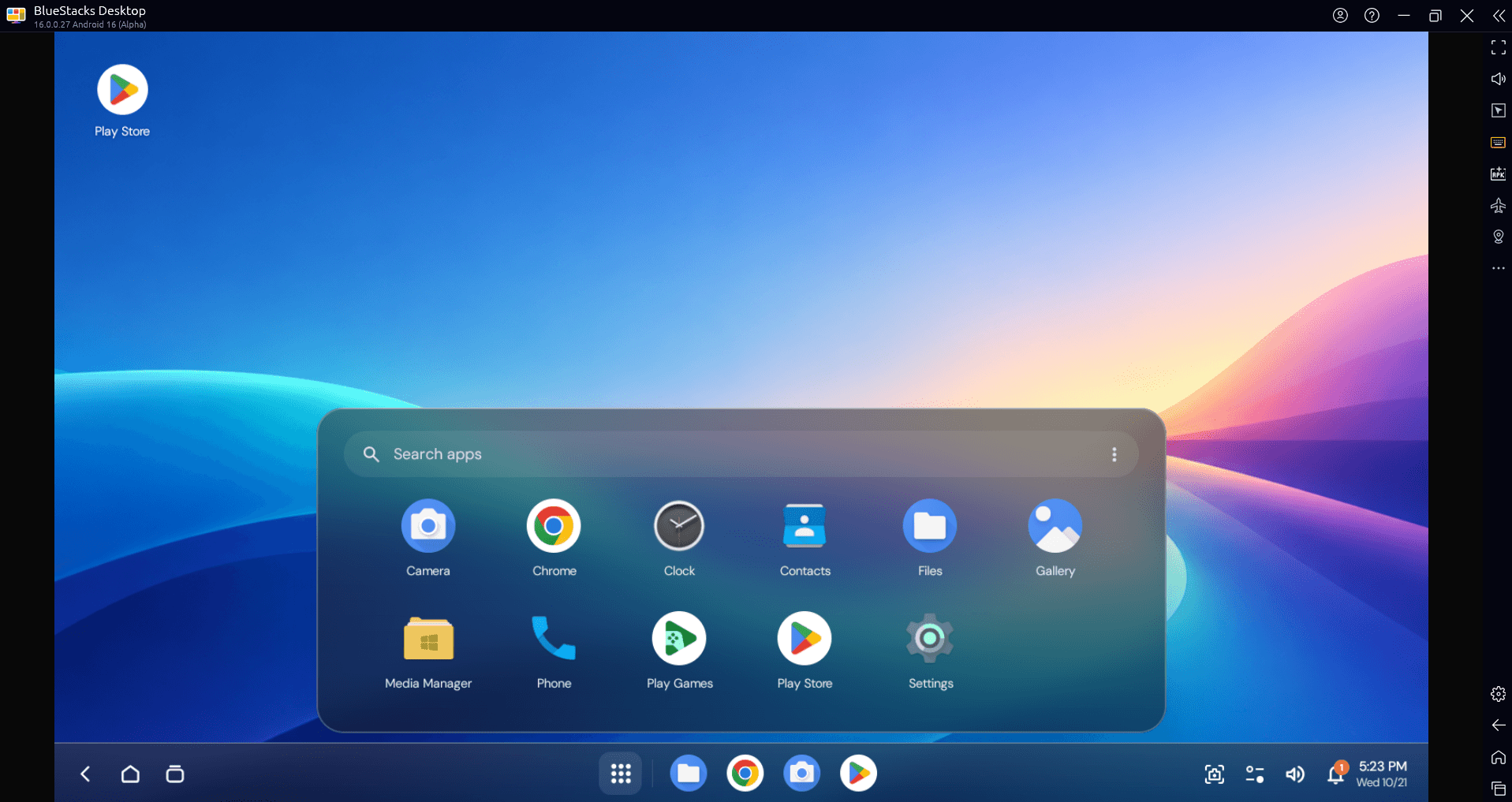
Keep related apps visible and make one window larger when it needs your attention. For AI agents, the same desktop provides applications to navigate between as a task progresses, while people can follow the work on screen.
Explore BlueStacks Desktop
BlueStacks Desktop brings a new way to use Android on your computer. You can arrange your apps around the way you work and bring an AI agent into that same desktop when you want it to take on a task. From using everyday apps to exploring agent-assisted workflows, it gives you a full Android environment to work with.
Visit the BlueStacks Desktop website to explore the experience, learn about AI agent support and find the latest access information. For help with installation, setup and system requirements, see our Getting Started with BlueStacks Desktop guide.