How to Install and Play Cargo Hunters on PC with BlueStacks
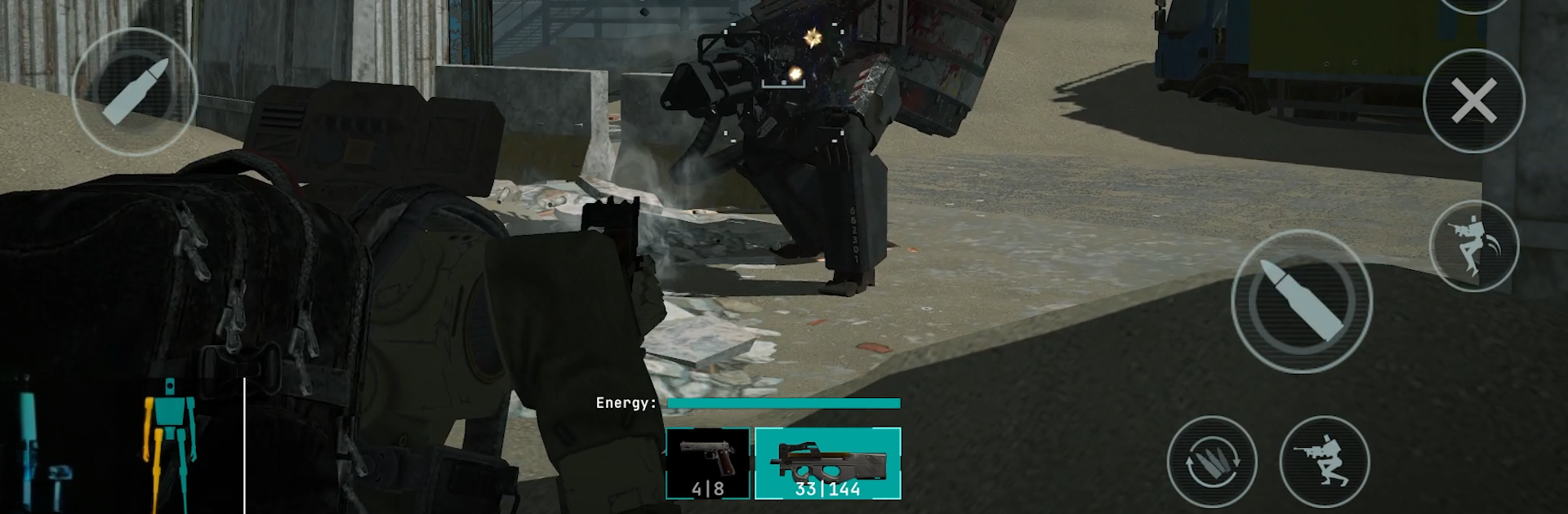
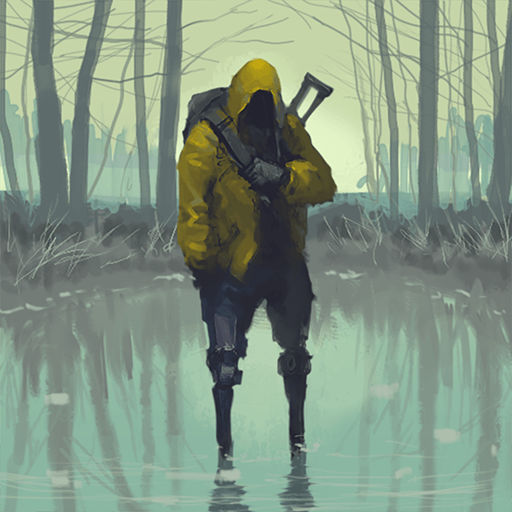
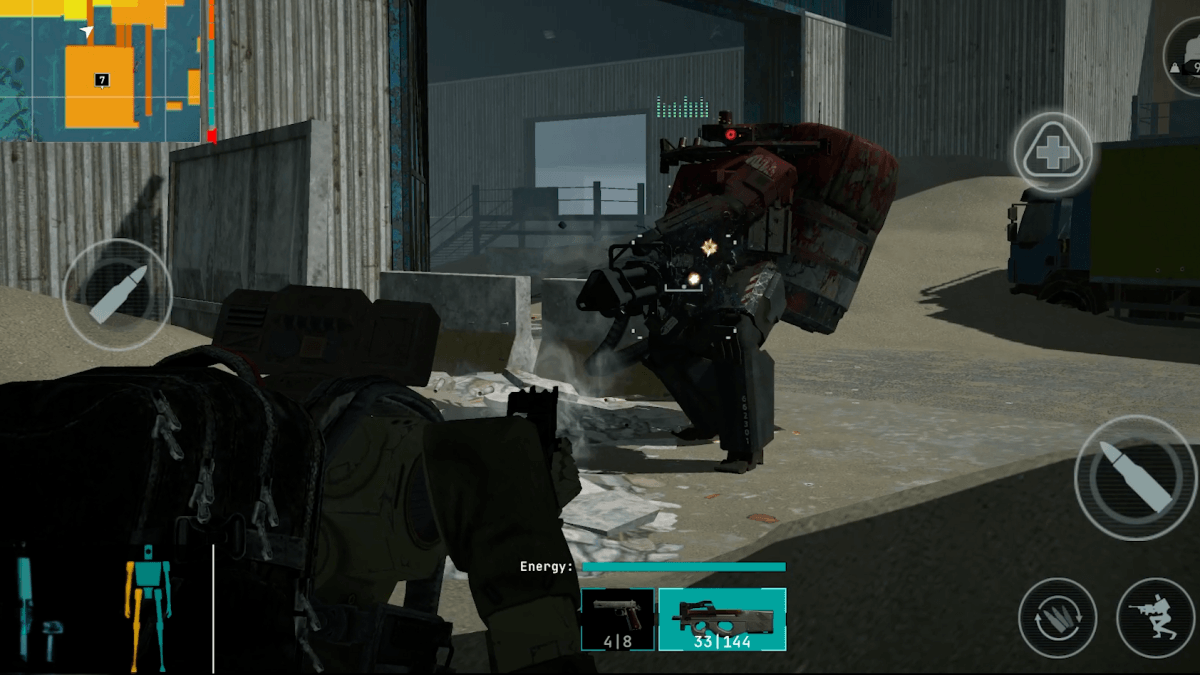
Cargo Hunters is a fast PvPvE action shooter set on a broken, futuristic Earth. Each match drops you into danger zones filled with AI enemies and real players chasing the same loot. You choose your path, fight when needed, and rush to escape before time runs out or enemies catch you.
Combat blends sharp shooting with smart choices since ammo is limited and every fight counts. Fallen enemies drop cyber parts used for upgrades like armor and weapons. Between raids, you manage a shelter to store gear and prepare. Quests guide progress, while each mission lets you choose how risky to play.
How to Install Cargo Hunters on PC
- Visit the game’s page and press the “Play Cargo Hunters on PC” button.
- Find the setup file in your downloads folder and open it.
- Install BlueStacks and open it on your computer.
- Log into the Google Play Store, install Cargo Hunters, and launch the game.
How to Install Cargo Hunters on Mac with BlueStacks Air
- Download BlueStacks Air: Go to the game’s page and click the “Play Cargo Hunters on Mac” button to download the installer.
- Install BlueStacks Air: Open the BlueStacksInstaller.pkg file and follow the setup steps to finish installation.
- Launch and Sign In: Open BlueStacks Air from your Applications or Launchpad and sign in to your Google account to reach the Play Store.
- Install Cargo Hunters: Search for the game in the Play Store and install it.
- Enjoy Playing!: Open the game and start your first raid.
Already Have BlueStacks Installed?
- Go to the game’s page and click the “Cargo Hunters on PC” button.
- Open BlueStacks on your PC or Mac.
- Install the game from the BlueStacks Store or Google Play Store.
- Start playing right away.
Minimum System Requirements
BlueStacks runs Cargo Hunters smoothly on both PC and Mac with simple system requirements:
- OS: Windows 7 or newer, macOS 11 (Big Sur) or newer
- Processor: Intel, AMD, or Apple Silicon (M1–M4)
- RAM: At least 4GB required
- Storage: 10GB of free space
- Permissions: Administrator access on your device
- Graphics Drivers: Updated drivers from Microsoft or the chipset provider
Cargo Hunters is a great pick for players who like tense multiplayer action with smart planning mixed in. You can jump into short raids for quick sessions or spend longer times upgrading gear and testing new cyber mods.
Playing Cargo Hunters on PC or Mac with BlueStacks makes each raid easier to control. Keyboard movement and mouse aiming give a sharper response during fights and quicker item sorting when every second counts. The larger screen helps you spot enemies faster while managing your inventory with ease. This setup makes long sessions more comfortable and gives better control than playing on a phone.