How to Install and Play Catch & Build: Land of Pals on PC with BlueStacks
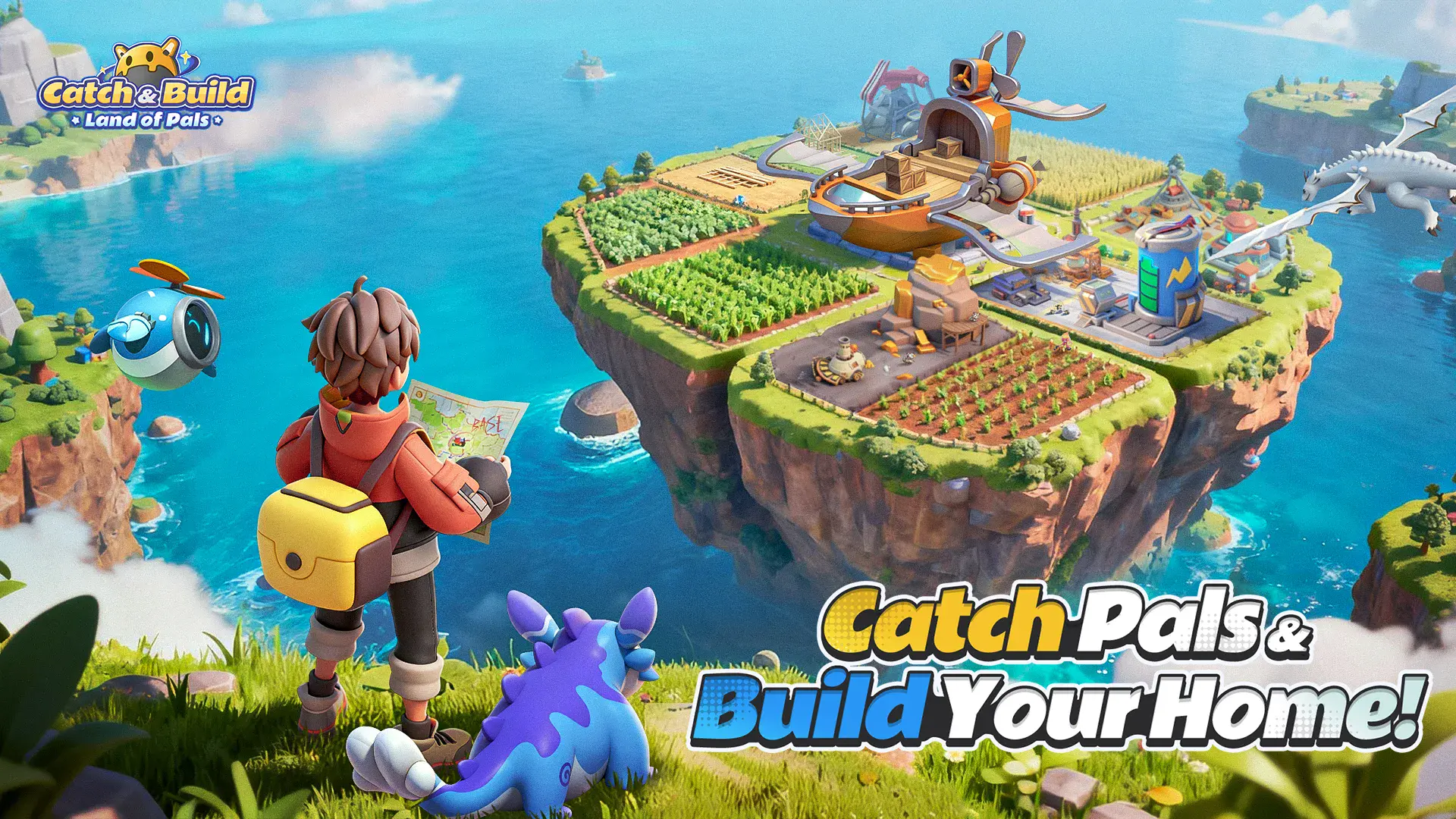

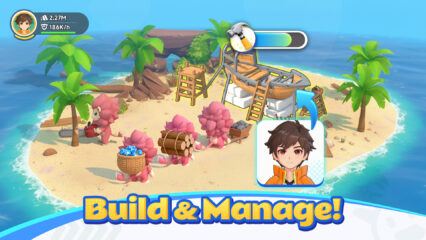
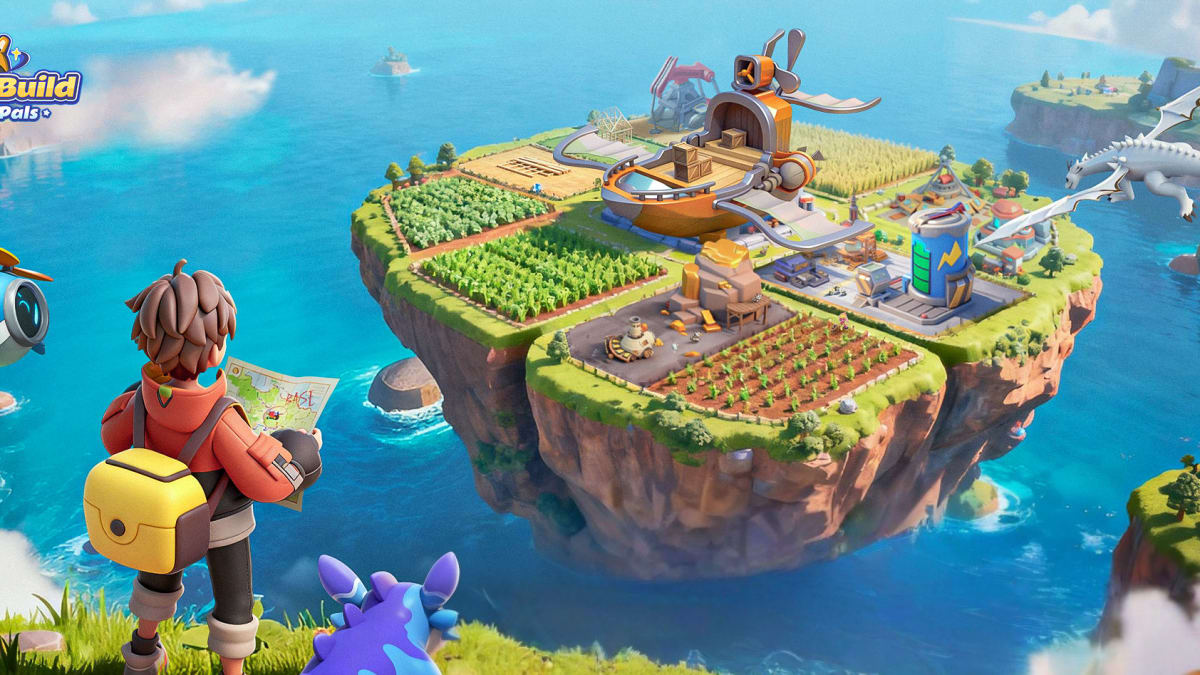
Catch & Build: Land of Pals is a relaxed strategy game where you collect cute creatures called Pals and decide how they help you. Some Pals are great fighters, while others are better at working around your base. You can farm, build, battle, or mix everything together and play at your own pace.
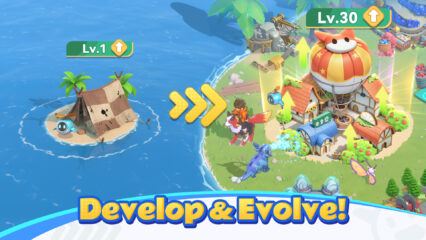
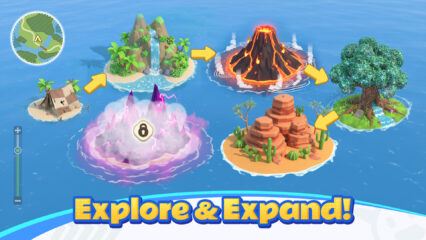
The game takes place across many different areas, from beaches and forests to snowy mountains. As you move through these places, you meet new Pals with different skills and personalities. You can catch them, train them, and watch them grow stronger over time. Some Pals even change form as they level up, which makes building a balanced team feel rewarding.
How to Install Catch & Build: Land of Pals on PC
- Visit the game’s page and click the “Play Catch & Build: Land of Pals on PC” button.
- Find the downloaded file in your browser’s downloads folder and open it.
- Set up BlueStacks and start it on your PC or Mac.
- Log in to the Google Play Store, install the game, and begin playing.
How to Install Catch & Build: Land of Pals on Mac with BlueStacks Air
- Download BlueStacks Air: Go to the game’s page and select the “Play Catch & Build: Land of Pals on Mac” button to download the installer.
- Install BlueStacks Air: Double-click the BlueStacksInstaller.pkg file and follow the on-screen steps.
- Launch and Sign In: Open BlueStacks Air from Applications or Launchpad and sign in with your Google account.
- Install the Game: Search for Catch & Build: Land of Pals in the Play Store and install it.
- Start Playing: Open the game and jump in.
Already Using BlueStacks?
- Open the game’s page and press the “Catch & Build: Land of Pals on PC” button.
- Launch BlueStacks on your computer.
- Download the game from the BlueStacks Store or Google Play Store.
- Open the game and play.
Minimum System Requirements
BlueStacks runs well on most modern computers and does not need high-end hardware to enjoy Catch & Build: Land of Pals:
- OS: Windows 7 or newer, macOS 11 (Big Sur) or newer
- Processor: Intel, AMD, or Apple Silicon (M1–M4)
- RAM: At least 4GB
- Storage: 10GB of free space
- Permissions: Administrator access on your PC or Mac
- Graphics Drivers: Updated drivers from Microsoft or your chipset maker
Catch & Build: Land of Pals is a great pick for players who like slow, cozy progress mixed with moments of action. You can play solo, take your time growing your base, or jump into battles when you feel ready. It works well for short sessions after school or longer playtimes on weekends.
Also, playing Catch & Build: Land of Pals on PC or Mac with BlueStacks gives you more space to see everything clearly. A bigger screen makes managing your base easier, and keyboard and mouse controls feel smoother than tapping on a phone. It’s a comfortable way to enjoy long sessions without worrying about battery life.