How to Install and Play CHAOS WORLD on PC with BlueStacks
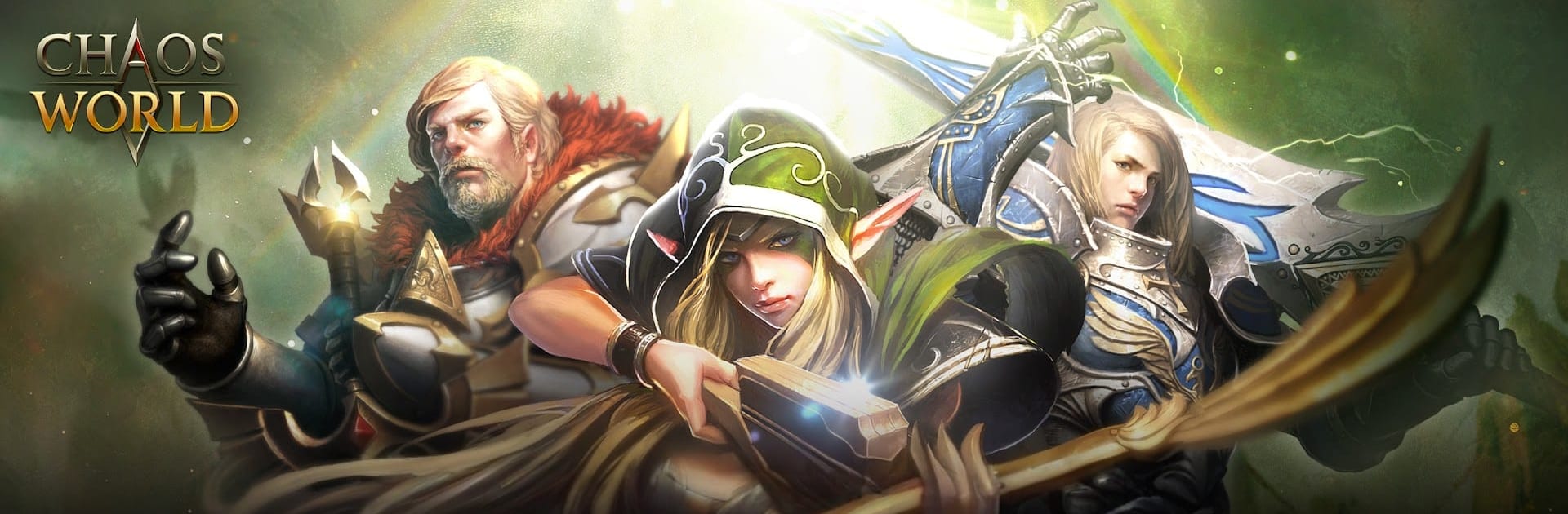

CHAOS WORLD is a role-playing game where players enter a broken land filled with danger, lost stories, and powerful enemies. You play as the chosen hero who can stop the chaos and bring balance back.
The game lets you follow the story through chapters, collect and upgrade gear, build your character through your descent choice, and train pets that fight beside you. With over 200 items to equip and real-player battles to test your setup, CHAOS WORLD gives RPG fans plenty to work on as they grow stronger.
How to Install CHAOS WORLD on PC
- Go to the game’s page, and click on the “Play CHAOS WORLD on PC” button.
- Find the downloaded file in your browser’s downloads section and open it.
- Follow the setup steps to install BlueStacks, then launch it on your PC or Mac.
- Sign in to the Google Play Store, install CHAOS WORLD, and start playing.
How to Install CHAOS WORLD on Mac with BlueStacks Air
- Download BlueStacks Air: Go to the game’s page and click on the “Play CHAOS WORLD on Mac” button to get the installer.
- Install BlueStacks Air: Double-click the BlueStacksInstaller.pkg file and follow the on-screen steps.
- Open and Sign In: Start BlueStacks Air from the Launchpad or Applications folder, then sign in with your Google account.
- Install CHAOS WORLD: Search for CHAOS WORLD in the Play Store and install it.
- Start the Adventure: Open the game and begin your journey.
Already Have BlueStacks Installed?
- Go to the game’s page, and click on the “CHAOS WORLD on PC” button.
- Open BlueStacks on your PC or Mac.
- Install CHAOS WORLD from the BlueStacks Store or Google Play Store.
- Start playing once the download is complete.
Minimum System Requirements
BlueStacks helps games like CHAOS WORLD run well on PC or Mac with simple system needs:
- OS: Microsoft Windows 7 and above, macOS 11 (Big Sur) or above
- Processor: Intel, AMD Processor, or Apple Silicon Processor (M1-M4)
- RAM: Your PC or Mac must have at least 4GB of RAM
- Storage: 10GB Free Disk Space
- Permissions: Administrator access on your PC or Mac.
- Graphics drivers: Up-to-date graphics drivers from Microsoft or the chipset vendor.
CHAOS WORLD is a good pick for players who like long-term RPG progress. You can play through story chapters, fight monsters, collect stronger gear, and build your hero step by step. The descent system also gives your character a clear battle style, while pets add another layer to fights because they can be trained and transformed into helpful allies.
Also, playing CHAOS WORLD on PC or Mac with BlueStacks can make the game feel smoother and easier to control. A bigger screen helps you follow battles, check your gear, and see more of the action. And with a keyboard and mouse, moving, fighting, and managing menus can feel more comfortable than tapping on a small phone screen.