How to Install and Play Eternal Sword Pact on PC with BlueStacks
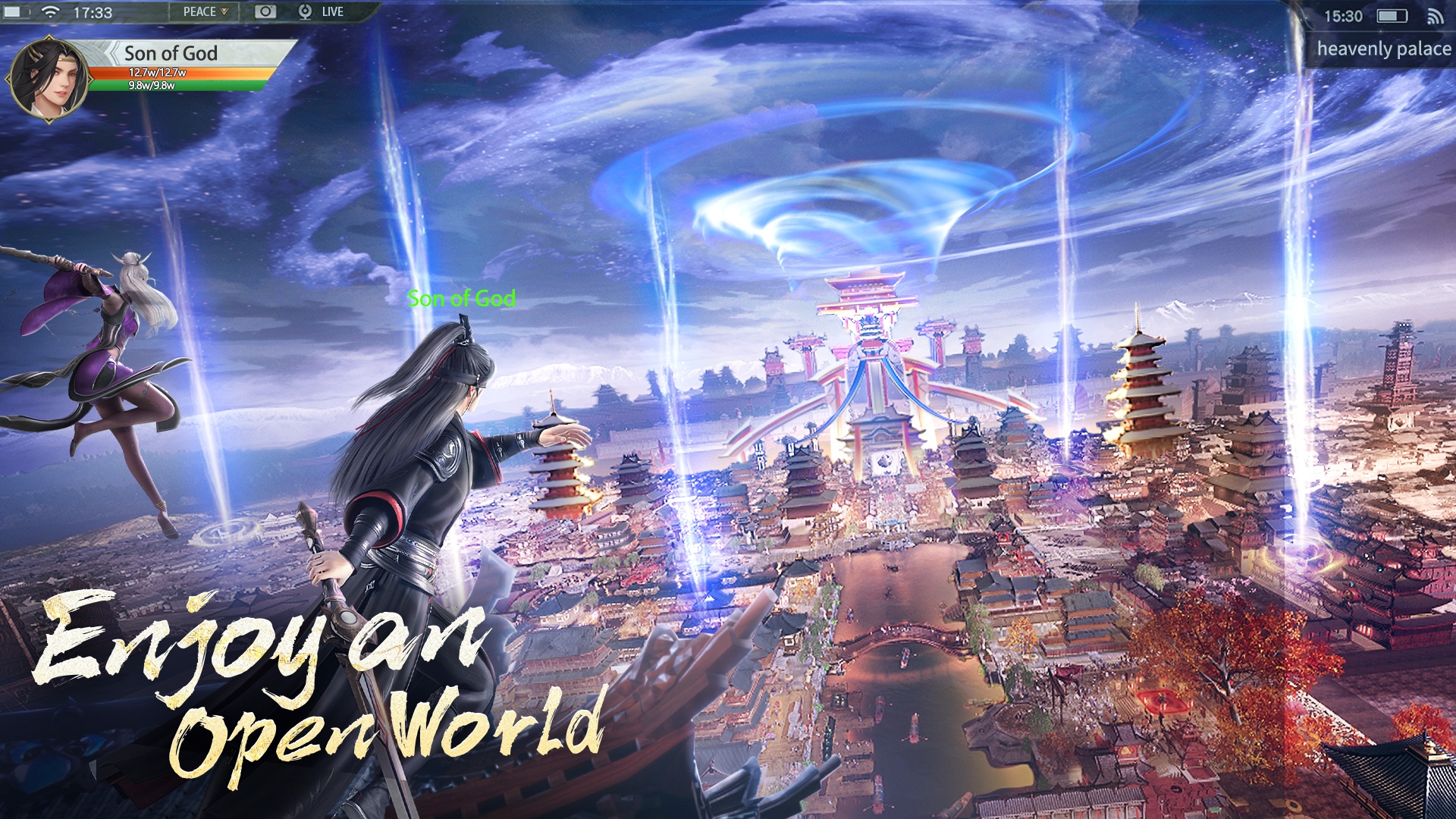

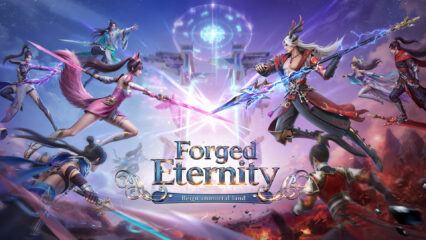
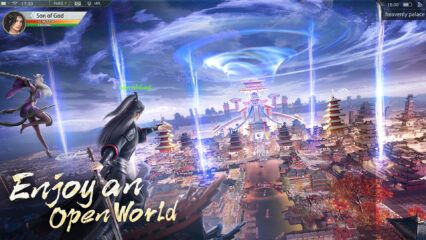
Eternal Sword Pact is an action role-playing game that takes you into a fantasy story inspired by ancient myths. The game follows a long conflict between witches and demons, where powerful leaders have fallen, and balance has been lost.
So, your role is to step into this broken land, fight dangerous enemies, and help restore order by recovering lost memories and legendary weapons. The game mixes fast battles with story progress. You meet many characters along the way, build bonds, and unlock new powers as you move forward.
How to Install Eternal Sword Pact on PC
- Visit the game’s page and click the “Play Eternal Sword Pact on PC” button.
- Check your browser’s downloads area and open the installer file.
- Install BlueStacks and open it on your PC.
- Log in to the Google Play Store, download the game, and jump in.
How to Install Eternal Sword Pact on Mac with BlueStacks Air
- Get BlueStacks Air: Go to the game’s page and click the “Play Eternal Sword Pact on Mac” button to download the installer.
- Install the App: Open the BlueStacksInstaller.pkg file and follow the setup steps on screen.
- Open and Sign In: Launch BlueStacks Air from Launchpad or Applications and sign in with your Google account.
- Download the Game: Search for Eternal Sword Pact in the Play Store and install it.
- Start Playing: Open the game and begin your adventure.
Already Using BlueStacks?
- Open the game’s page and click the “Eternal Sword Pact on PC” button.
- Start BlueStacks on your PC or Mac.
- Download the game from the BlueStacks Store or Google Play Store.
- Launch the game and play.
Minimum System Requirements
BlueStacks runs smoothly on most computers and makes games like Eternal Sword Pact easy to play on PC or Mac. You need:
- OS: Windows 7 or later, macOS 11 (Big Sur) or newer
- Processor: Intel, AMD, or Apple Silicon (M1–M4)
- RAM: At least 4GB
- Storage: 10GB of free space
- Permissions: Admin access on your computer
- Graphics: Updated drivers from Microsoft or your chipset brand
Eternal Sword Pact is a great pick for players who enjoy fantasy stories, fast battles, and steady progress. You can play solo, focus on leveling up your character, or team up with others for boss fights. The mix of story missions and action makes it easy to play in short sessions or longer runs after school or on weekends.
Playing Eternal Sword Pact on PC with BlueStacks gives you better control using a keyboard and mouse, plus a larger screen to see every skill and enemy clearly. This setup helps battles feel smoother and makes long play sessions more comfortable than playing on a phone.