How to Install and Play Evil Sword on PC with BlueStacks
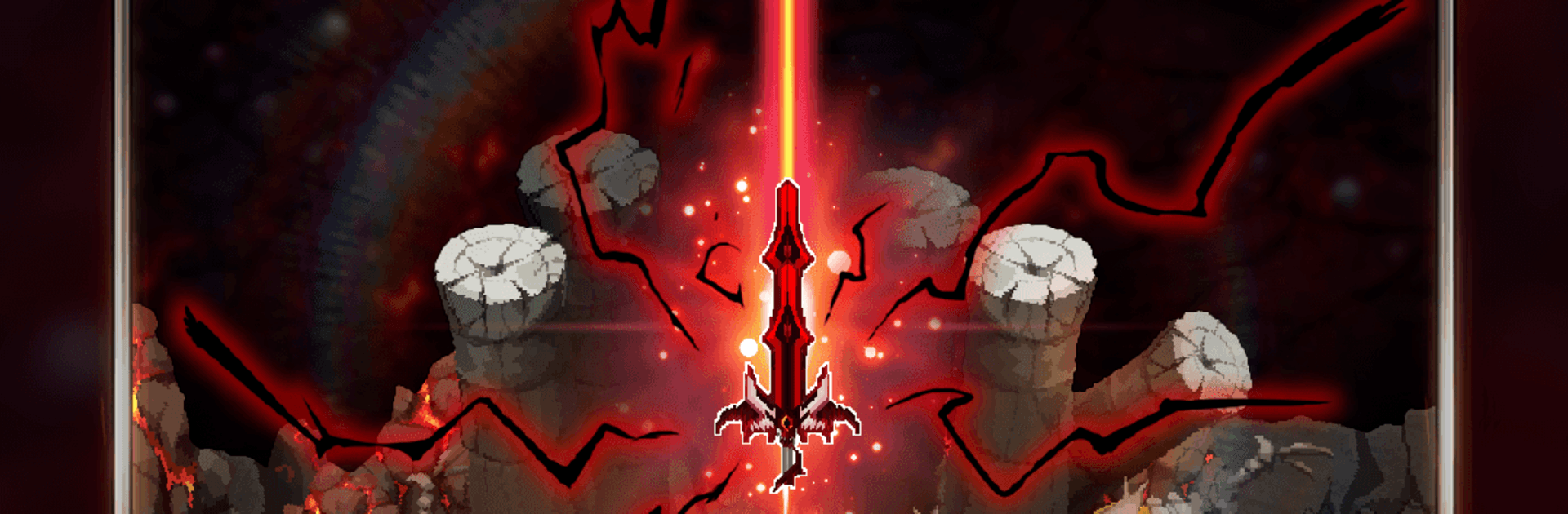

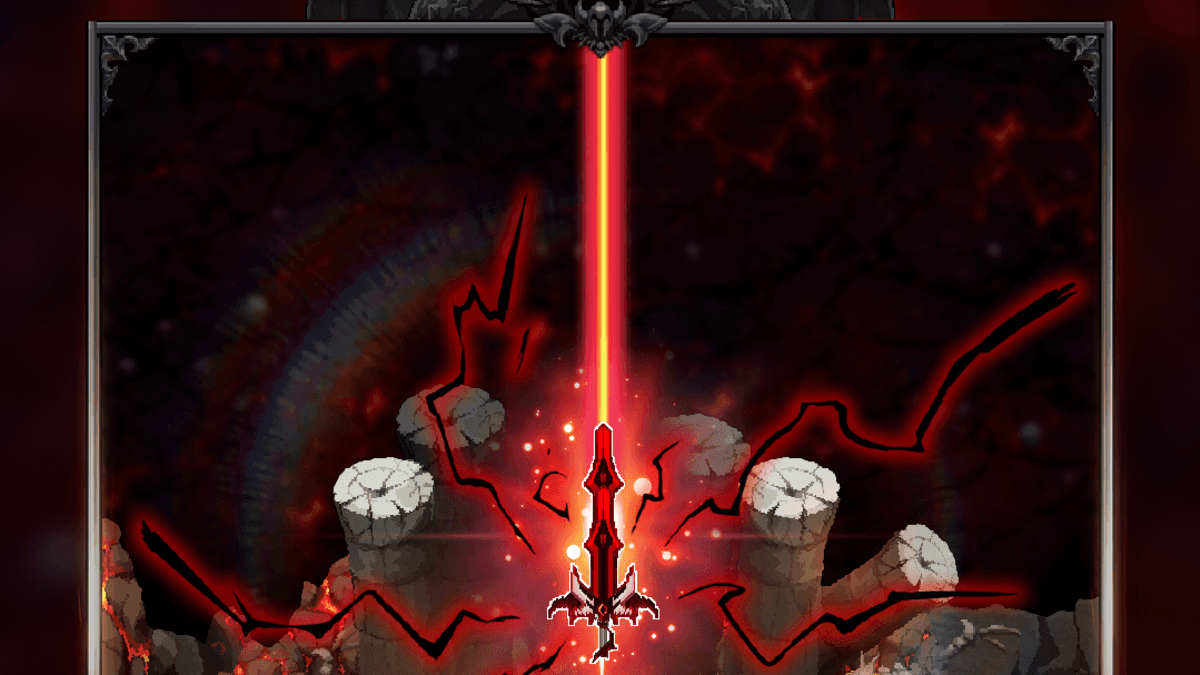
Evil Sword is a dark RPG from Act Seven Entertainment Inc. that follows a young fighter whose life changes after monsters destroy his home. In his anger, he takes hold of the Evil Sword, a powerful blade filled with dark energy.
The game mixes auto combat, gear growth, sword upgrades, and passive rewards, so your character can keep gaining resources even while you are away. You can improve the sword’s skills and traits, gather rare items, and move through many dangerous regions as you become a stronger hunter of darkness.
How to Install Evil Sword on PC
- Visit the game’s page, then click the “Play Evil Sword on PC” button.
- Open the installer file from your browser’s downloads area.
- Install BlueStacks, then open it on your PC or Mac.
- Sign in to the Google Play Store, install Evil Sword, and start playing.
How to Install Evil Sword on Mac with BlueStacks Air
- Download BlueStacks Air: Go to the game’s page and click the “Play Evil Sword on Mac” button to get the installer.
- Install BlueStacks Air: Double-click the BlueStacksInstaller.pkg file and follow the steps shown on the screen.
- Launch and Sign In: Open BlueStacks Air from Launchpad or the Applications folder, then sign in with your Google account.
- Install Evil Sword: Search for Evil Sword in the Play Store and install it.
- Start Playing: Open the game and begin your journey with the Evil Sword.
Already Have BlueStacks Installed?
- Go to the game’s page and click the “Evil Sword on PC” button.
- Open BlueStacks on your PC or Mac.
- Install Evil Sword from the BlueStacks Store or the Google Play Store.
- Launch the game and start playing.
Minimum System Requirements
BlueStacks can run games like Evil Sword on PC or Mac with simple system needs:
- Operating System: Microsoft Windows 7 and above, macOS 11 (Big Sur) or above
- Processor: Intel, AMD Processor, or Apple Silicon Processor (M1-M4)
- RAM: Your PC or Mac must have at least 4GB of RAM
- Storage: 10GB Free Disk Space
- Permissions: Administrator access on your PC or Mac
- Graphics Drivers: Up-to-date graphics drivers from Microsoft or the chipset vendor
Evil Sword is a good pick for players who enjoy RPG growth, dark fantasy stories, and games that do not need constant tapping. The auto battle system helps you keep moving forward even during breaks, while the upgrade system gives you plenty to work on once you return.
Playing Evil Sword on PC or Mac with BlueStacks gives you more space to see the action and manage upgrades. The keyboard and mouse can also make battles and menus feel easier to control than a small phone screen. If your phone gets hot or runs low on battery fast, playing on a PC or laptop can be a more comfortable way to enjoy Evil Sword on a bigger screen.