Exclusive Gaming Content. And More.
Get the latest updates on the BlueStacks Blog.
See MorePlay on PC with BlueStacks or from our cloud
Page Modified On: April 02, 2026
Join millions to experience Evil Sword, an exciting Role Playing game from Act Seven Entertainment Inc.. With BlueStacks App Player, you are always a step ahead of your opponent, ready to outplay them with faster gameplay and better control with the mouse and keyboard on your PC or Mac.
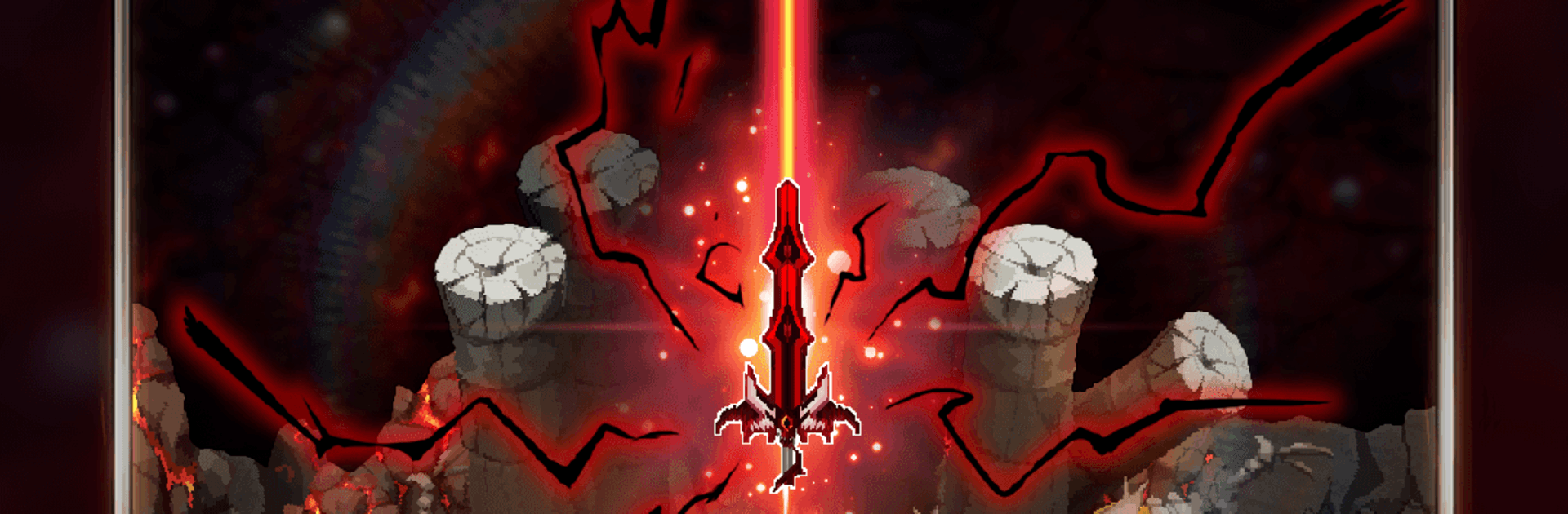
Evil Sword is a moody, action-forward Role Playing experience from Act Seven Entertainment Inc. You step into the boots of a young fighter whose world collapses in an instant—and in that wreckage, a living blade answers his grief with raw, dangerous power. It blends idle-style combat with snappy progression, letting you shape a combat build around a sword that literally feeds on darkness. Prefer playing on PC? It runs smoothly on BlueStacks, too.
Auto Battles, Real Progress: Fights keep going even when you’re offline, so resources stack up while you’re away. Log back in to a pile of gains and push the next challenge without starting from scratch.
Build the Blade: Pour your hard-earned materials into the Evil Sword itself—upgrade stats, unlock skills, and tweak traits until the moves feel just right for your playstyle.
Unleash Ultimate Skills: As dark energy builds, you can trigger massive finishers that clear screens and melt bosses. Time it well and watch entire waves crumble.
Endless Regions to Conquer: Move from one hostile zone to the next, each with new enemies and pacing. Along the way, snag rare drops and powerful gear that change how you approach fights.
Gear That Actually Matters: Collect, refine, and equip pieces that push specific strengths—faster clears, burst damage, or survivability when things get messy.
Become a Hunter of Darkness: The more you harness the sword’s power, the more relentless you become. Stack that strength, grow colder and sharper, and turn the tables on anything that stalks the ruins.
Get ready for a buttery smooth, high-performance gaming action only on BlueStacks.

Focus more on the fun part of the game, skip the tedious aspects. Master Evil Sword with Macros. Record yourself completing the monotonous tasks you wish to automate and replay them later with just one keypress.
Speed up the rerolling process in Evil Sword. Perform multiple summons and keep looking for the best Heroes. Use Multi-Instance sync to replicate the rerolling mechanism in all instances.
Farm in-game resources with ease in Evil Sword. Enable the Eco Mode when running the game in multiple instances. And lower your PC's resource consumption.
With the Multi-instance Sync, you can do even more in Evil Sword. Sync the action of the main instance and repeat them in real time for all other instances. Sync and sit back, let the game progress unfold.
Download and install BlueStacks on your PC or Mac
Complete Google sign-in to access the Play Store, or do it later
Look for Evil Sword in the search bar at the top right corner
Click to install Evil Sword from the search results
Complete Google sign-in (if you skipped step 2) to install Evil Sword
Click the Evil Sword icon on the home screen to start playing
With BlueStacks 5, you can get started on a PC that fulfills the following requirements.
Microsoft Windows 7 or above, macOS 11 (Big Sur) or above
Intel, AMD or Apple Silicon Processor
at least 4GB
10GB Free Disk Space
* You must be an Administrator on your PC. Up to date graphics drivers from Microsoft or the chipset vendor.
Leave your email and we will notify
you when the game launches
Play Evil Sword on your PC or Mac by following these simple steps.
BlueStacks respects your privacy and is always safe and secure to use. It does not carry any malware, spyware, or any sort of additional software that could harm your PC.
It is engineered to optimize speed and performance for a seamless gaming experience.
Minimum requirement to run Evil Sword on your PC
Since you are on your phone, we are going to send you to the Google Play page.
In some cases BlueStacks uses affiliate links when linking to Google Play
BlueStacks 4 is not available on Windows XP. You must have Windows 7 or higher. Windows 10 is recommended.