How to Install and Play FC Manager 26 - Football Game on PC with BlueStacks
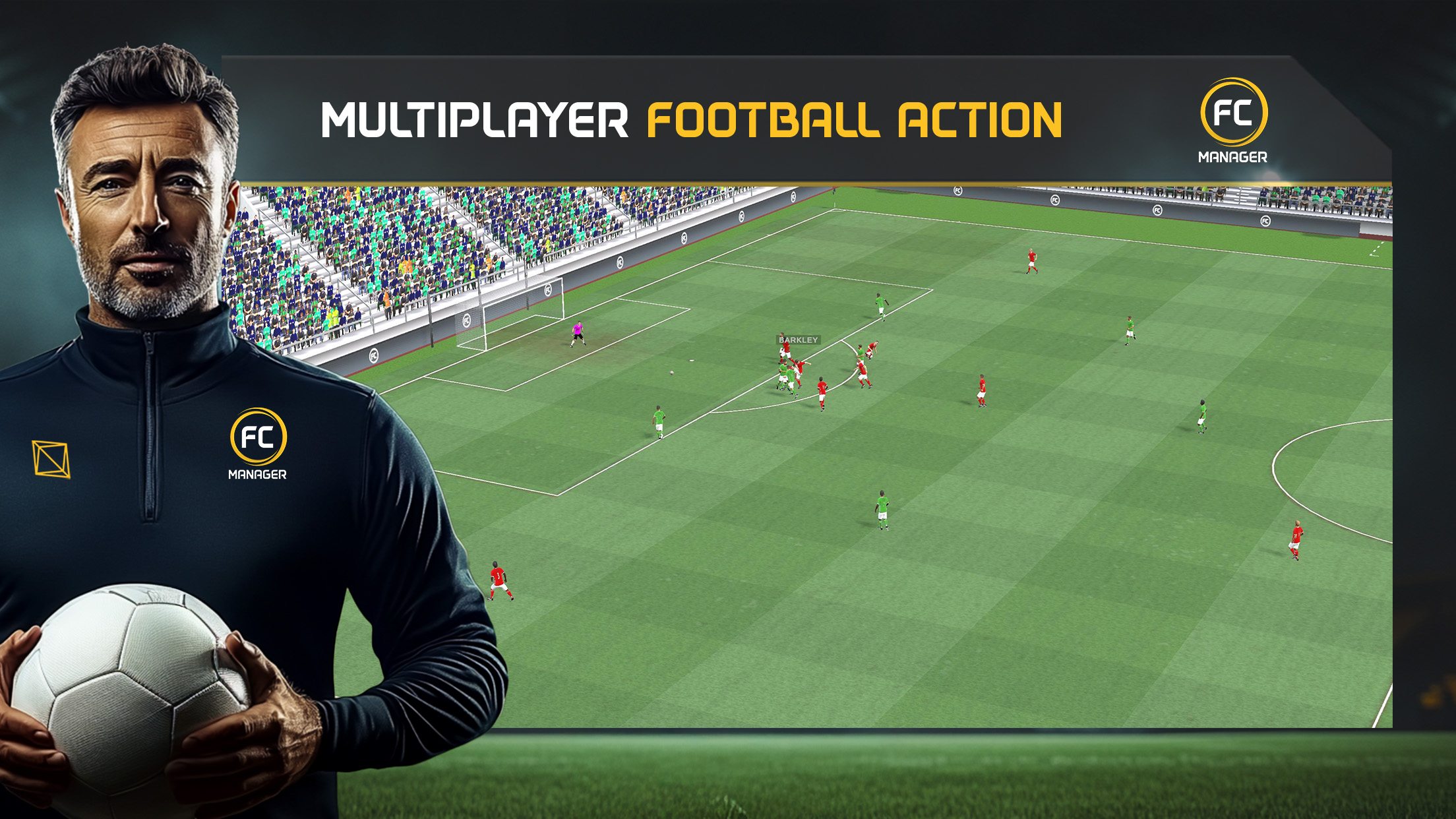

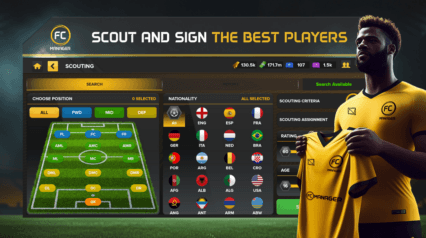
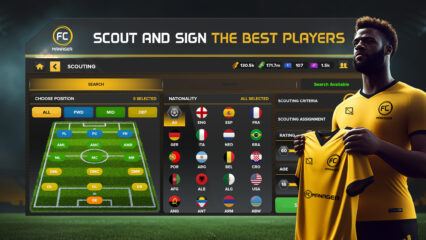
FC Manager 26 – Football Game lets you become the boss of your own football club. Instead of controlling players on the pitch, you control everything behind the scenes. You create your club, pick the badge and colors, sign players, and choose your tactics.
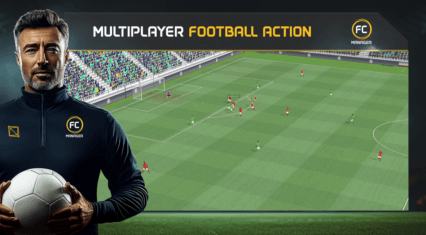
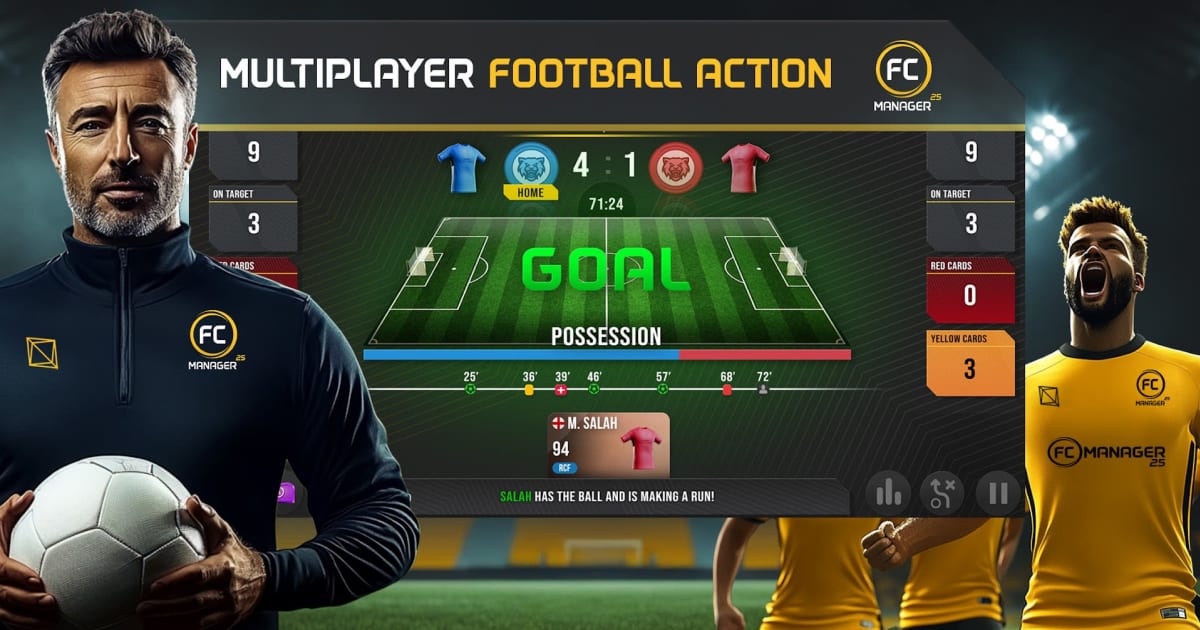
Every decision matters in this sports game. You set the formation, adjust your strategy, and watch live matches as your team plays against other real managers. If something is not working, you can change tactics during the game. It feels like you are standing on the sidelines while making big calls.
How to Install FC Manager 26 – Football Game on PC
- Visit the game’s page and click on the “Play FC Manager 26 – Football Game on PC” button.
- Once the installer downloads, open it from your browser’s downloads section.
- Install BlueStacks and launch it after the setup is complete.
- Sign in to the Google Play Store, install the game, and start managing your club.
How to Install FC Manager 26 – Football Game on Mac with BlueStacks Air
- Download BlueStacks Air: Go to the game’s page and click on the “Play FC Manager 26 – Football Game on Mac” button to get the installer.
- Install BlueStacks Air: Double-click the BlueStacksInstaller.pkg file and follow the setup steps on your screen.
- Launch and Sign In: Open BlueStacks Air from Launchpad or the Applications folder, then log in with your Google account.
- Install the Game: Search for FC Manager 26 – Football Game in the Play Store and install it.
- Start Playing: Open the game and begin building your football empire.
Follow These Steps If You Already Have BlueStacks
- Head to the game’s page and click on the “FC Manager 26 – Football Game on PC” button.
- Open BlueStacks on your PC or Mac.
- Install the game from the BlueStacks Store or Google Play Store.
- Launch FC Manager 26 – Football Game and jump straight into managing your team.
Minimum System Requirements
To run FC Manager 26 – Football Game smoothly on PC or Mac, your system should meet these basic requirements:
- Operating System: Microsoft Windows 7 or newer, macOS 11 (Big Sur) or newer
- Processor: Intel or AMD processor, or Apple Silicon (M1–M4)
- RAM: At least 4GB of RAM
- Storage: 10GB of free disk space
- Permissions: Administrator access on your device
- Graphics Drivers: Updated drivers from Microsoft or your chipset provider
FC Manager 26 – Football Game is perfect for players who love football but also enjoy thinking like a coach. If you like building squads, planning transfers, and adjusting tactics during matches, you will have a lot of fun here. You can play after school, on weekends, or anytime you want to test your manager skills. Compete with friends, climb the leagues, and see how your team grows over time.
Also, playing FC Manager 26 – Football Game on PC or Mac with BlueStacks gives you more space to see match details, player stats, and tactics clearly. With a keyboard and mouse, it feels easier to move through menus and make quick changes during live matches.