Football League 2026 Kits Guide and Overview
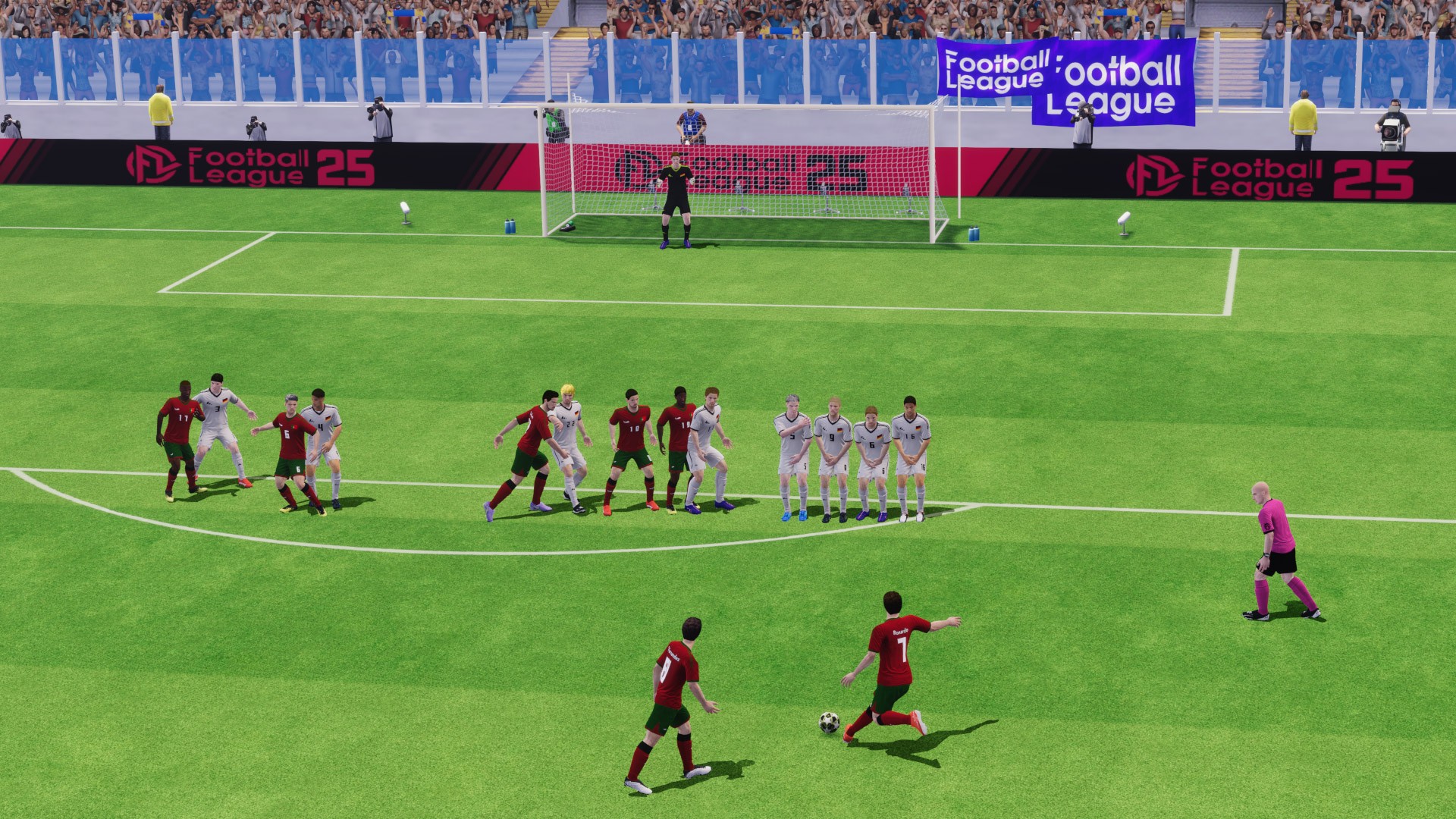
Discover everything there is to know about player kits in Football League 2026 in this detailed guide. Here we present you with all the necessary tips to make your team look as brilliant as they perform on the field. Designing a team’s visual identity that reflects your personality is probably one of the most enjoyable parts of the game. It turns a regular team into one that you feel is most representative of you.
Understanding the Kit System in Football League 2026
In Football League 2026, kits are much more than just the uniforms your players wear. They are the face of your franchise. When you take the pitch, your kit is the first thing your opponent sees. It sets the tone for the match. The game allows you to customize your team appearance extensively, moving away from default designs to something that reflects your personal taste or your favorite real world clubs.
The core system relies on a flexible import feature. Instead of being stuck with a limited number of pre made designs, you have the freedom to bring in external images to serve as your jersey, shorts, and socks. This means if you can find the right digital file, you can sport any design you want. This feature is the secret weapon of veteran players who want to build a truly immersive experience. It turns your mobile screen into a canvas for football creativity.

Unique Kit Designs to Find your Own
Before you can apply a new look, you need a design. Because the game allows for custom imports, there is a massive community of creators online who spend their time designing high quality jersey sets. These designers often replicate the latest home, away, and goalkeeper kits from major leagues like the Premier League, La Liga, or Serie A.
You can find these designs on various fan forums, social media groups, and websites dedicated to mobile football customization. When you are searching, look for terms like custom kits or football game jersey templates. Most of these resources are free and shared by dedicated fans who want to help others improve their game experience. When browsing, pay attention to the resolution. You want clear, crisp images because low quality files will look blurry and pixelated when stretched across your players in the game.
How to Save and Import Kits in Football League 2026?
The process of updating your team look centers around the Kit URL system. Think of the URL as a digital address for your image. When you input this address into the game, it goes out to the internet, grabs the picture you have selected, and applies it to your team model.
To get started, you will need to navigate to the team management or club customization menu in your game. Look for the edit team or club info section. Within those options, you should find a button labeled kit or edit kit. This menu is your headquarters for style. You will typically see options for different uniform sets, including home, away, and third kit variations. Select the set you want to update.
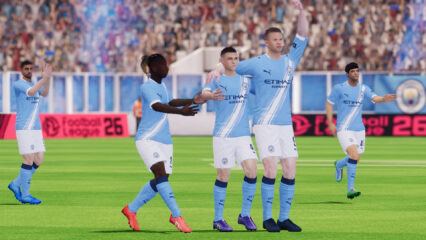
You will see a field where you can paste a web link. This is where the Kit URL comes in. You simply copy the link to your chosen jersey design from your browser and paste it into the game. Once you hit the save or apply button, the game will attempt to load the image. If the link is valid and the image is formatted correctly, your players will instantly transform, stepping onto the virtual grass in their new gear.

Common Issues Faced While Importing Kits
Even with a simple system, things can go wrong. It is frustrating when you paste a link and the game refuses to load the image. The most common cause is a broken link. If the original website hosting the image has moved or deleted the file, the link will no longer work. If you encounter this, do not panic. Simply head back to your search and find a fresh source.
Another issue is the aspect ratio and image format. These games are designed to read specific types of image files. If you try to upload a file that is too large or not in the standard format expected by the game, it might display incorrectly or not load at all. Always stick to the formats suggested by the community creators, which are usually standard image files that are optimized for mobile gaming performance.
If you find that the kits look distorted, it might be due to the quality of the original file. A design might look great on your phone browser but look stretched or blurry on a player model. This usually happens when the image resolution is too low. Stick to high resolution files to ensure your team looks professional during matches.
Get Creative and Personalize your Player Kits in Football League 2026
To make your team stand out, consistency is key. If you are going for a custom theme, try to ensure your home, away, and goalkeeper kits share a similar design language. Perhaps they all use the same manufacturer logo, or maybe they share a color palette. This makes your squad look like a legitimate, well managed organization rather than a random collection of players.

Do not forget about the logo. Your team crest is just as important as your jersey. Many of the same websites that provide kit designs also offer matching logos. Importing a matching logo completes the look and makes your branding feel solid and authentic.
Experimenting with different designs is part of the fun. You do not have to stick to one look forever. If you are playing a tournament, you might want to switch to a special edition jersey to celebrate the occasion. Or, if you are playing a long season, you might decide to refresh your look halfway through to keep things feeling new. The flexibility of the import system means you are never locked into a single aesthetic.
Players can enjoy playing Football League 2026 on a bigger screen of their PC or Laptop via BlueStacks along with your keyboard and mouse.