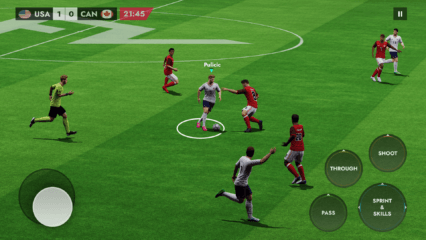
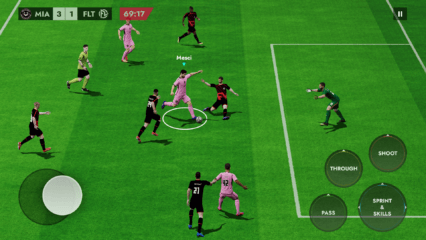
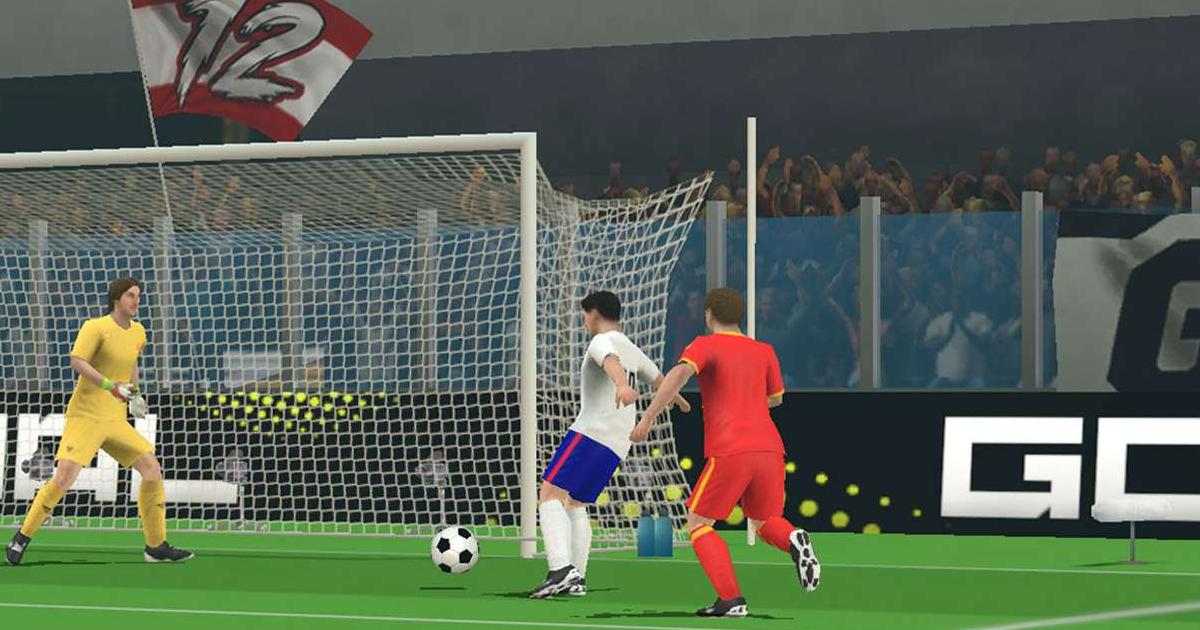
How to Install and Play Football League 2026 on PC with BlueStacks
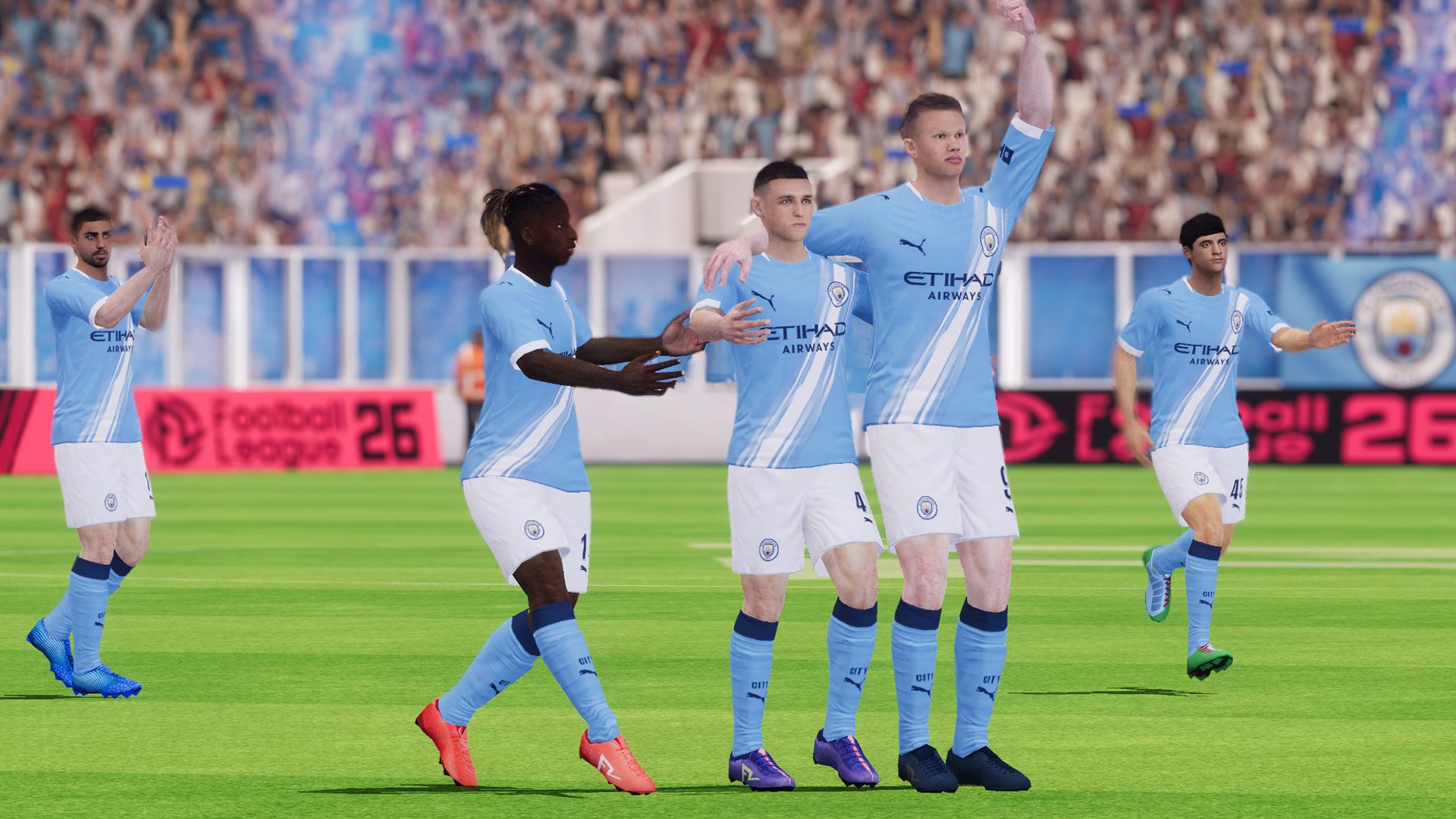

Football League 2026 is a sports game from MOBILE SOCCER where you can build your own squad and take part in full 3D matches. You can play with licensed teams like Manchester City and AS Monaco, choose from over 40,000 players, and join many club and national team competitions.
The game also includes multi-language commentary, new stadiums, smart AI, new kits, soccer balls, and custom controls. If you like football games where you can manage tactics and control players on the pitch, this game gives you plenty to try.
How to Install Football League 2026 on PC
- Go to the game’s page, and click on the “Play Football League 2026 on PC” button.
- Open the downloaded file from your browser’s downloads section.
- Follow the setup steps to install BlueStacks, then open it on your PC or Mac.
- Sign in to the Google Play Store, install Football League 2026, and start playing.
How to Install Football League 2026 on Mac with BlueStacks Air
- Download BlueStacks Air: Go to the game’s page and click on the “Play Football League 2026 on Mac” button to get the installer.
- Install BlueStacks Air: Double-click the BlueStacksInstaller.pkg file and follow the steps on your screen.
- Launch and Sign In: Open BlueStacks Air from Launchpad or the Applications folder, then sign in with your Google account.
- Install Football League 2026: Search for Football League 2026 in the Play Store and install it.
- Enjoy Playing: Open Football League 2026 and start your first match.
Already Have BlueStacks Installed?
- Go to the game’s page, and click on the “Football League 2026 on PC” button.
- Open BlueStacks on your PC or Mac.
- Install Football League 2026 from the BlueStacks Store or Google Play Store.
- Start Playing!
Minimum System Requirements
Football League 2026 can run well on BlueStacks if your PC or Mac meets these basic needs:
- OS: Microsoft Windows 7 and above, macOS 11 (Big Sur) or above
- Processor: Intel, AMD Processor, or Apple Silicon Processor (M1-M4)
- RAM: Your PC or Mac must have at least 4GB of RAM
- Storage: 10GB Free Disk Space
- Permissions: Administrator access on your PC or Mac.
- Graphics drivers: Up-to-date graphics drivers from Microsoft or the chipset vendor.
Football League 2026 is a good pick for players who enjoy fast matches, team building, and football tactics. You can pick your squad, choose formations, sign players, and play through different cups and leagues.
The game also has men’s and women’s national teams, club leagues from many regions, and custom league options. You can play a quick match when you have a few minutes, or spend more time building your dream team and pushing through bigger tournaments.
Playing Football League 2026 on PC or Mac with BlueStacks gives you a bigger screen and easier controls. Keyboard, mouse, or gamepad support can make passes, movement, and shots feel more comfortable than tapping on a small phone screen.